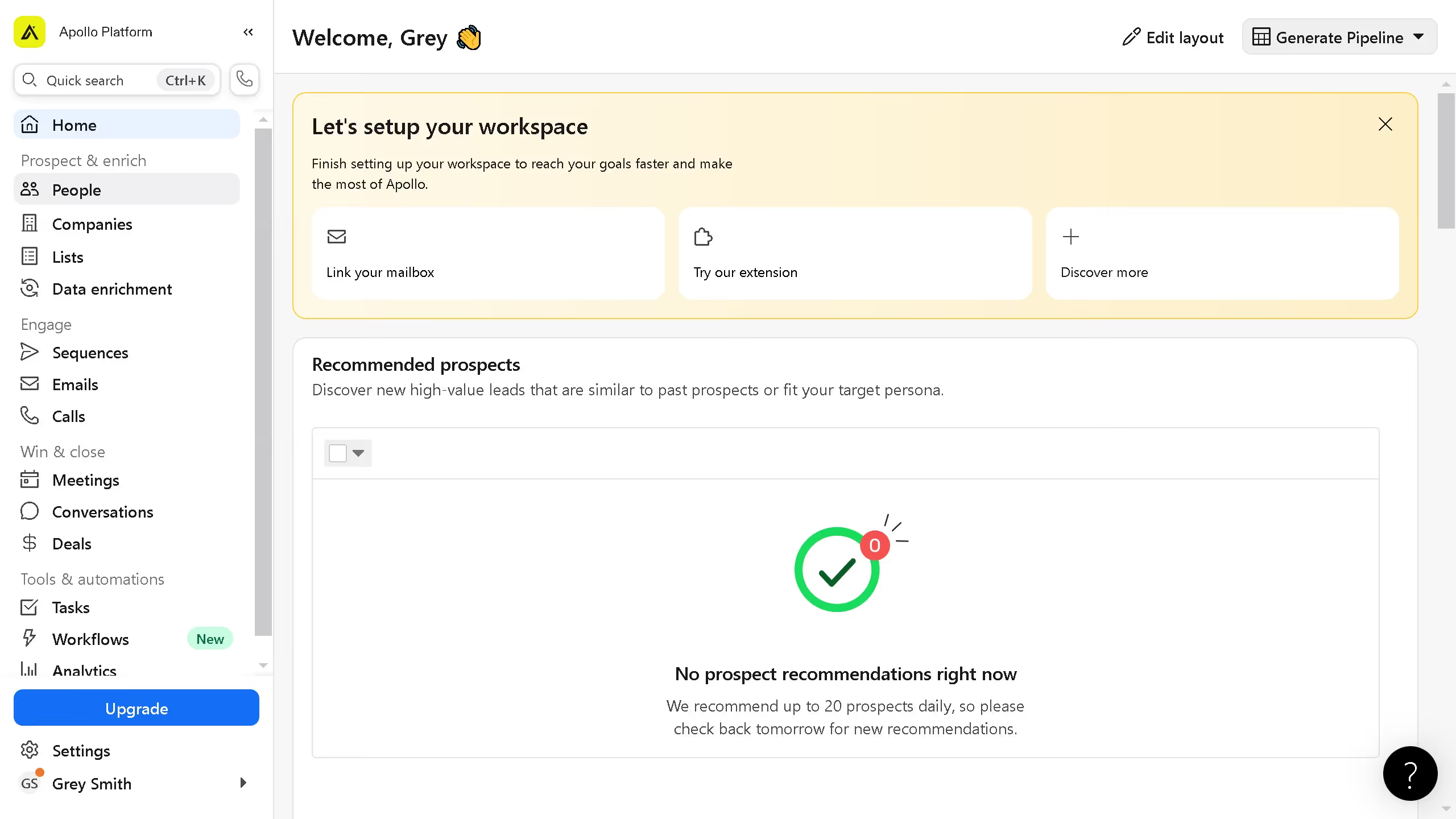
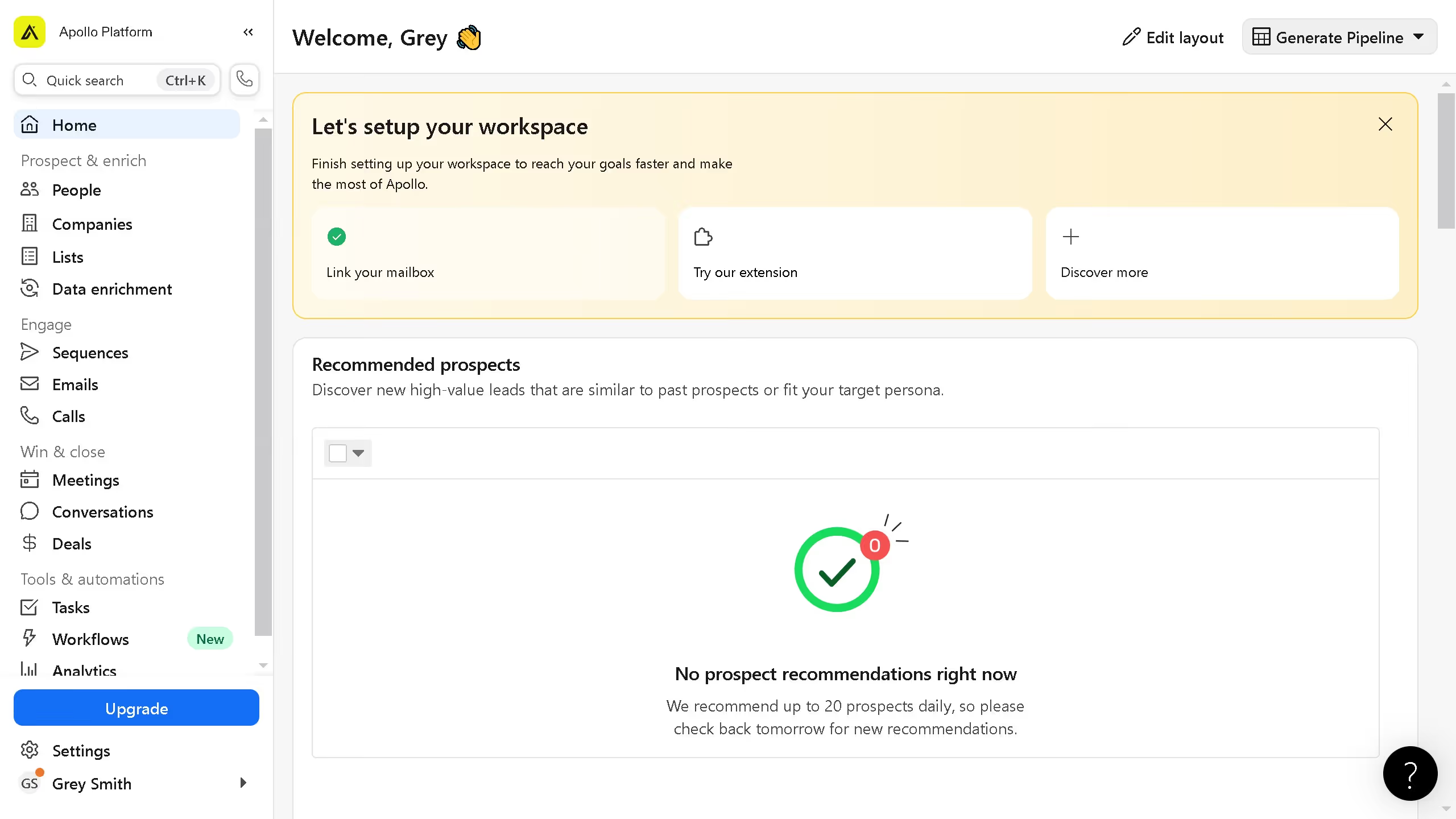
Here is how to use a signal as a filter on apollo
- First click on the "People" option in the left sidebar menu
- Then expand the "Signals" section in the left filters panel
- Finally click on the checkboxes to apply the filter option


Create your own interactive guide with Guideflow
Apollo is an intuitive platform designed to optimize your business communications and streamline your sales processes.
Using a signal as a filter on Apollo harnesses the power of precise targeting to enhance your outreach strategies.
By implementing signals, you can effortlessly identify and engage with the most promising prospects, improving the efficiency and effectiveness of your campaigns.
This feature not only saves time but also boosts your conversion rates, making your sales efforts more productive and impactful.
Why leading companies build with Guideflow