Intercom
Intercom is a customer messaging platform that enables businesses to provide live chat, automation, and support.
Website
Industry
Support
Share this article:

How to unsnoozed a conversation on Intercom

Here is how to unsnoozed a conversation on intercom

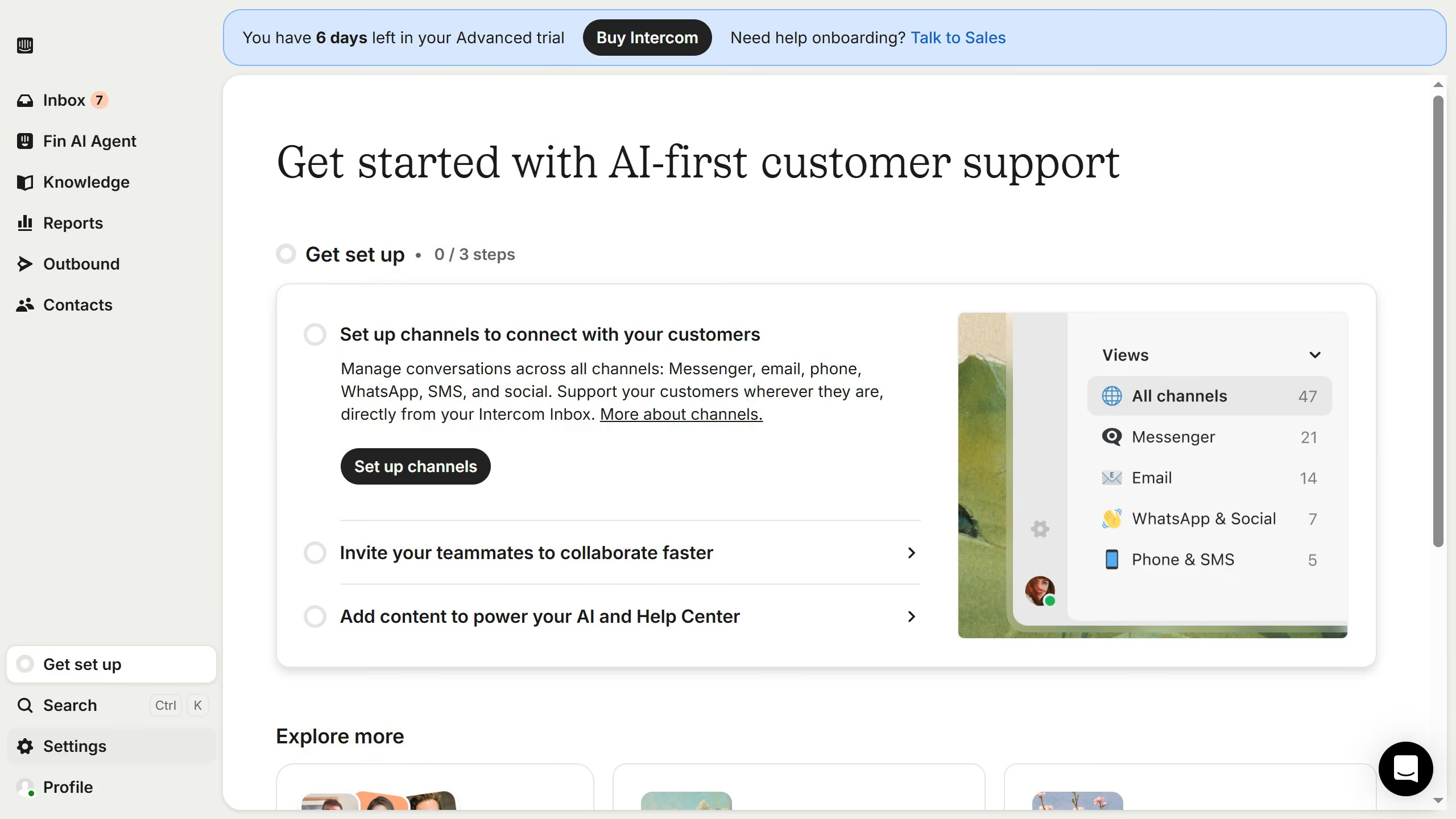
  1. First click on "Inbox" in the left sidebar
  2. Then click on the filter on the top menu
  3. Next select "Snoozed" from the dropdown menu in the left sidebar
  4. Then click on the conversation in the main content area
  5. Finally click on the "Unsnooze conversation" icon in the top right header

Create your own interactive guide with Guideflow

Why should you unsnoozed a conversation on Intercom

Intercom is a robust platform that streamlines customer communication and improves engagement.

One of its notable features is the ability to manage conversations effortlessly, like unsnoozing a chat when you're ready to re-engage.

Utilizing the unsnooze function is beneficial as it allows you to reopen and address conversations at the right moment, ensuring no customer inquiry is left behind.

This feature enhances responsiveness, which can lead to greater customer satisfaction and strengthened relationships.

Last update
July 14, 2026
Cursor MariaA cursor points to a button labeled "James."

Loo oma esimene demo vähem kui 30 sekundiga.