ClickUp
ClickUp is an all-in-one productivity platform for task management and collaboration.
Website
Industry
Project Management
Share this article:

How to sort tasks by multiple attributes in ClickUp

Here is how to sort tasks by multiple attributes in clickup

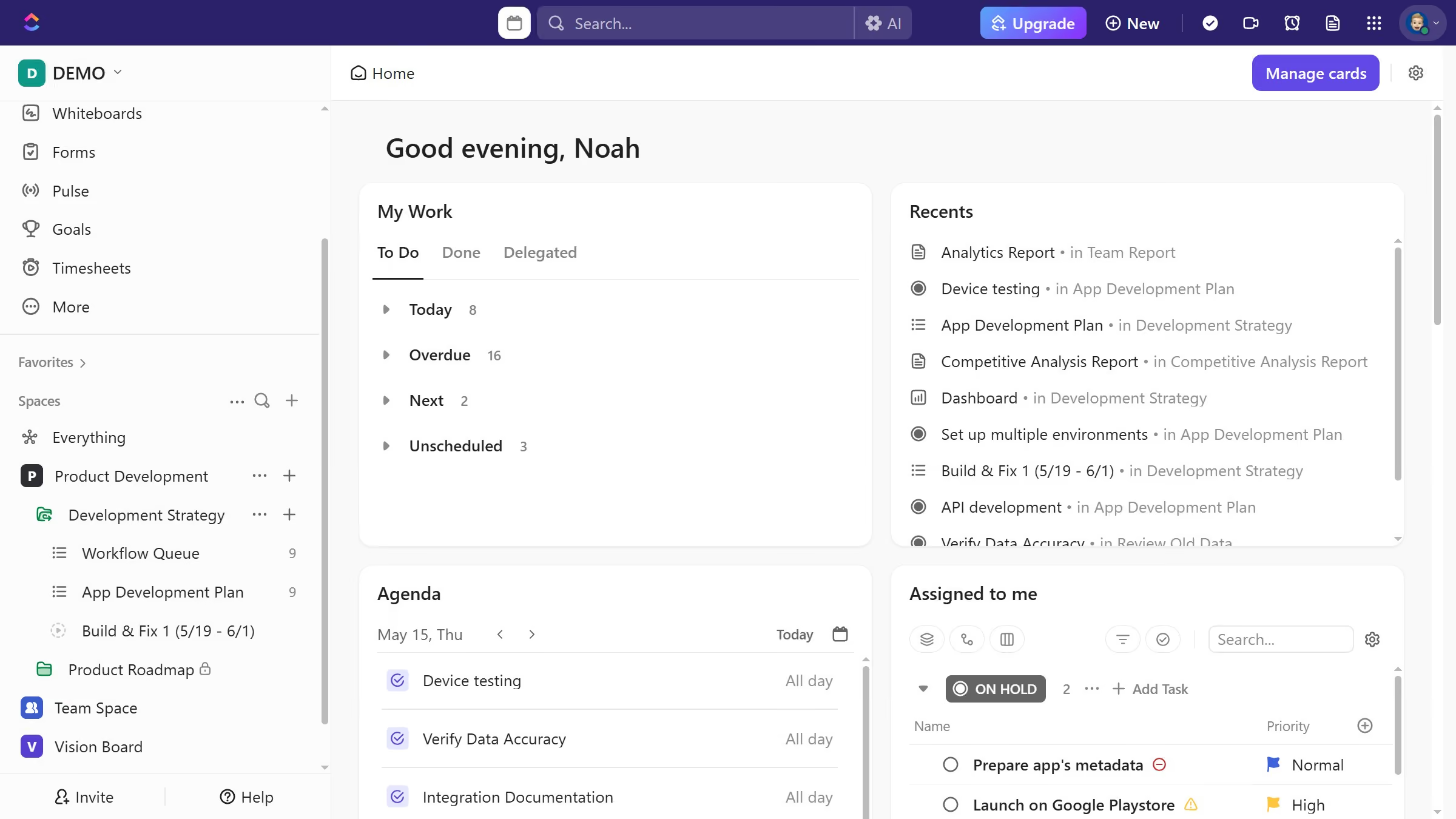
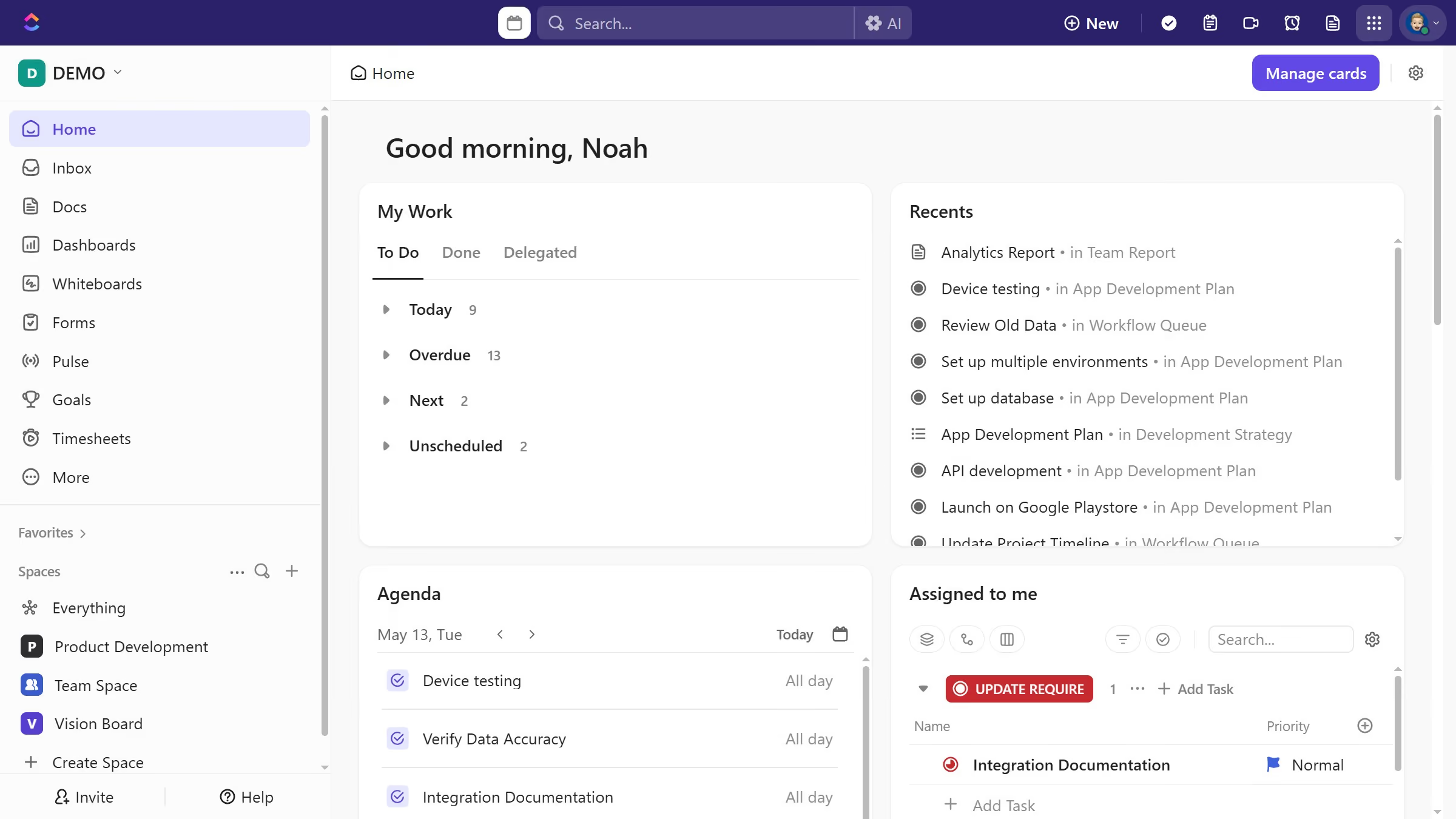
  1. First navigate to your preferred view from the views bar
  2. Next click the sorting icon in the top toolbar
  3. Then in the sorting dropdown menu, select the first attribute you want to sort by
  4. Finally select another attribute you want to apply
  5. Tasks will automatically be sorted based on the combination of selected attributes

Create your own interactive guide with Guideflow

Why should you sort tasks by multiple attributes in ClickUp

ClickUp is a versatile productivity tool designed to streamline your workflow and boost efficiency.

The ability to sort tasks by multiple attributes in ClickUp is a game-changer for team organization. This feature allows you to customize your view by filtering tasks according to various criteria like priority, due date, or assignee.

By using this sorting capability, teams can quickly identify critical tasks, prioritize work effectively, and ensure that no detail is overlooked. It's an invaluable tool for maintaining clarity and focus in dynamic work environments.

Last update
July 14, 2026
Cursor MariaA cursor points to a button labeled "James."

Loo oma esimene demo vähem kui 30 sekundiga.