ClickUp
ClickUp is an all-in-one productivity platform for task management and collaboration.
Website
Industry
Project Management
Share this article:

How to sort a list of tasks alphabetically in ClickUp

Here is how to sort a list of tasks alphabetically in clickup

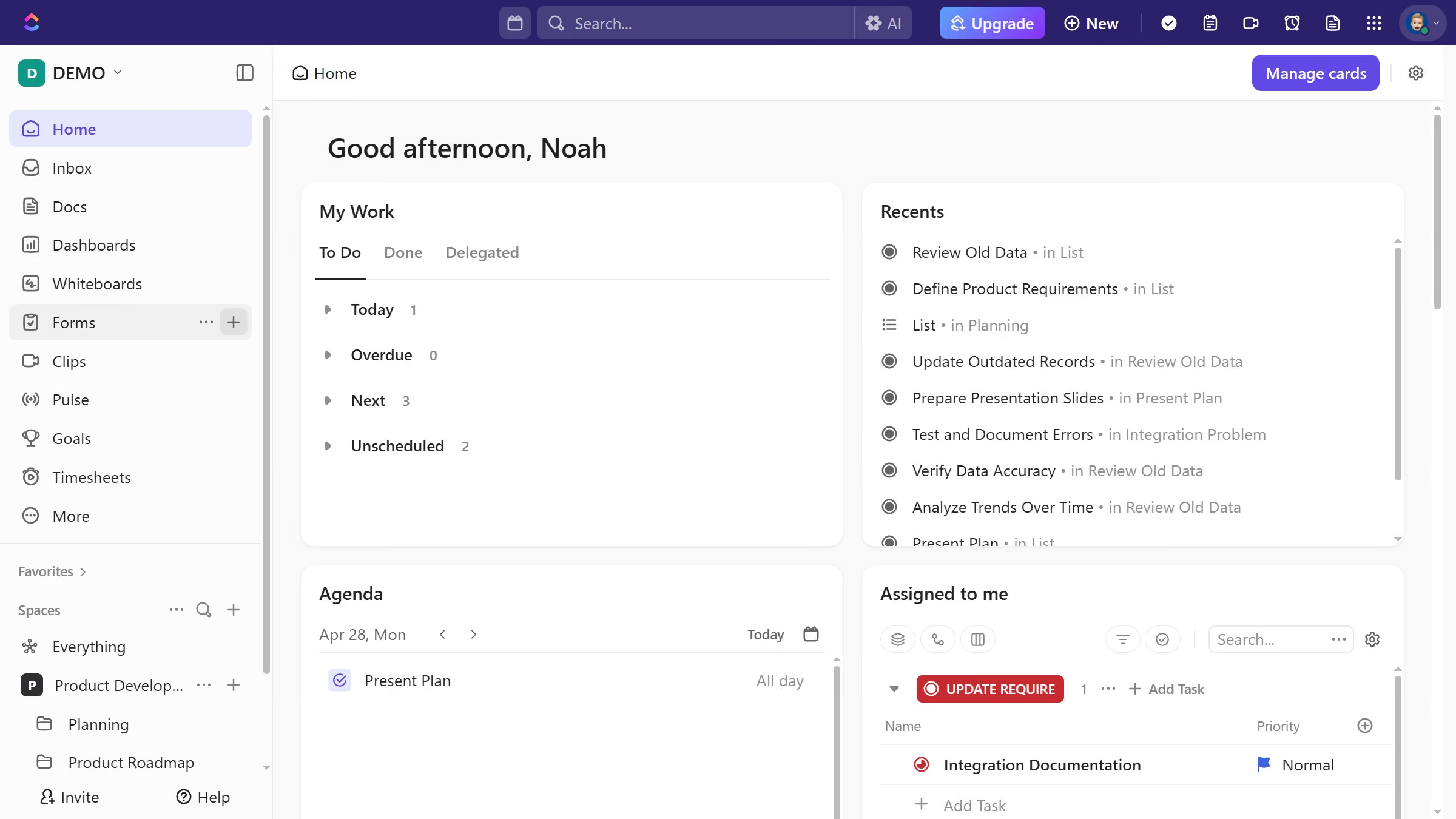
  1. First navigate to your preferred view from the views bar
  2. Next click on the "Sort" button in the toolbar
  3. Then select "Task name" from the sorting dropdown menu
  4. Finally, choose ascending (A → Z) or descending (Z → A) order based on your preference

Create your own interactive guide with Guideflow

Why should you sort a list of tasks alphabetically in ClickUp

ClickUp is an all-in-one productivity platform designed to streamline workflows and boost efficiency.

Sorting a list of tasks alphabetically in ClickUp is a simple yet powerful feature that enhances organization. This functionality ensures that tasks are ordered in a clear, methodical manner, making it effortless for users to locate and prioritize tasks.

By organizing tasks alphabetically, teams can improve collaboration and communication, as each member can quickly find the necessary information. Consequently, this leads to better time management and enhanced productivity.

Last update
July 14, 2026
Cursor MariaA cursor points to a button labeled "James."

Loo oma esimene demo vähem kui 30 sekundiga.