DocuSign
DocuSign is an electronic signature platform that helps businesses send, sign, and manage documents digitally.
Website
Industry
Collaboration
Share this article:

How to show the access code in the routing order in DocuSign

Here is how to show the access code in the routing order in docusign

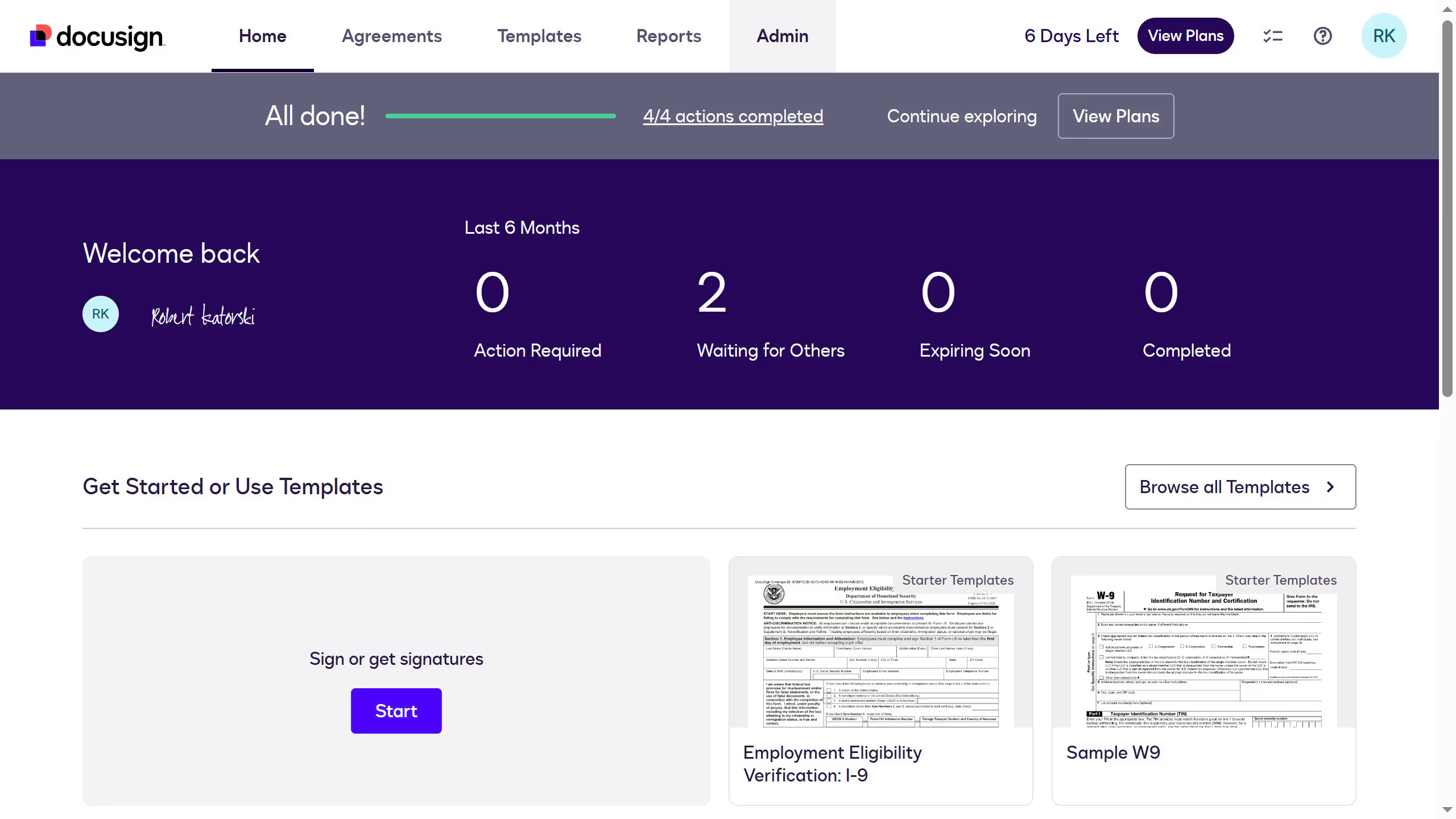
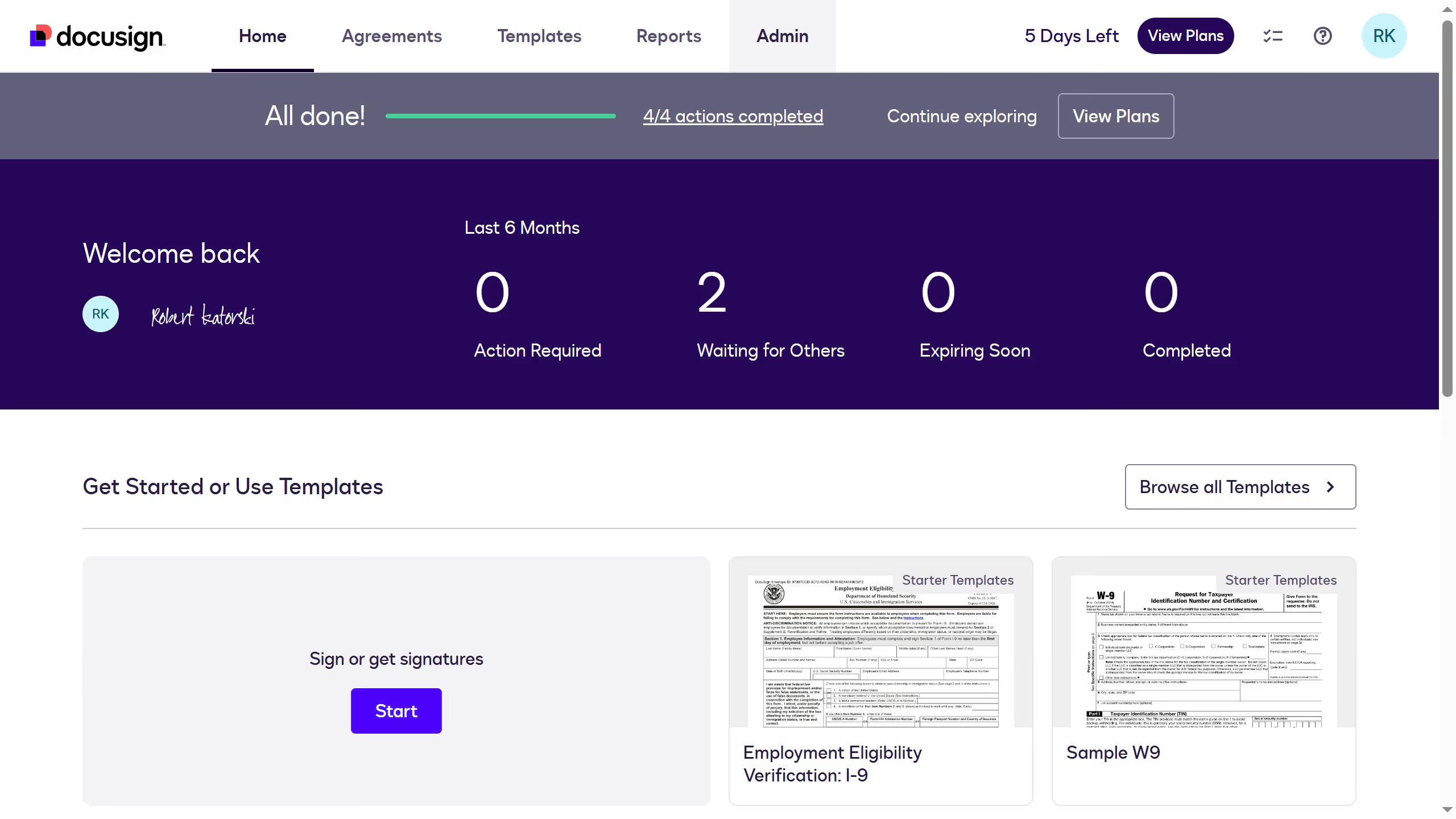
  1. First click on the "Admin" tab in the top navigation menu
  2. Then click on "Security Settings" link in the left sidebar under the ACCOUNT section
  3. Next scroll down to view the "General Authentication Settings" section on the page
  4. Then click on the checkbox labeled "Hide access code in the routing order" under General Authentication Settings
  5. After that scroll down to the bottom of the page to view the save options
  6. Finally click on the "Save Changes" button to apply the security settings

Create your own interactive guide with Guideflow

Why should you show the access code in the routing order in DocuSign

DocuSign is a trusted digital transaction management platform that streamlines document signing and sharing.

Incorporating access codes in the routing order within DocuSign enhances security by ensuring only authorized individuals can access sensitive documents. This feature provides an extra layer of protection, giving users peace of mind.

By seamlessly integrating access codes, DocuSign helps organizations maintain compliance with stringent data privacy requirements, safeguarding confidential information efficiently.

Last update
July 14, 2026
Tutorials

Built to impress

Why leading companies build with Guideflow

More tutorials
Cursor MariaA cursor points to a button labeled "James."

Loo oma esimene demo vähem kui 30 sekundiga.