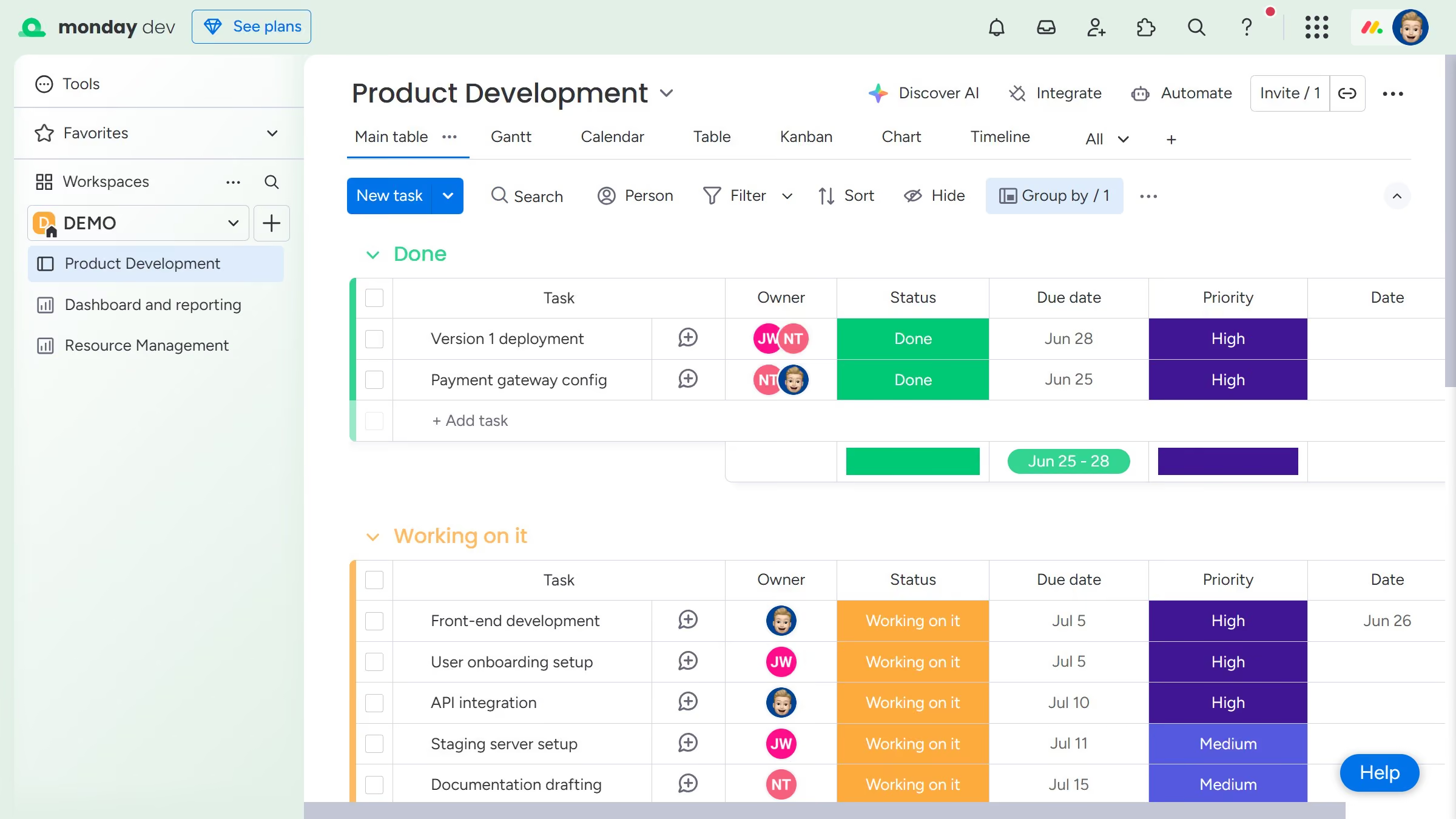
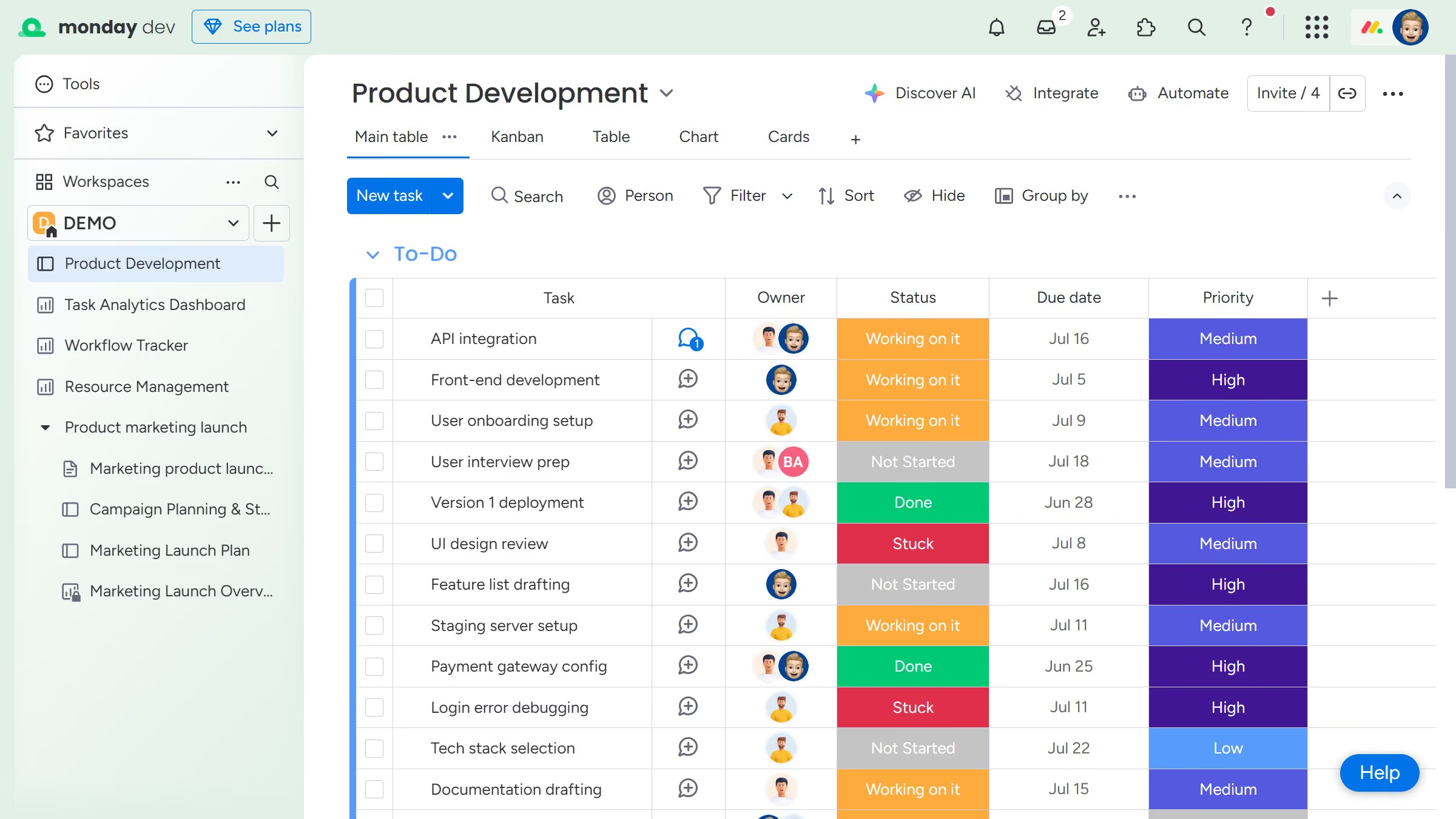
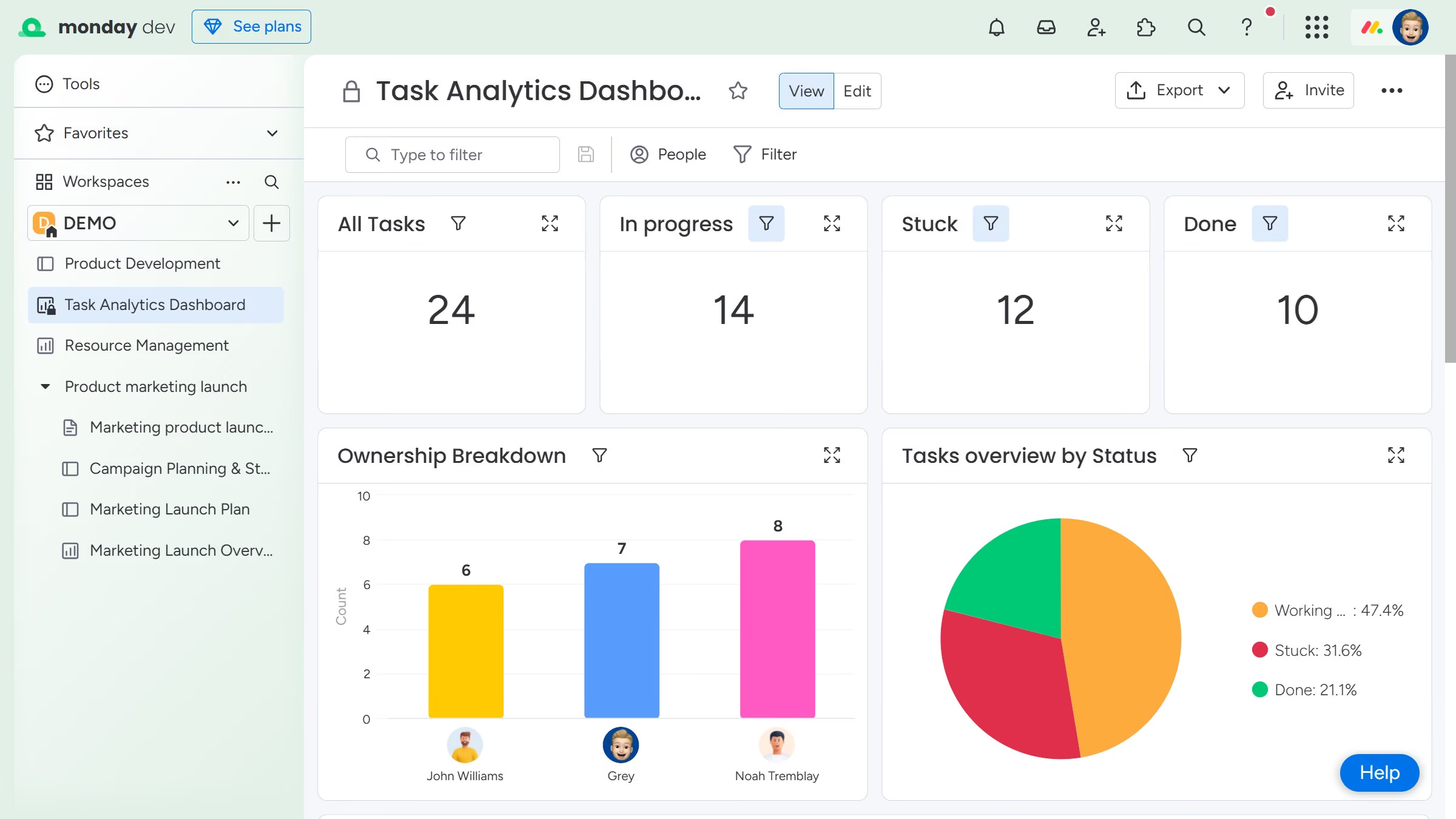
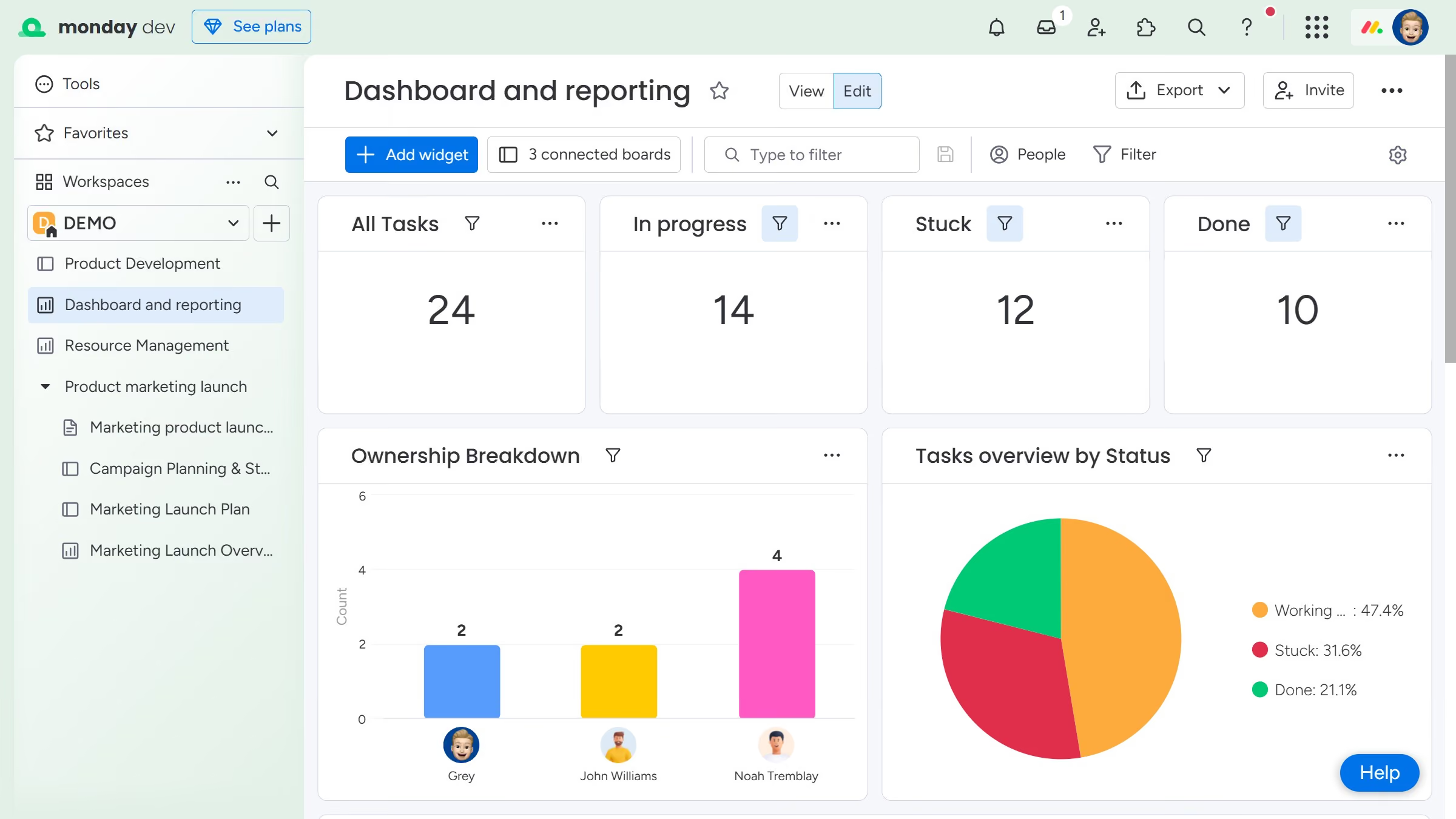
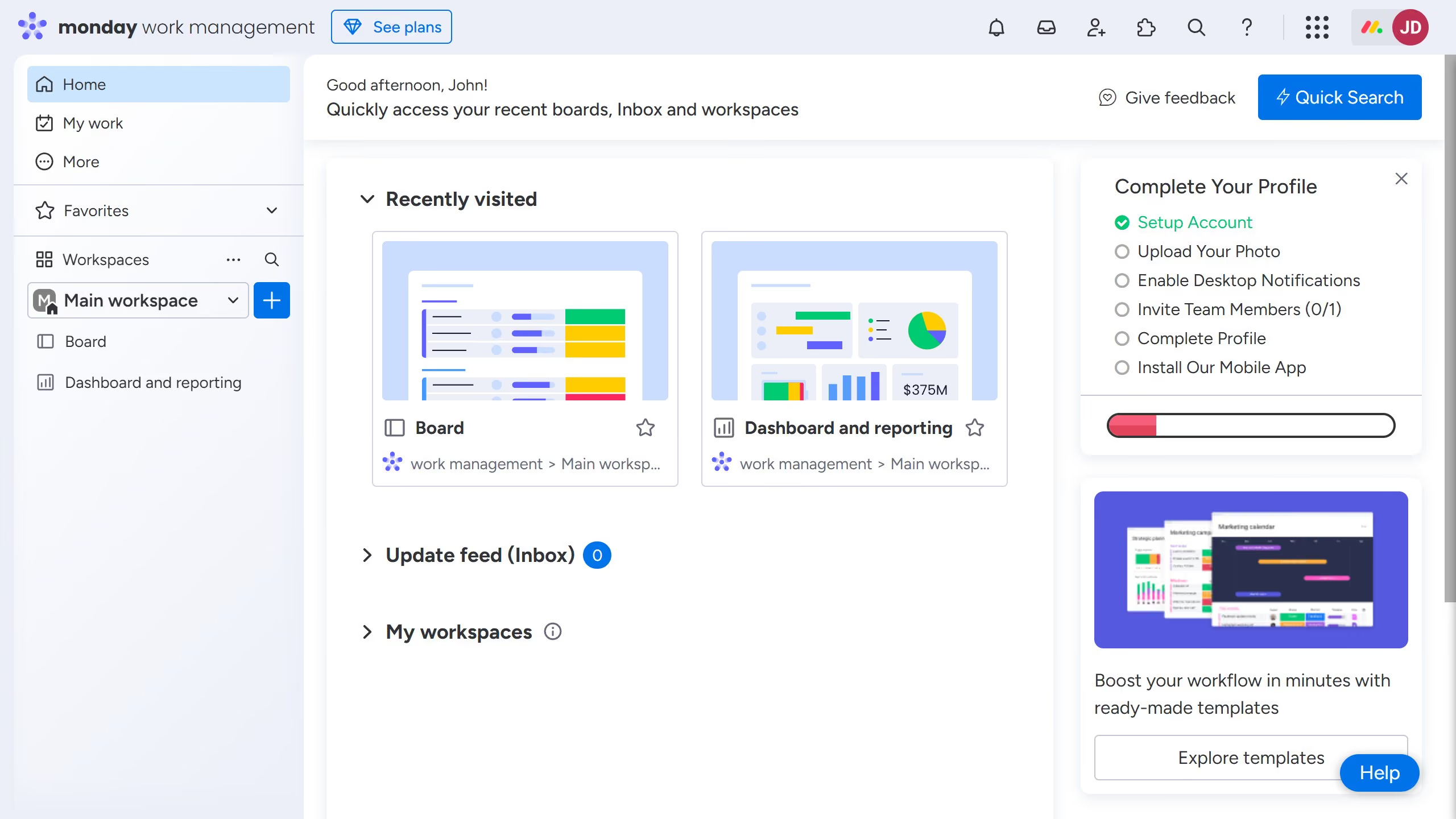
Here is how to share a dashboard with team members in monday.com
- First, click on the dashboard you want to share in the left sidebar
- Next click on the "Invite" button in the top-right corner of the dashboard
- Click on "Invite by email or link" option in the dropdown menu
- Then click the "Copy" button next to the invite link to copy it to clipboard
- Now share the link with team members to invite them and allow access to the dashboard
- Alternatively, enter their email addresses in the email input field
- Finally click on the "Send" button to invite and share the dashboard with them