Monday.com
Monday.com is a work operating system that helps teams plan, track, and deliver work with customizable workflows and collaboration features.
Website
Industry
Collaboration
Share this article:

How to share a board view publicly in Monday.com

Here is how to share a board view publicly in monday.com

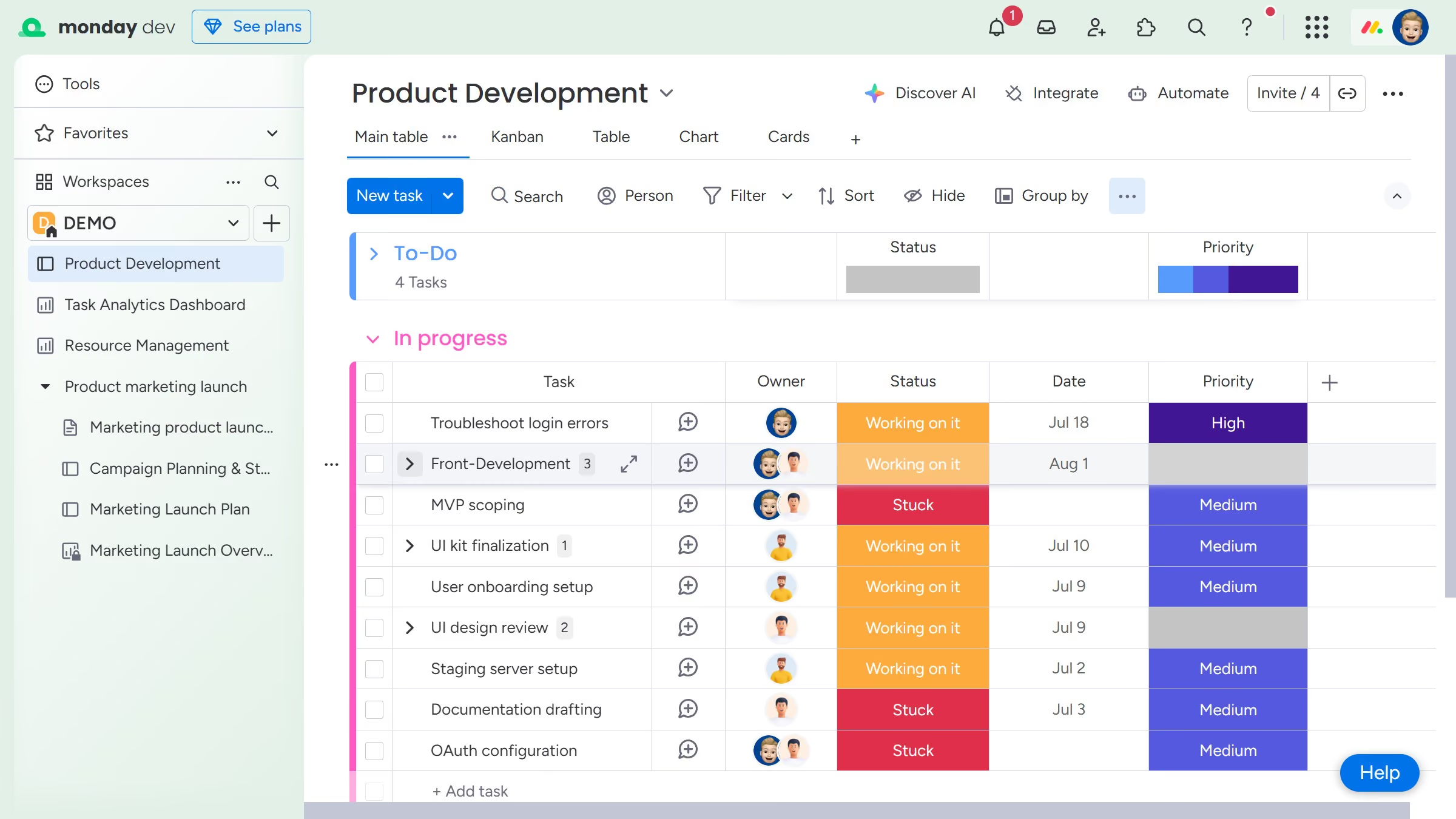
  1. First navigate to the board and click on the view you want to share
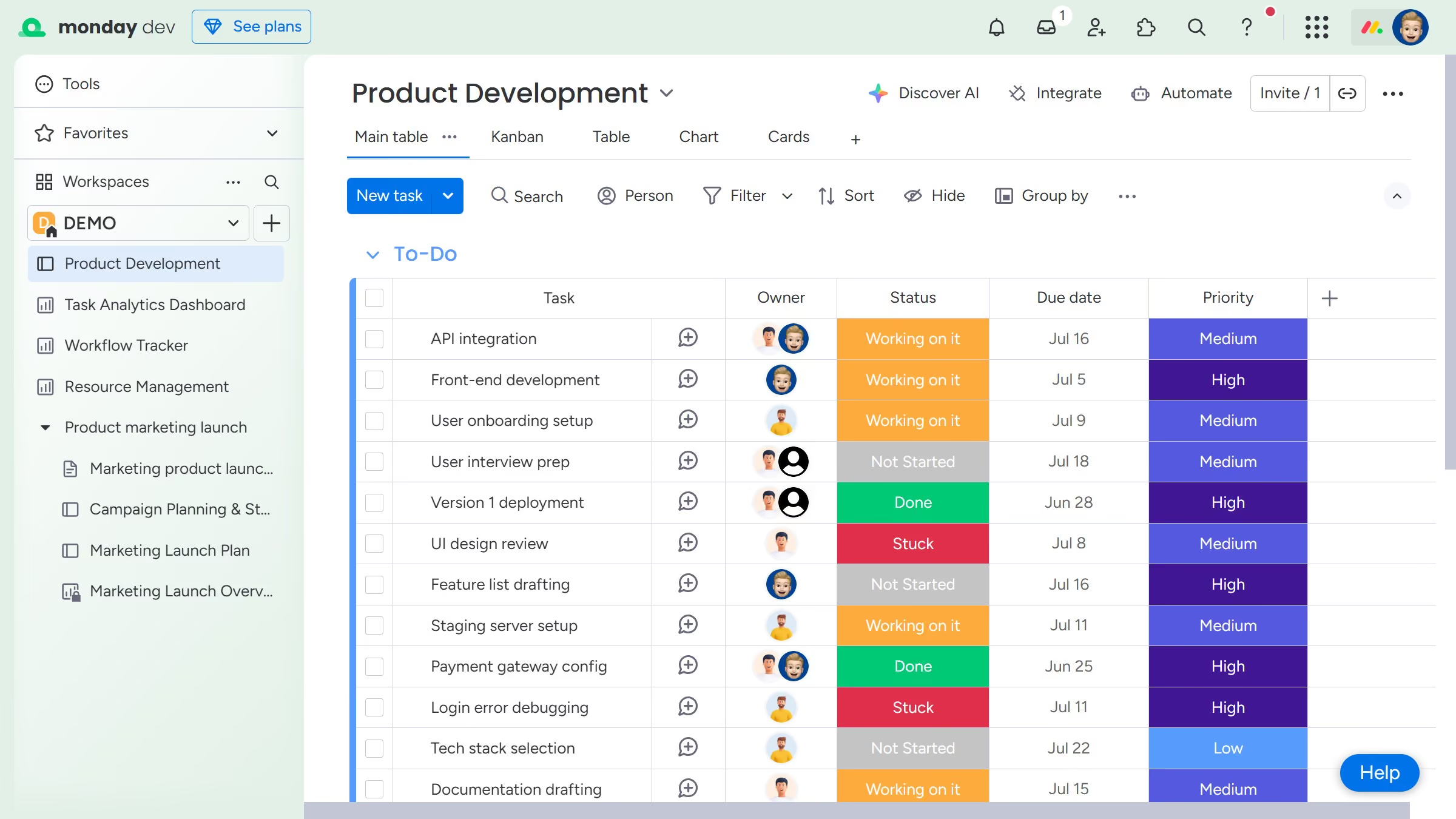
  2. Next click the more options menu (three dots) to the right of the view name
  3. From the dropdown menu, click on the "Share view" option
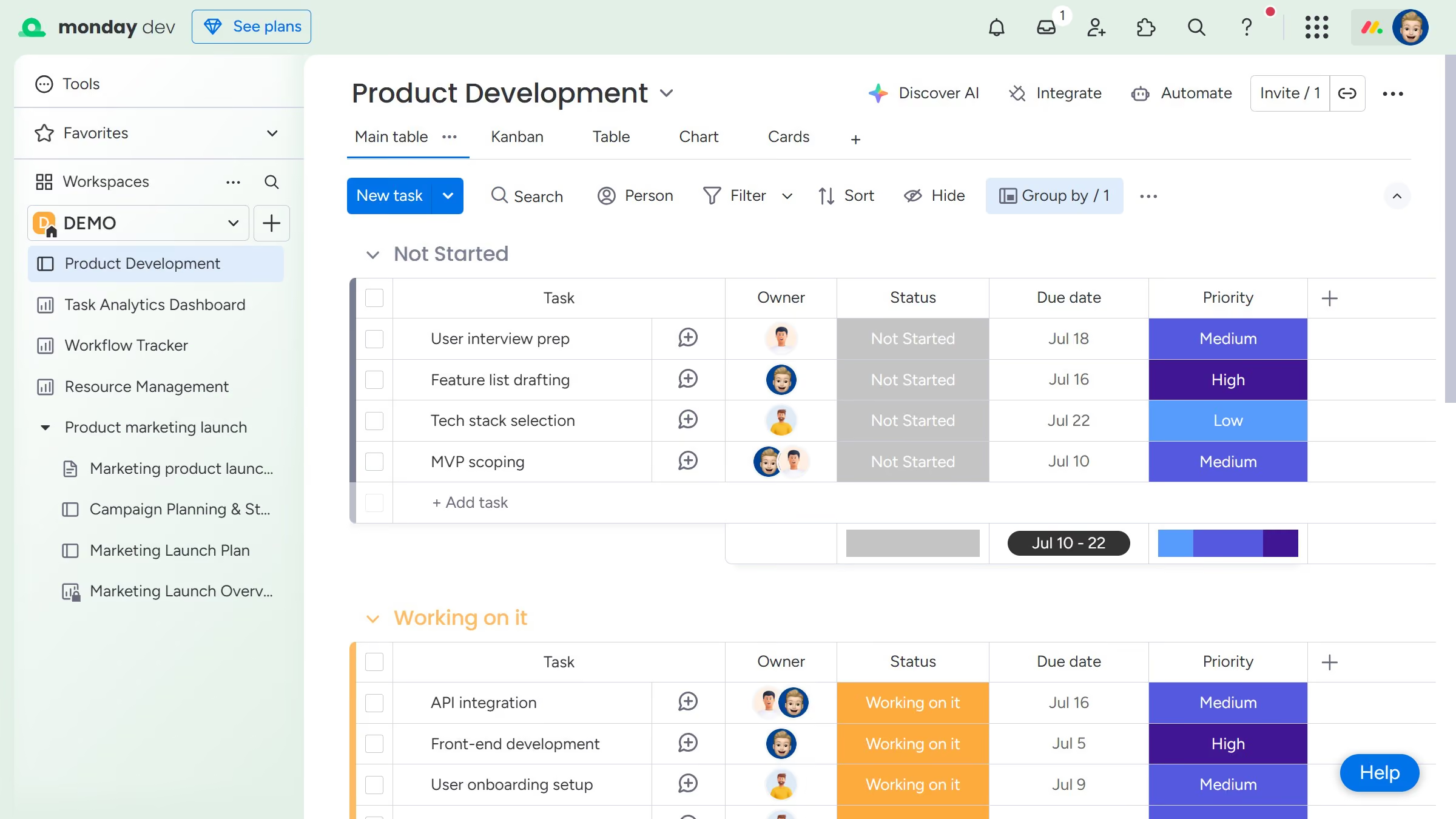
  4. Then in the popup window, click on the "Start" button
  5. Then in the popup window, click on the "Start" button
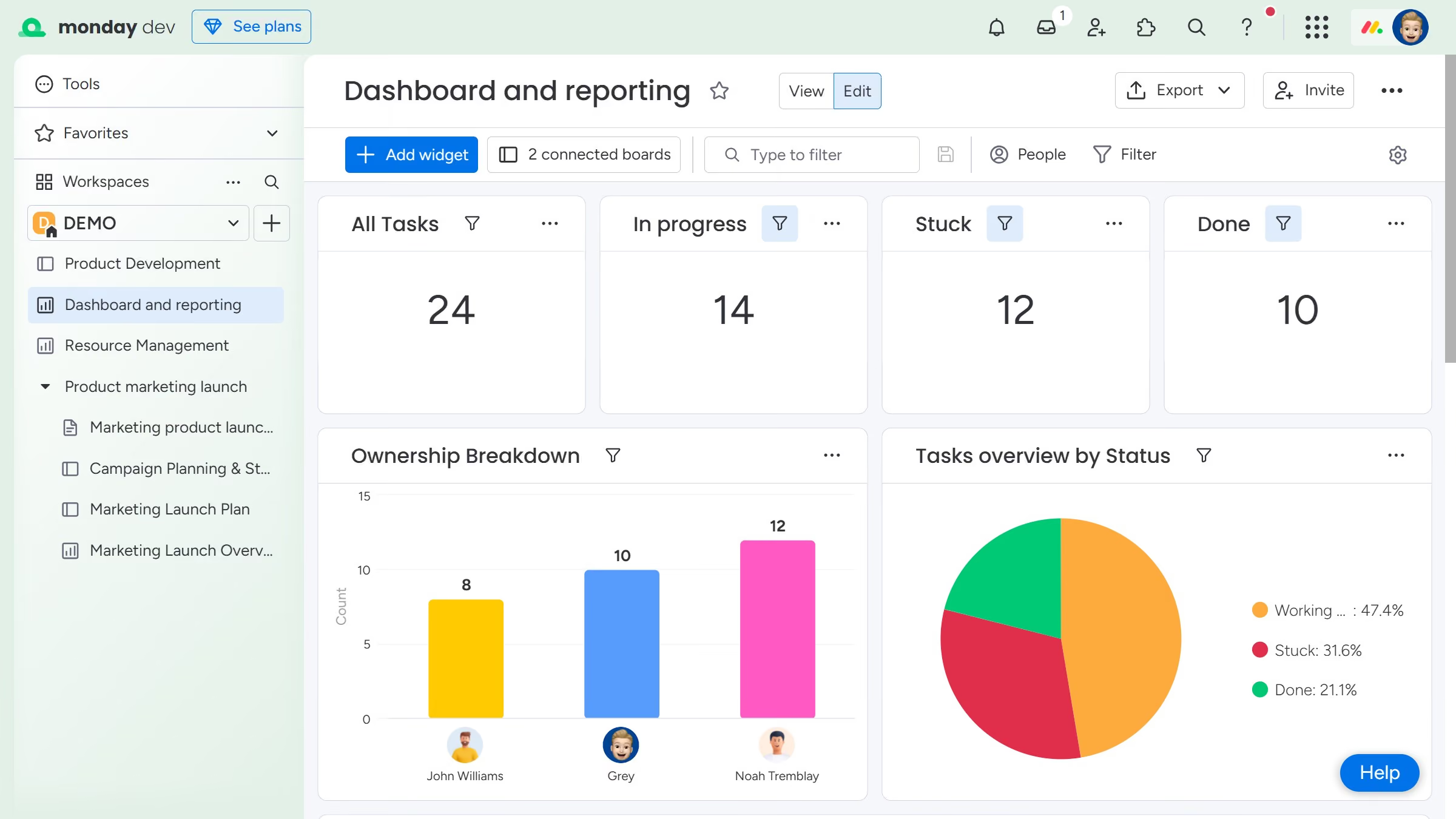
  6. Finally, you can copy the shareable link or embed code and share it with others

Create your own interactive guide with Guideflow

Why should you share a board view publicly in Monday.com

Monday.com is a versatile platform designed to enhance workflow collaboration and project management.

With the ability to share a board view publicly, users can seamlessly communicate project progress with external partners and stakeholders.

This feature not only increases transparency but also fosters collaboration, allowing everyone involved to stay on the same page without needing additional access permissions.

Embrace more efficient interactions by easily displaying essential project data and updates to those outside your immediate team.

Last update
July 14, 2026
Cursor MariaA cursor points to a button labeled "James."

Loo oma esimene demo vähem kui 30 sekundiga.