Trello
Trello is a flexible work management tool that helps teams ideate, collaborate, organize workflows, and track progress. Its boards, lists, and cards make it easy to plan, prioritize, and manage projects in a visual and rewarding way.
Website
Industry
Collaboration
Share this article:

How to share a board in Trello

Here is how to share a board in trello

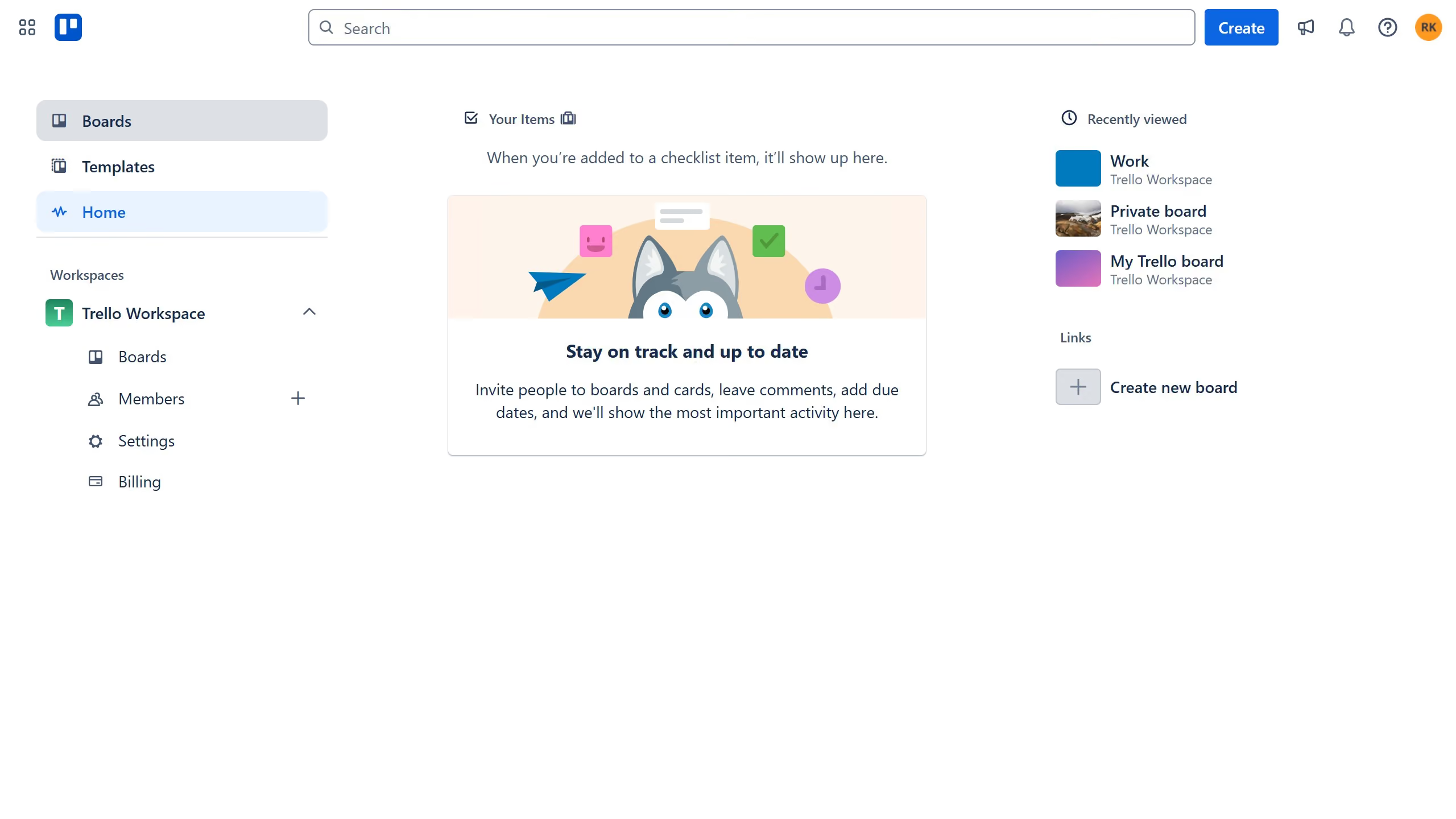
  1. First click on the "Boards" option in the left sidebar menu
  2. Then click on a board in the workspace section
  3. In the top-right corner, click the "Share" button
  4. Click on the email input field at the top of the share modal and type in the name or email of the person you want to share the board with
  5. Then select the name or email from the dropdown list
  6. Finally click the "Share "button to finish sending access and successfully share the board with the user

Create your own interactive guide with Guideflow

Why should you share a board in Trello

Trello is a dynamic and flexible project management tool designed to help teams organize and streamline their workflows effortlessly.

One of the standout features of Trello is the ability to share boards seamlessly. This feature allows team members to collaborate in real-time by providing easy access to project updates, tasks, and essential information.

Sharing a board ensures everyone stays on the same page, promoting transparency and enhancing productivity across teams and projects. With this feature, Trello supports a more connected and agile work environment, making project management more efficient than ever.

Last update
July 14, 2026
Cursor MariaA cursor points to a button labeled "James."

Loo oma esimene demo vähem kui 30 sekundiga.