Mailchimp
Mailchimp is an email marketing and automation platform for customer engagement.
Website
Industry
Email
Share this article:

How to set signup form font size on a landing page in Mailchimp

Here is how to set signup form font size on a landing page in mailchimp

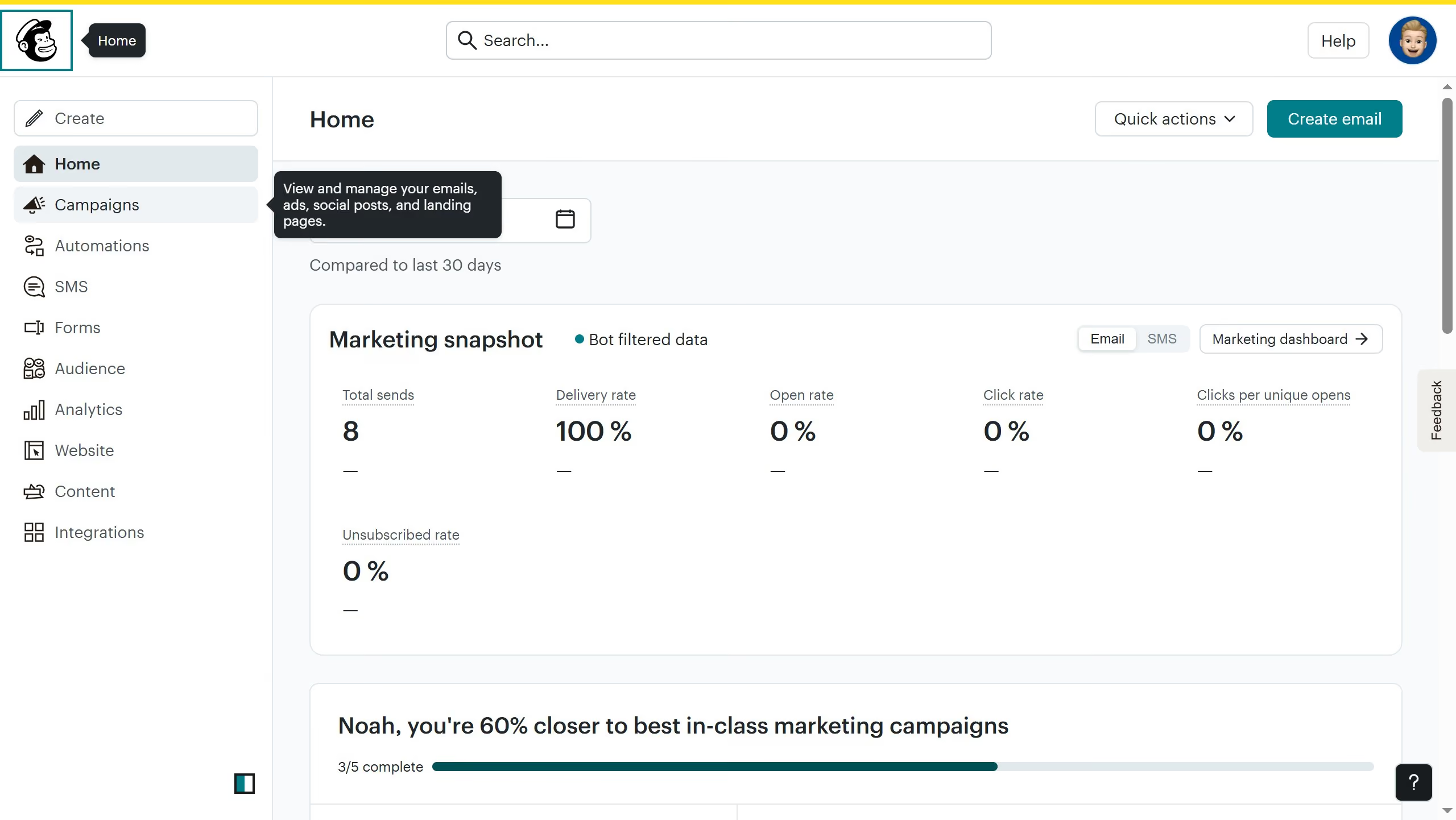
  1. First, in the sidebar, click on 'Campaigns'
  2. Then, click on the 'Edit' button
  3. Next, click on the 'Edit design' button
  4. Then, click on the edit icon
  5. Next, click on the 'Style' tab
  6. Then, click on the down arrow next to 'Size'
  7. Then, select your preferred font size from the dropdown menu
  8. Finally, click on the 'Save & Close' button

Create your own interactive guide with Guideflow

Why should you set signup form font size on a landing page in Mailchimp

Mailchimp is a versatile platform for seamless email marketing and automation.

One of its standout features is the ability to customize the font size of your signup form on a landing page. This flexibility ensures that your text is easily readable, enhancing user experience and engagement.

Adjusting the font size allows you to align the form's appearance with your brand's style and the page's overall design seamlessly. By prioritizing readability, you encourage more visitors to complete the signup, boosting conversions effectively.


Last update
July 14, 2026
Cursor MariaA cursor points to a button labeled "James."

Loo oma esimene demo vähem kui 30 sekundiga.