Perplexity
Perplexity is an AI-powered answer engine that delivers sourced, accurate information through conversational search.
Website
Industry
Marketing
Share this article:

How to set price alert for JSW Steel Limited in Perplexity

Here is how to set price alert for jsw steel limited in perplexity

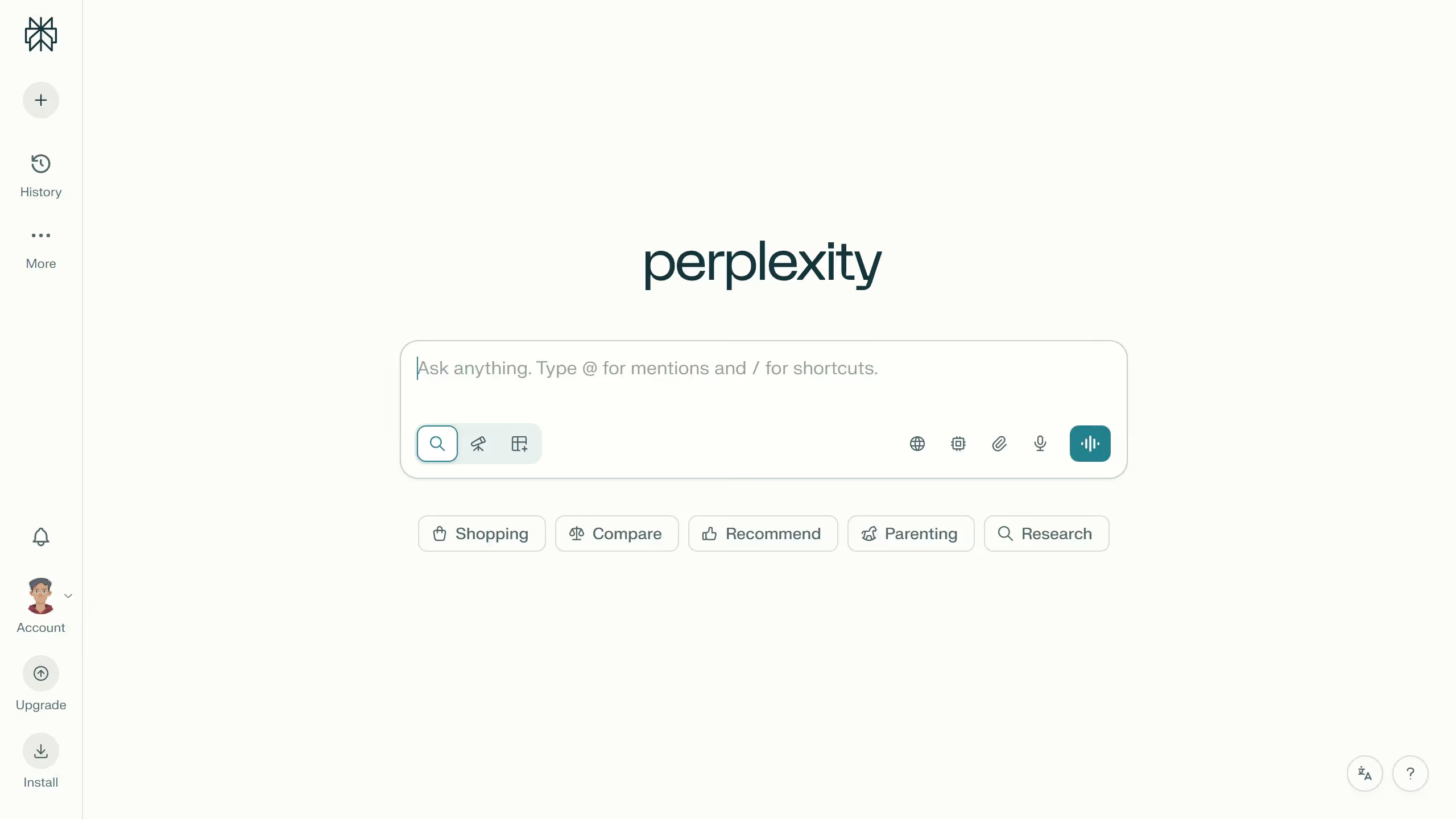
  1. First click on the account profile icon in the sidebar
  2. Then click on "Notifications" option in the sidebar menu
  3. Next scroll down the page to view the Price Alerts section
  4. Then click on the "New Alert" button in the Price Alerts section
  5. Next click on the search field and type "JSW Steel Limited"
  6. Then select "JSW Steel Limited" from the dropdown suggestions
  7. Next click on the "Target Price" input field and modify it based on your preferred amount
  8. Finally click on the "Save" button to save the price alert

Create your own interactive guide with Guideflow

Why should you set price alert for JSW Steel Limited in Perplexity

Perplexity is a dynamic tool designed to enhance decision-making through insightful data analysis.

Setting a price alert for JSW Steel Limited in Perplexity is a savvy way to stay ahead in the fluctuating steel market.

With this feature, receive timely notifications on significant price changes, allowing for prompt and informed actions. This ensures you're never caught off guard, empowering you to make strategic financial decisions with ease.

Leveraging Perplexity's price alert can significantly enhance your trading efficiency and peace of mind.

Last update
July 14, 2026
Tutorials

Built to impress

Why leading companies build with Guideflow

More tutorials
Cursor MariaA cursor points to a button labeled "James."

Loo oma esimene demo vähem kui 30 sekundiga.