
n8n
n8n is a workflow automation platform for technical teams to connect apps, APIs, and AI tools, automate complex workflows, and build integrations with the flexibility of code and the speed of no-code.
Website
Industry
Collaboration
Share this article:

How to set default Ollama chat provider credential in n8n

Here is how to set default ollama chat provider credential in n8n

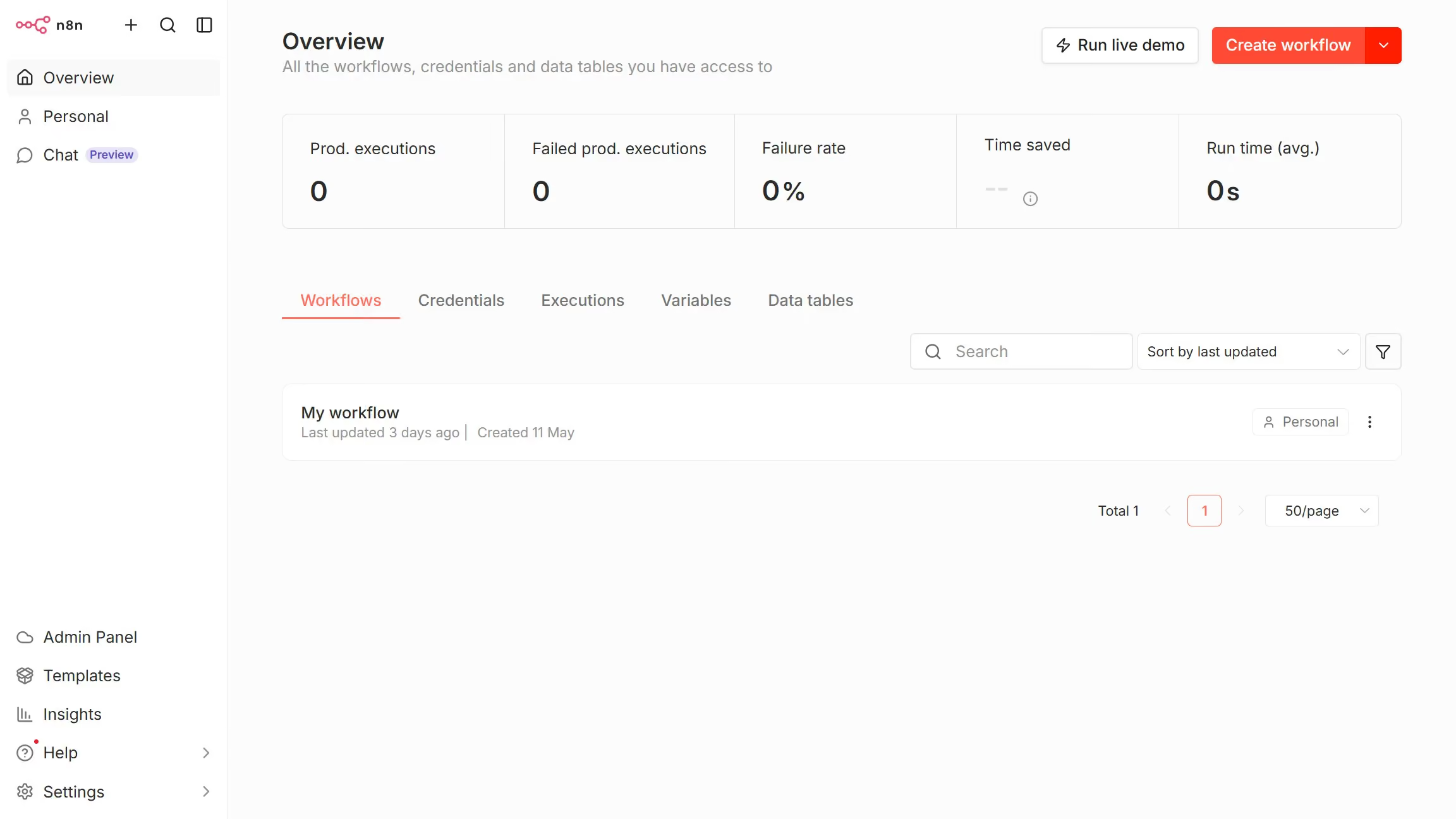
  1. First click on "Settings" in the left sidebar.
  2. Then click on "Chat" in the left sidebar.
  3. Then click on the three dots icon for Ollama.
  4. Then click on "Edit provider" button.
  5. Then click on the "Default credential" dropdown.
  6. Then select the desired credential from the dropdown list.
  7. Finally click on the "Confirm" button.
Create your own interactive guide with Guideflow

Why should you set default Ollama chat provider credential in n8n

n8n is an extensible workflow automation tool that connects different services and APIs seamlessly.

Setting the default Ollama chat provider credential in n8n allows for smooth integration, improving communication processes.

This setup enhances efficiency by eliminating repetitive credential entries, providing a streamlined experience for users.

Utilizing this feature ensures consistent connectivity, making automated workflows more reliable and productive.

Last update
July 14, 2026
Cursor MariaA cursor points to a button labeled "James."

Loo oma esimene demo vähem kui 30 sekundiga.

