Brevo
Bravo is a marketing automation and email marketing platform for SMBs.
Website
Industry
Email
Share this article:

How to send an SMS message to clients in Brevo

Here is how to send an sms message to clients in brevo

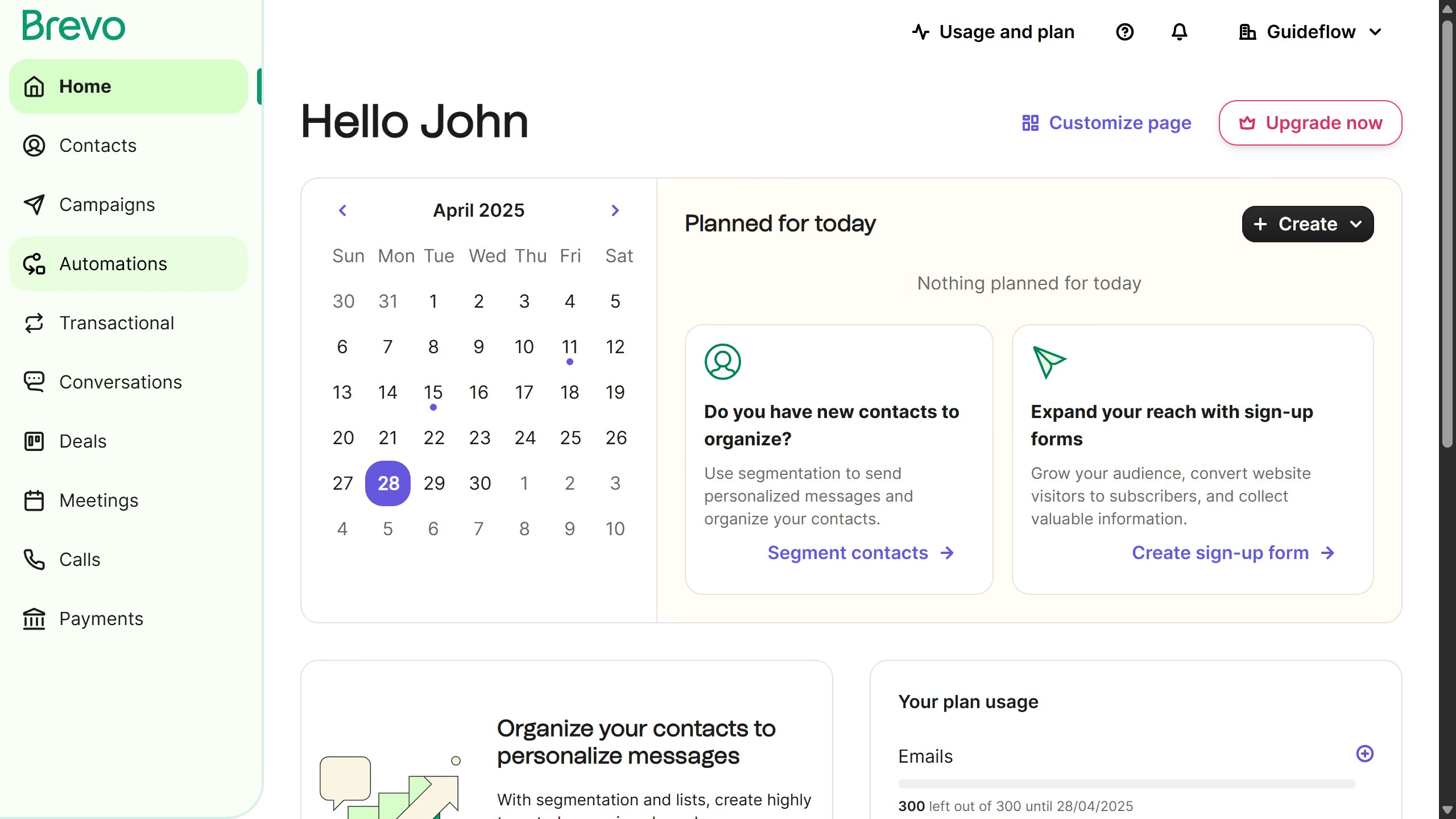
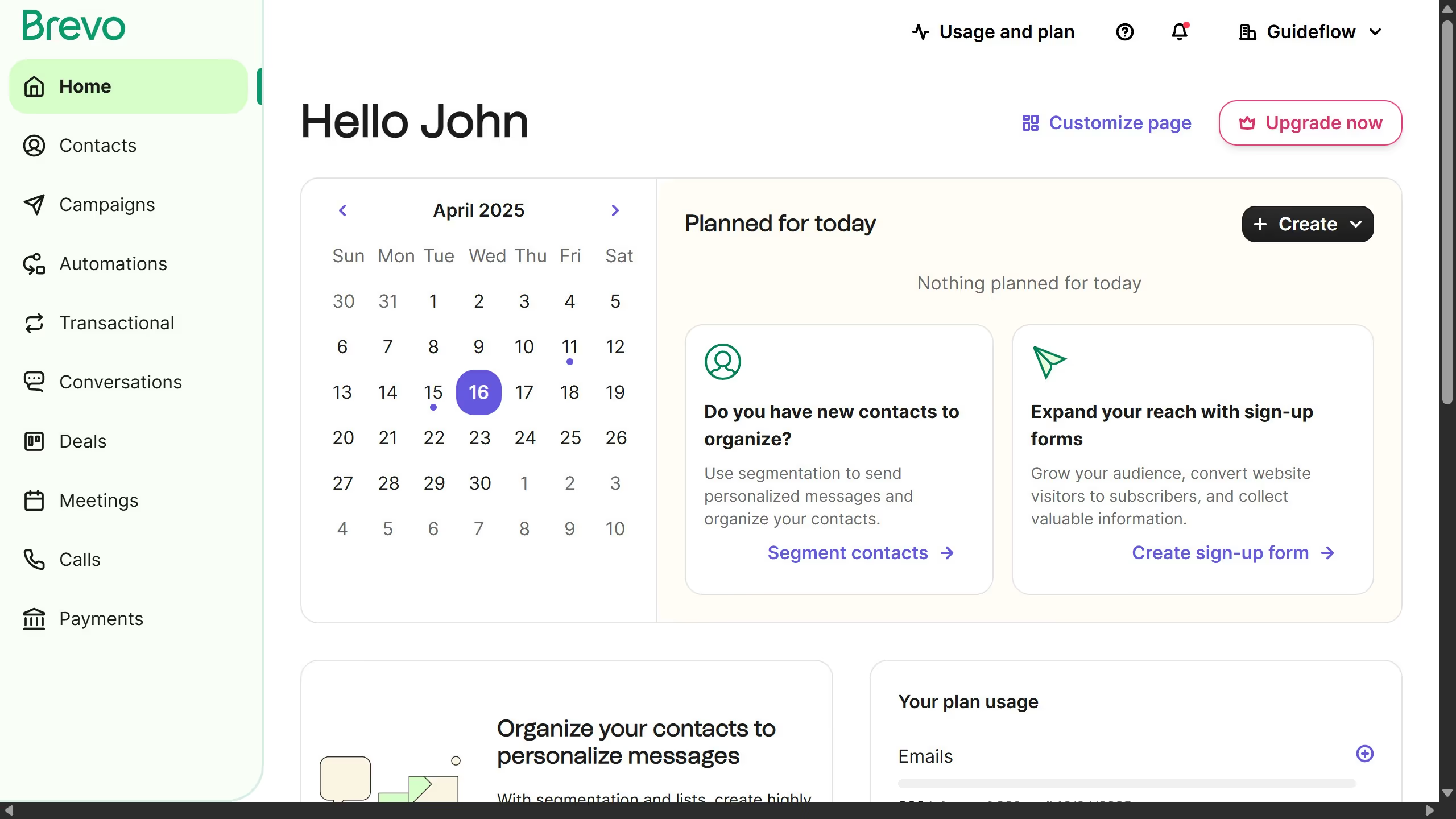
  1. First click on "Campaigns" in the left sidebar menu
  2. Then click on "SMS" tab in the campaign type selector
  3. Next click on "SMS" option in the campaign list view
  4. Then click on "Send now or later" button in the top right corner
  5. Next select the "Send now" option in the scheduling dialog
  6. Finally click the "Send now" button to send the campaign immediately

Create your own interactive guide with Guideflow

Why should you send an SMS message to clients in Brevo

Brevo is a dynamic platform designed to enhance communication with clients through versatile digital solutions.

The SMS messaging feature in Brevo allows businesses to connect instantly with their clients, ensuring messages are delivered directly to their mobile devices.

This capability enhances customer engagement by offering timely updates and personalized promotions, which can boost client satisfaction and loyalty.

Ultimately, utilizing SMS in Brevo ensures a streamlined and efficient communication process, fostering stronger client relationships.


Last update
July 14, 2026
Cursor MariaA cursor points to a button labeled "James."

Loo oma esimene demo vähem kui 30 sekundiga.