Confluence
Confluence is a team workspace platform for companies to create, organize, and collaborate on documents, project plans, and internal knowledge in one shared place.
Website
Industry
Collaboration
Share this article:

How to revert to the default space logo in Confluence

Here is how to revert to the default space logo in confluence

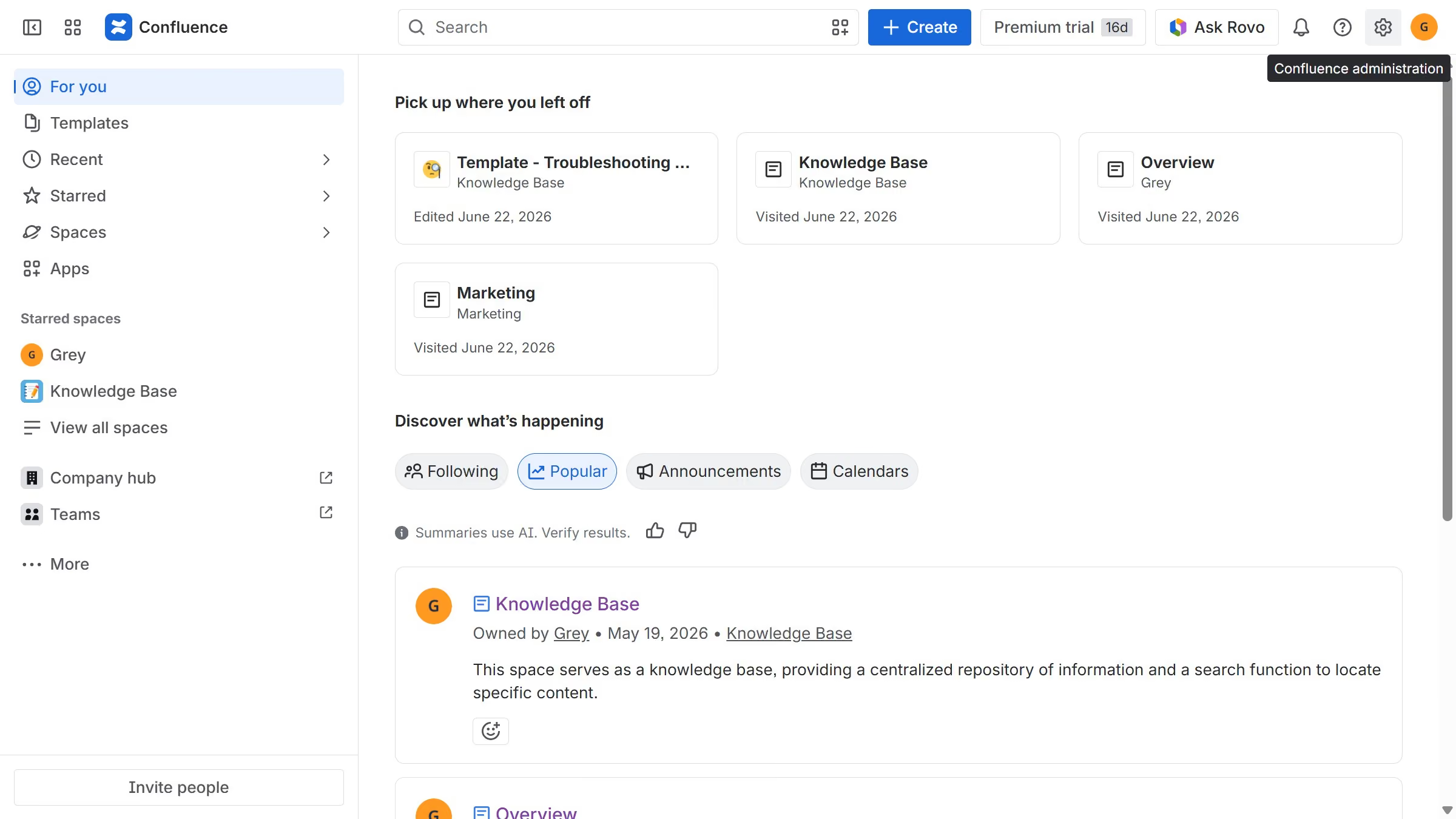
  1. First, click on the gear icon in the header to open Confluence administration
  2. Next, click on "Look and feel" in the settings menu
  3. Then, select "Default space logo" in the submenu
  4. Finally, click on the "Reset logo to default" button under the current logo

Create your own interactive guide with Guideflow

Why should you revert to the default space logo in Confluence

Confluence is a dynamic team collaboration platform designed to enhance productivity and streamline information sharing.

Reverting to the default space logo in Confluence is a straightforward feature that ensures a clean and professional appearance across your workspace. Utilizing this feature can provide a unified aesthetic, aligning it with the overall branding or restyling efforts within your organization.

This consistency in design enhances team focus and offers a more cohesive user experience, making navigation intuitive and visually undistractive. Embracing the simplicity of reverting to the default not only saves time but also maintains brand integrity effortlessly.

Last update
July 14, 2026
Cursor MariaA cursor points to a button labeled "James."

Loo oma esimene demo vähem kui 30 sekundiga.