Help Scout
Help Scout is a customer support platform for teams to manage shared inboxes, docs, and live chat.
Website
Industry
Support
Share this article:

How to respond to inbox messages in HelpScout

Here is how to respond to inbox messages in helpscout

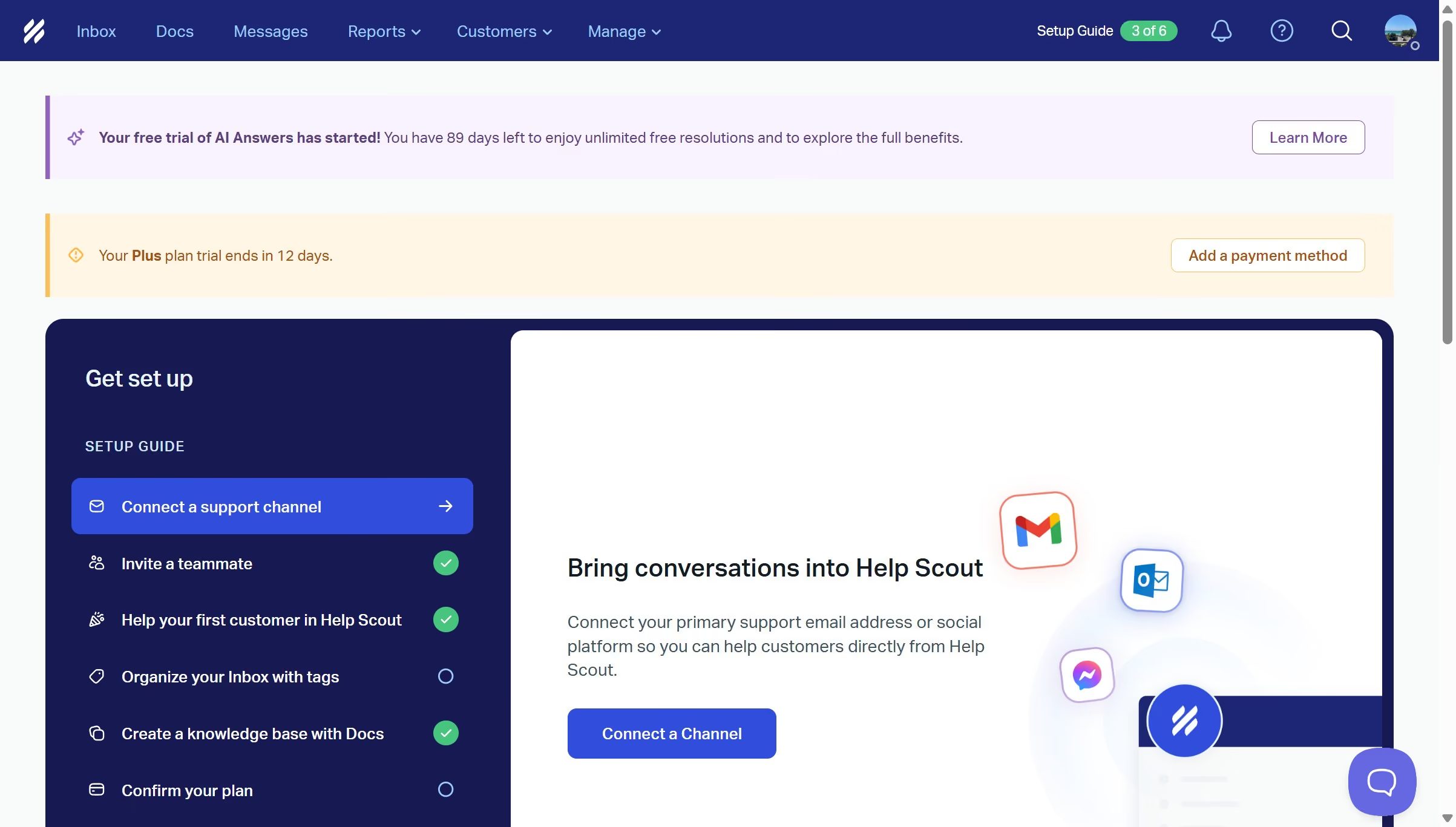
  1. First click on "Inbox" button in the top navigation menu
  2. Then click on an item in the conversation list
  3. Next click on "Reply" button at the bottom of the conversation and enter your reply message
  4. Finally click on "Send" button to send the reply

Create your own interactive guide with Guideflow

Why should you respond to inbox messages in HelpScout

Help Scout is a robust service platform designed to simplify customer support interactions.

The feature to respond to inbox messages in Help Scout is adept at streamlining communication. It ensures that customer queries are addressed swiftly, which boosts customer satisfaction. This feature’s intuitive design allows for seamless replies, helping businesses maintain an organized workflow.

By using this feature, companies can foster positive relationships with clients while improving the efficiency of their support staff.

Last update
July 14, 2026
Cursor MariaA cursor points to a button labeled "James."

Loo oma esimene demo vähem kui 30 sekundiga.