Zoom
Zoom is a unified communications platform for video, phone, chat, and webinars. It helps teams connect, collaborate, and boost productivity with powerful, intuitive tools.
Website
Industry
Collaboration
Share this article:

How to reposition cover in Zoom Docs

Here is how to reposition cover in zoom docs

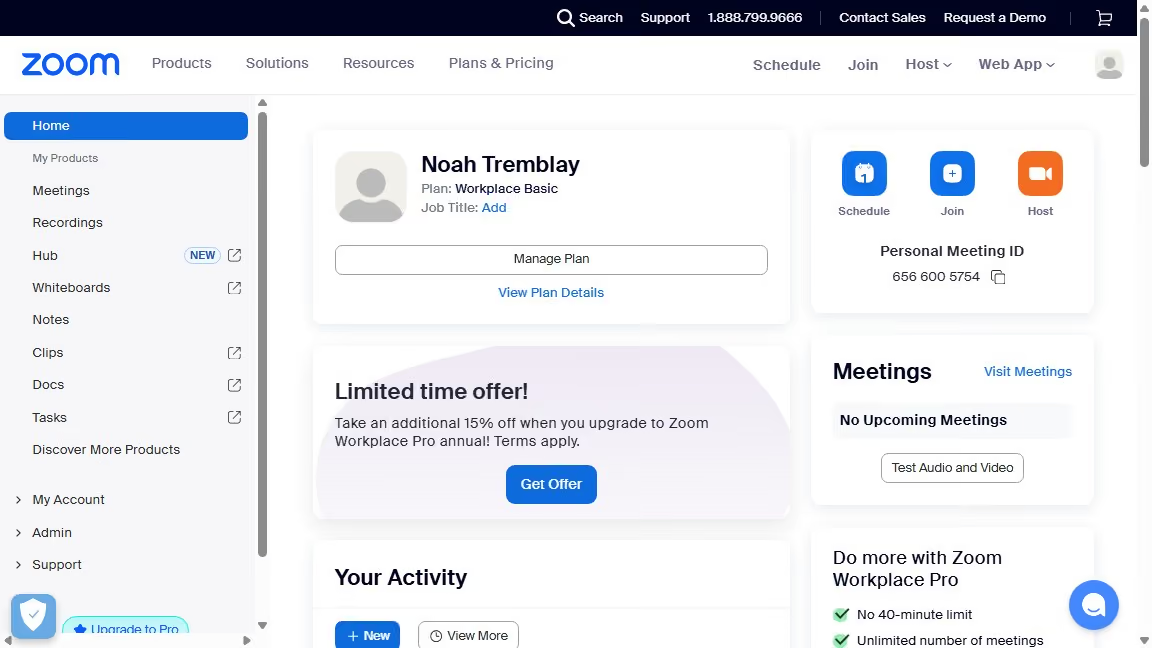
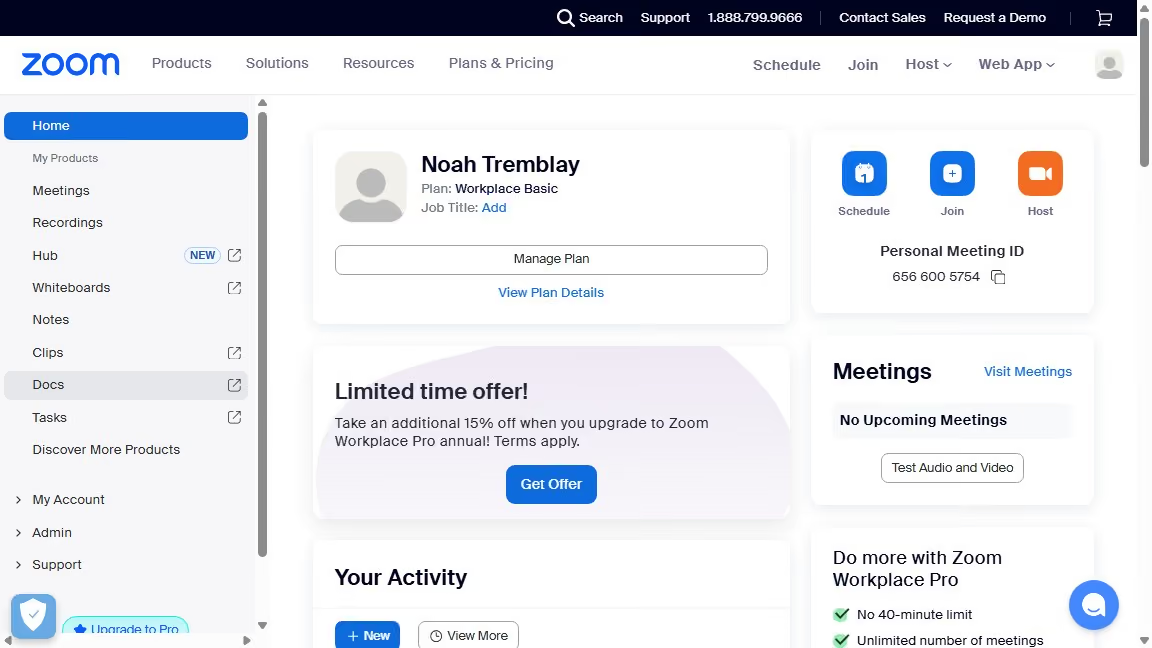
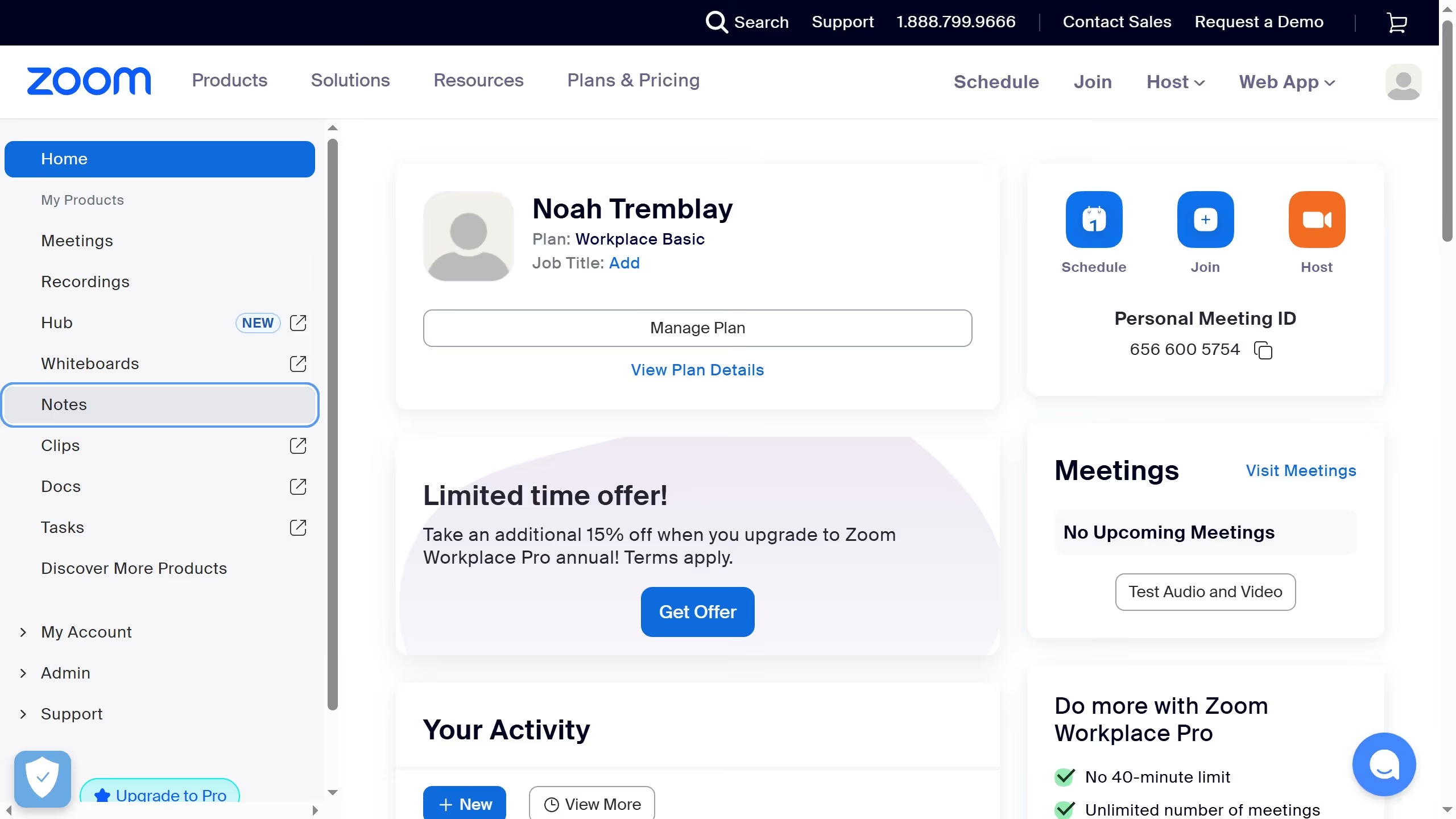
  1. First click on the "Docs" option in the left sidebar menu
  2. Then open the document containing the cover you want to reposition
  3. Then click on the "Reposition" button that appears on the cover image
  4. Finally drag the image to adjust its position and click "Save position" to apply the changes

Create your own interactive guide with Guideflow

Why should you reposition cover in Zoom Docs

Zoom is a versatile platform designed to enhance online communication and collaboration.

In Zoom Docs, the ability to reposition covers allows for personalization and better organization. Users can enhance visual impact, making documents more professional and aligned with brand aesthetics.

This feature encourages creativity, giving users the flexibility to design documents that reflect their unique style or message, ultimately leading to more engaging content.

Last update
July 14, 2026
Cursor MariaA cursor points to a button labeled "James."

Loo oma esimene demo vähem kui 30 sekundiga.