Trello
Trello is a flexible work management tool that helps teams ideate, collaborate, organize workflows, and track progress. Its boards, lists, and cards make it easy to plan, prioritize, and manage projects in a visual and rewarding way.
Website
Industry
Collaboration
Share this article:

How to rename a board in Trello

Here is how to rename a board in trello

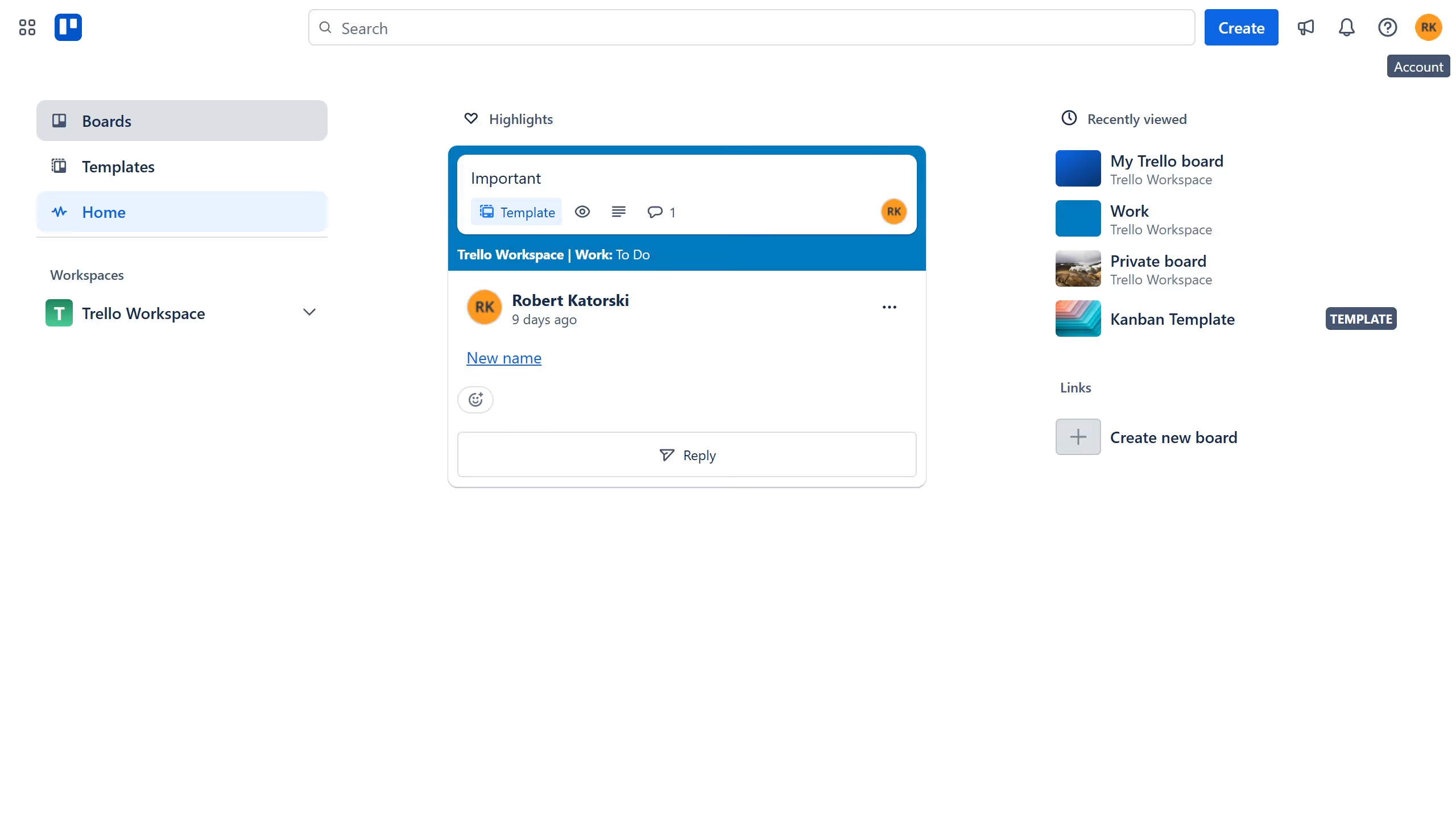
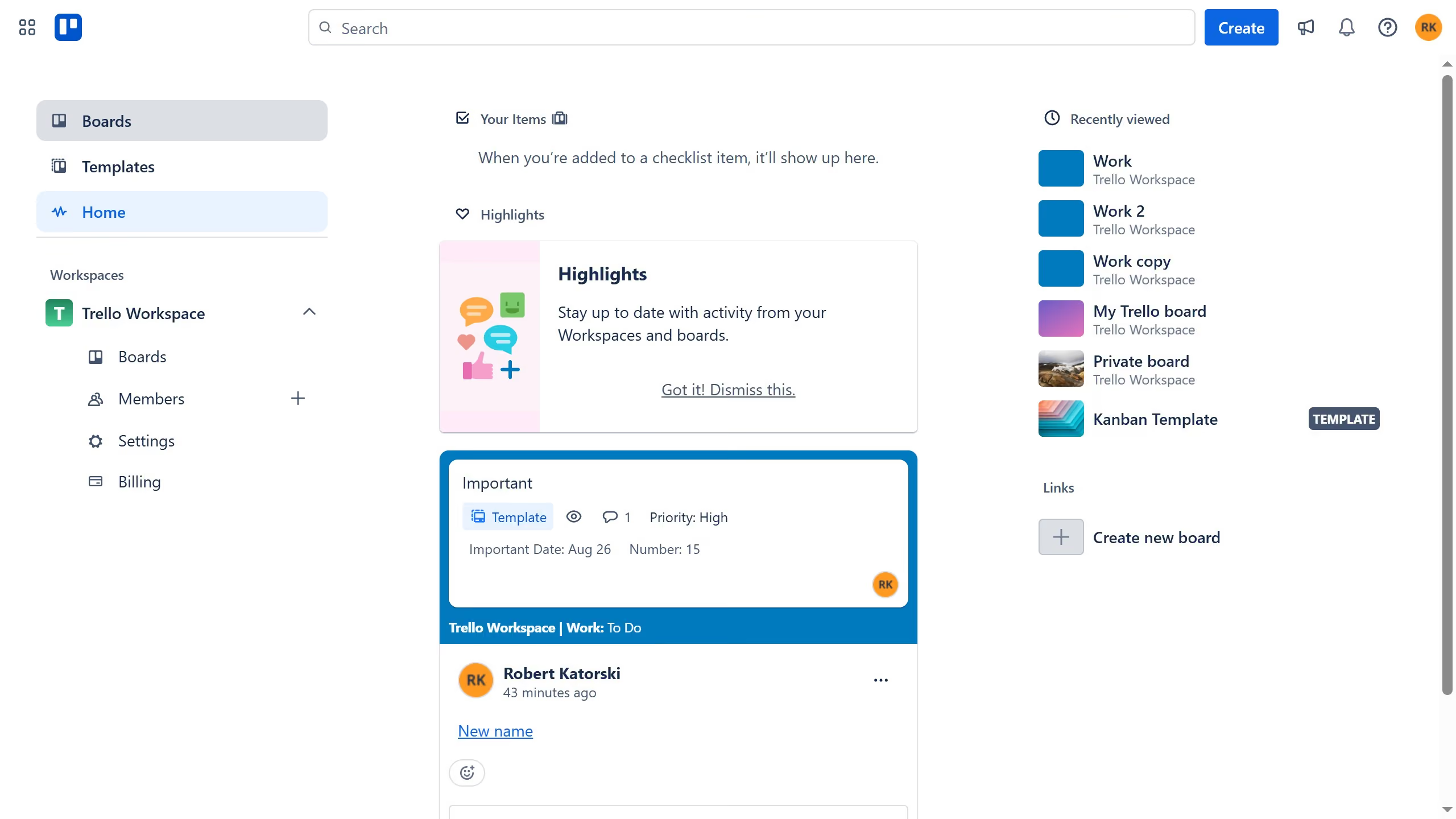
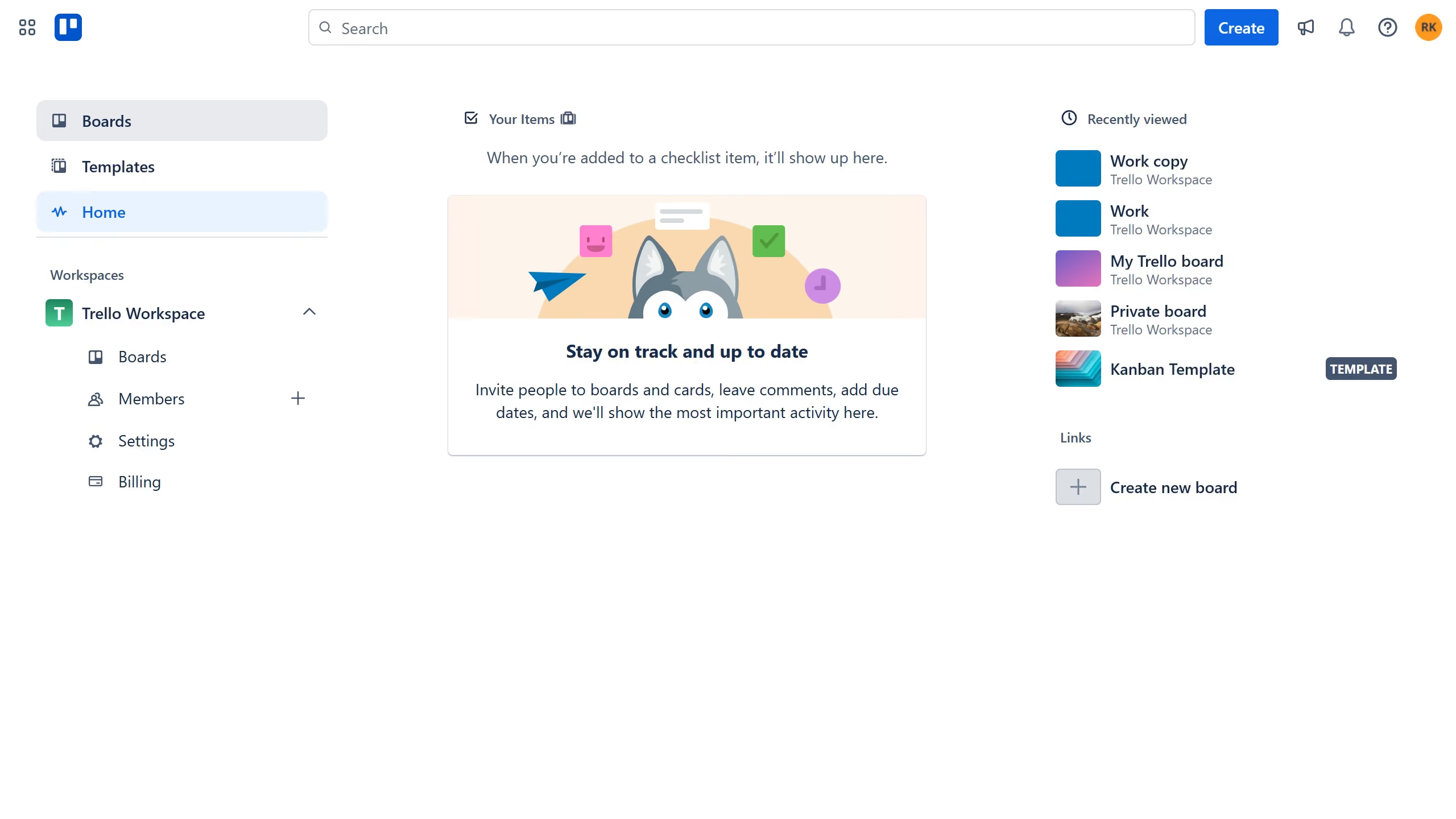
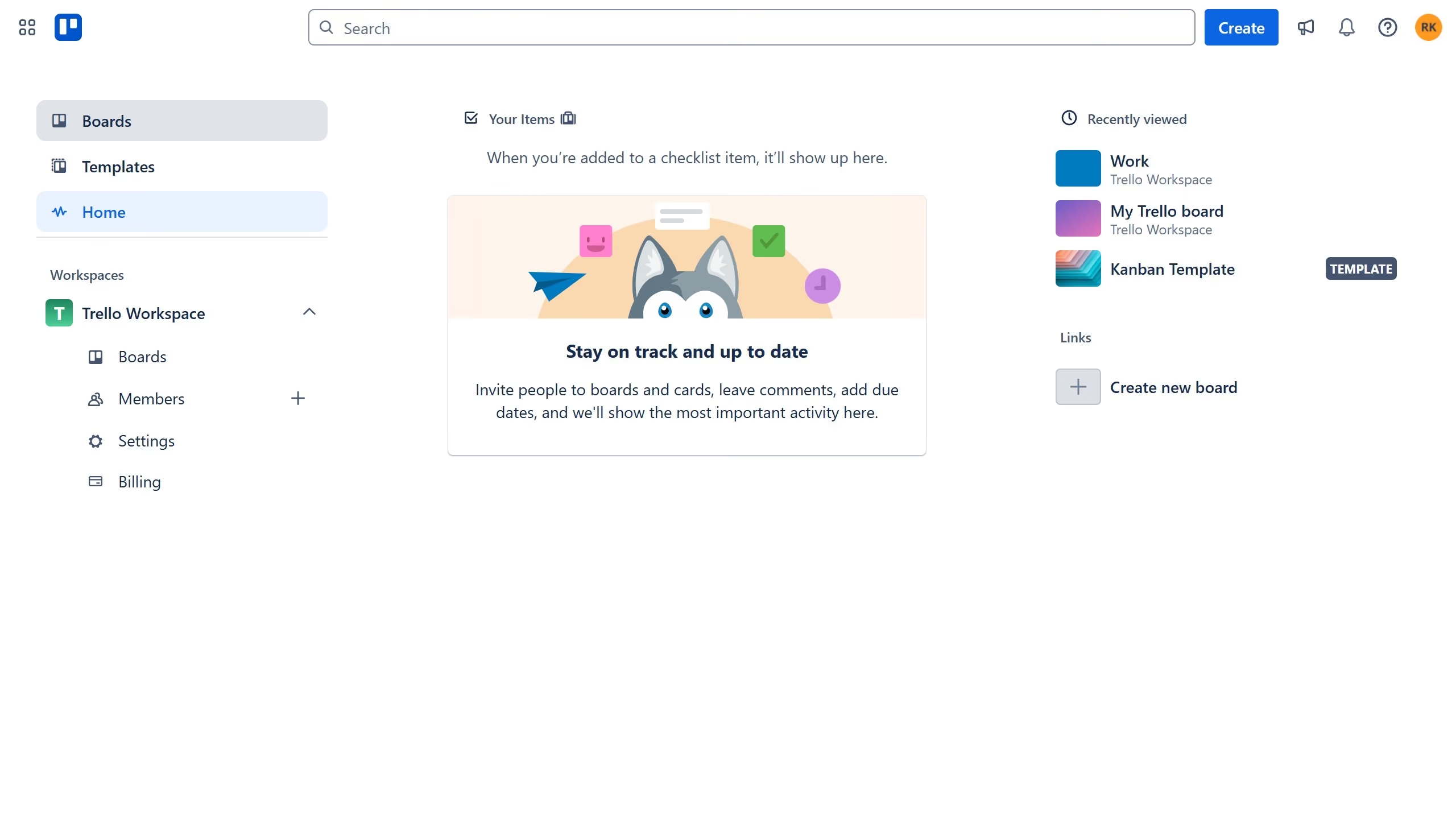
  1. First click on the "Boards" option in the left sidebar menu
  2. Then click on the "Work" board tile in the workspace section
  3. Next click on the name of the board in the top-left and type in the desired name for the board
  4. Finally hit enter on your keyboard to save the new name of the board

Create your own interactive guide with Guideflow

Why should you rename a board in Trello

Trello is a versatile project management tool designed to streamline your workflow with simplicity and flexibility.

Renaming a board in Trello enhances organization, ensuring your boards reflect current project goals or specific themes. It allows team members to quickly identify and access the right board, fostering seamless collaboration.

Being able to update the board name easily means adapting to changes as your projects evolve, which keeps your team aligned and focused on shared objectives, maximizing productivity.

Last update
July 14, 2026
Cursor MariaA cursor points to a button labeled "James."

Loo oma esimene demo vähem kui 30 sekundiga.