Confluence
Confluence is a team workspace platform for companies to create, organize, and collaborate on documents, project plans, and internal knowledge in one shared place.
Website
Industry
Collaboration
Share this article:

How to remove your custom navigation logo in Confluence

Here is how to remove your custom navigation logo in confluence

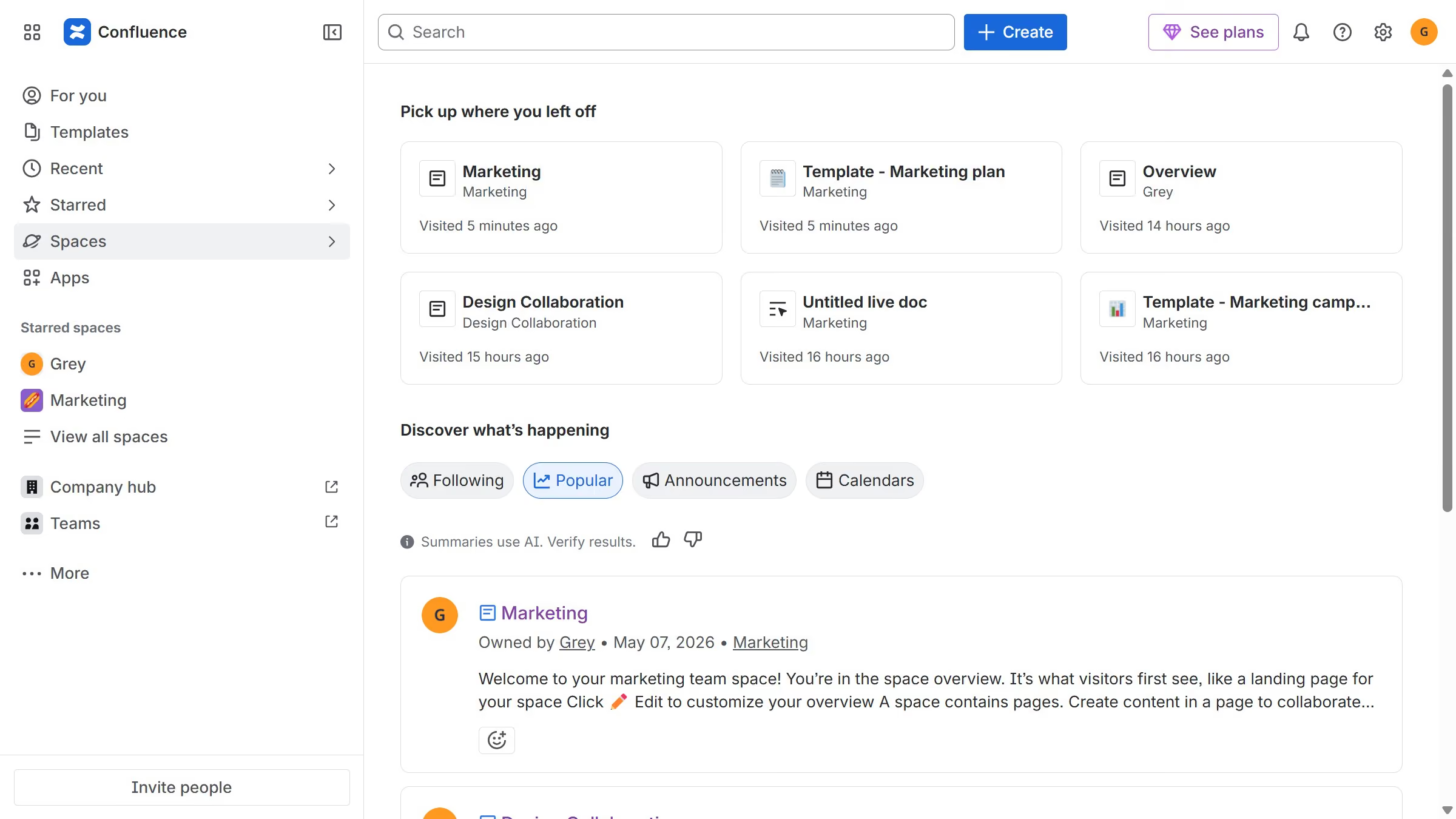
  1. First, click on the gear icon in the header to open Confluence administration
  2. Click on "Look and feel" in the settings menu
  3. Next click on "Customize navigation" in the submenu
  4. Next locate your current logo under "Upload custom logo"
  5. Then, click on the trash icon next to the logo to remove it
  6. Finally click on the "Save" button to apply the changes

Create your own interactive guide with Guideflow

Why should you remove your custom navigation logo in Confluence

Confluence is a collaborative workspace designed to help teams share knowledge and work together effectively.

The ability to remove your custom navigation logo in Confluence offers flexibility and customization for your workspace environment.

Opting to remove the custom logo can streamline the user interface, ensuring a more focused and distraction-free experience for users.

This feature provides a refreshing and professional aesthetic, enhancing the visual harmony of your Confluence pages without any unnecessary elements.

Last update
July 14, 2026
Cursor MariaA cursor points to a button labeled "James."

Loo oma esimene demo vähem kui 30 sekundiga.