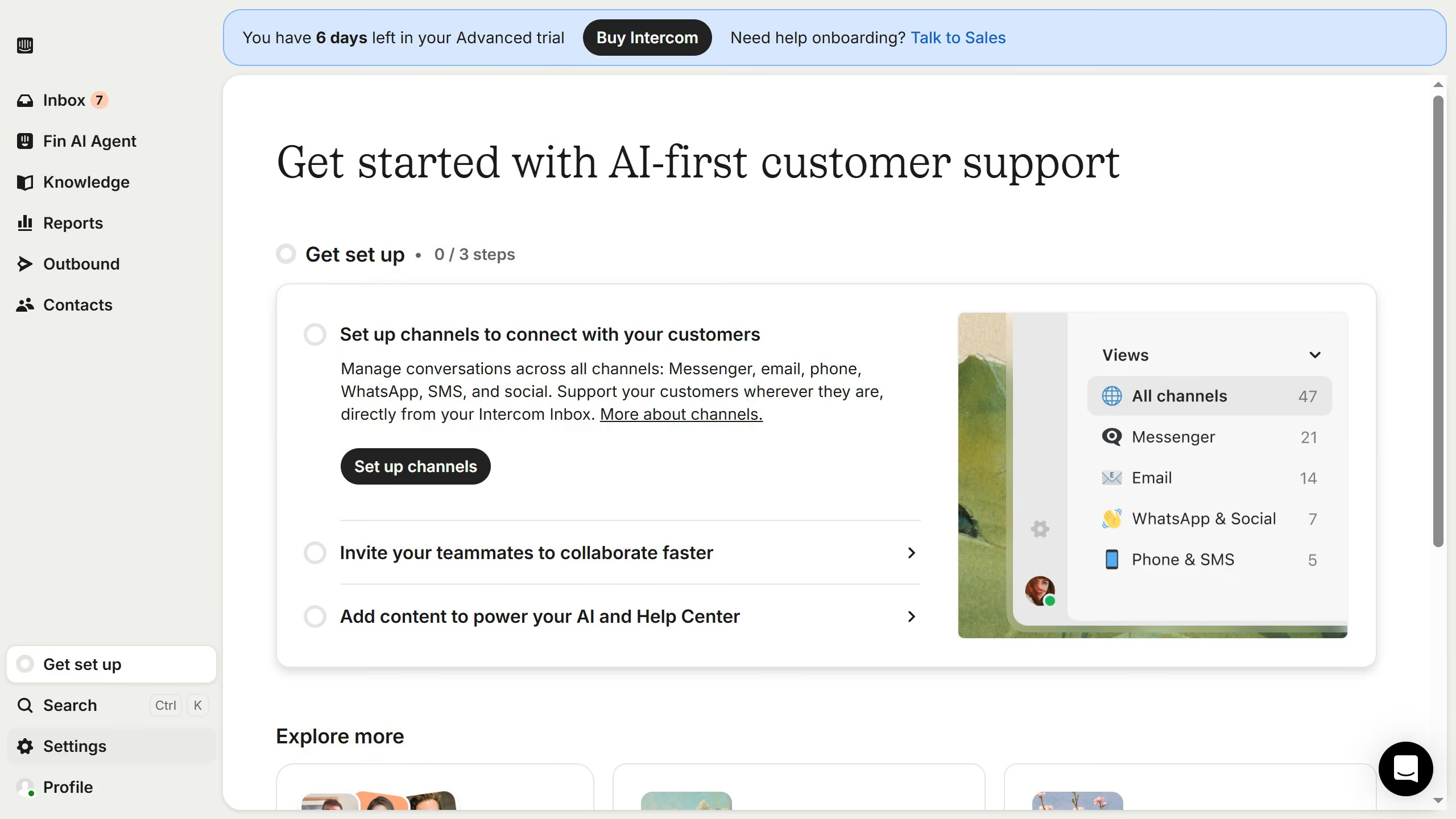
Here is how to pin custom inbox views on intercom
- First click on "Inbox" in the left sidebar
- Then click on "Views" in the left sidebar
- Finally click on the pin icon next to the view that you want to pin in the left sidebar


Create your own interactive guide with Guideflow
Intercom streamlines customer communication by integrating messaging tools into a single platform.
Pinning custom inbox views on Intercom allows users to tailor their workflow, enhancing efficiency by keeping the most relevant conversations readily accessible.
This feature not only organizes workspaces but also boosts productivity, ensuring critical messages are always at your fingertips. With quick access to priority interactions, teams can respond more promptly to customer needs.
Ultimately, it enhances the customer service experience, building stronger, more responsive connections.
Why leading companies build with Guideflow