Intercom
Intercom is a customer messaging platform that enables businesses to provide live chat, automation, and support.
Website
Industry
Support
Share this article:

How to not include conversation history in replies in Intercom

Here is how to not include conversation history in replies in intercom

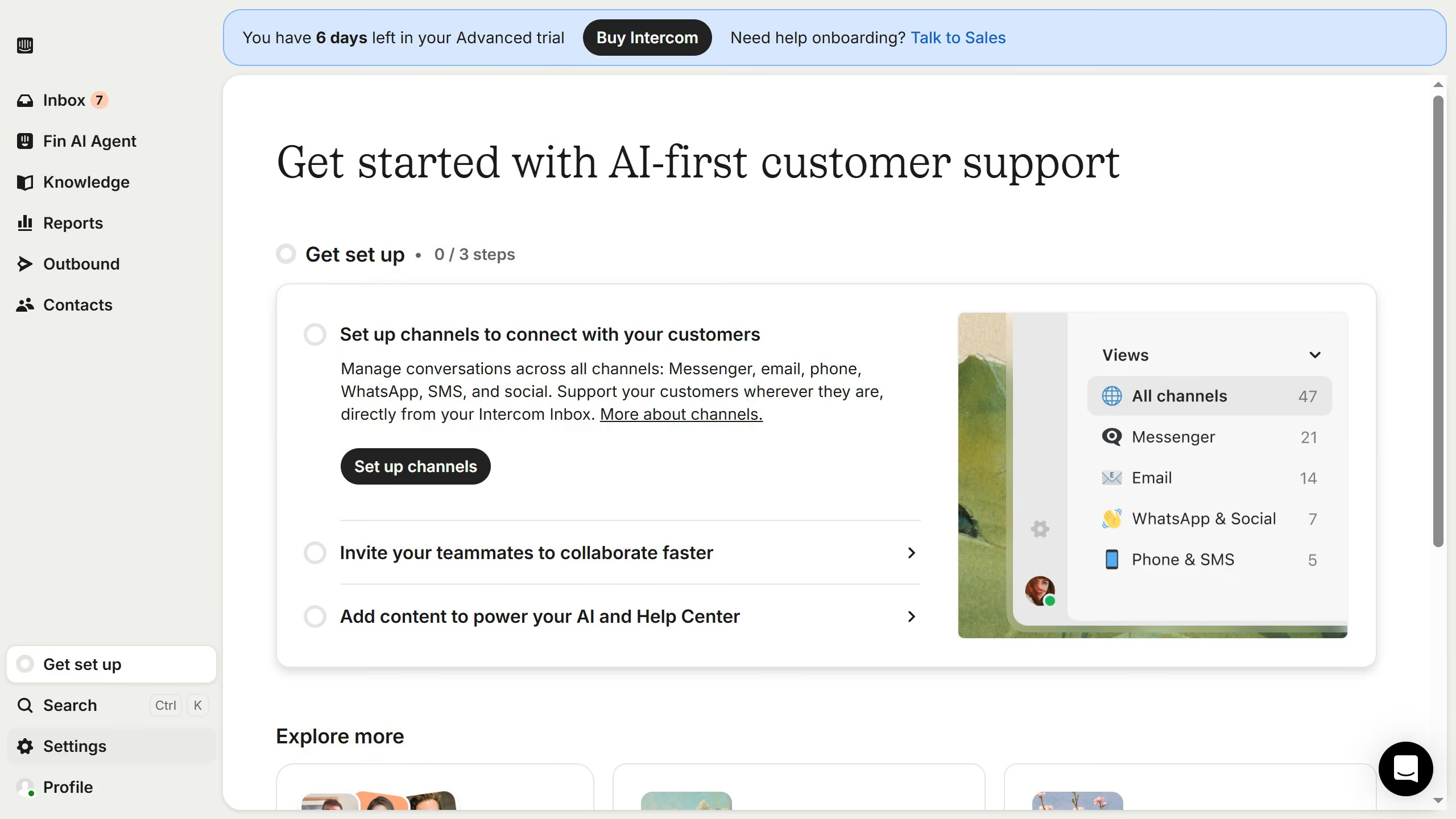
  1. First click on the gear icon in the left sidebar
  2. Then click on "Channels" in the sidebar menu
  3. Next, click on "Email" under the Channels section
  4. Then click on "Email settings" in the main content area
  5. Finally, toggle the switch OFF for "Include conversation history"

Create your own interactive guide with Guideflow

Why should you not include conversation history in replies in Intercom

Intercom is a leading communication platform designed to enhance customer engagement through streamlined messaging solutions.

The feature of excluding conversation history in replies within Intercom enhances message clarity and focus. By sharing only the most relevant information, your responses become clear and concise.

This approach not only improves the recipient's understanding but also aids in maintaining a clean and organized communication thread. It also ensures that sensitive or irrelevant previous exchanges are not inadvertently shared.

Last update
July 14, 2026
Cursor MariaA cursor points to a button labeled "James."

Loo oma esimene demo vähem kui 30 sekundiga.