Intercom
Intercom is a customer messaging platform that enables businesses to provide live chat, automation, and support.
Website
Industry
Support
Share this article:

How to mark auto responders as spam in Intercom

Here is how to mark auto responders as spam in intercom

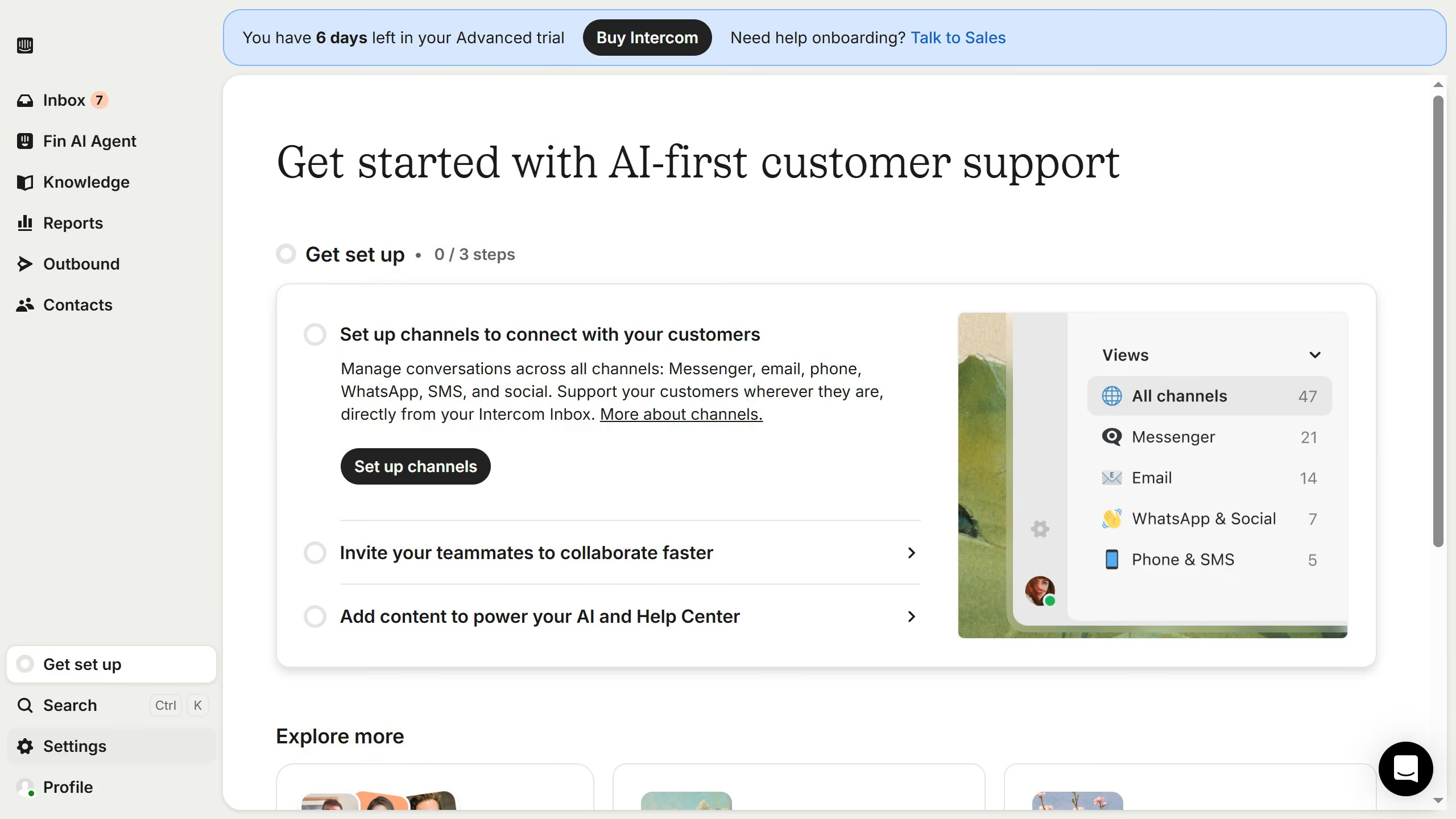
  1. First click on the "Settings" button in the left sidebar
  2. Then click on "Channels" in the left sidebar
  3. Next click on "Email" in the left sidebar
  4. Then click on the "Email settings" tab
  5. Finally, click on the toggle switch ON to 'Mark autoresponder email'

Create your own interactive guide with Guideflow

Why should you mark auto responders as spam in Intercom

Intercom is a comprehensive customer communication platform designed to streamline interactions and enhance user engagement.

In Intercom, the ability to mark auto responders as spam empowers you to maintain a clear and organized workspace. By tagging unwanted automated messages, you ensure your focus stays on real customer interactions.

This feature is especially beneficial for keeping your communication channels clutter-free and improving response times. It helps prioritize meaningful conversations, ultimately contributing to a better customer experience and more efficient workflow.

Last update
July 14, 2026
Cursor MariaA cursor points to a button labeled "James."

Loo oma esimene demo vähem kui 30 sekundiga.