Make
Make is a no-code automation platform for teams to connect apps, build workflows, and automate repetitive tasks across business processes
Website
Industry
Collaboration
Share this article:

How to manage a regular interval running schedule of a Zapier scenario in Make

Here is how to manage a regular interval running schedule of a zapier scenario in make

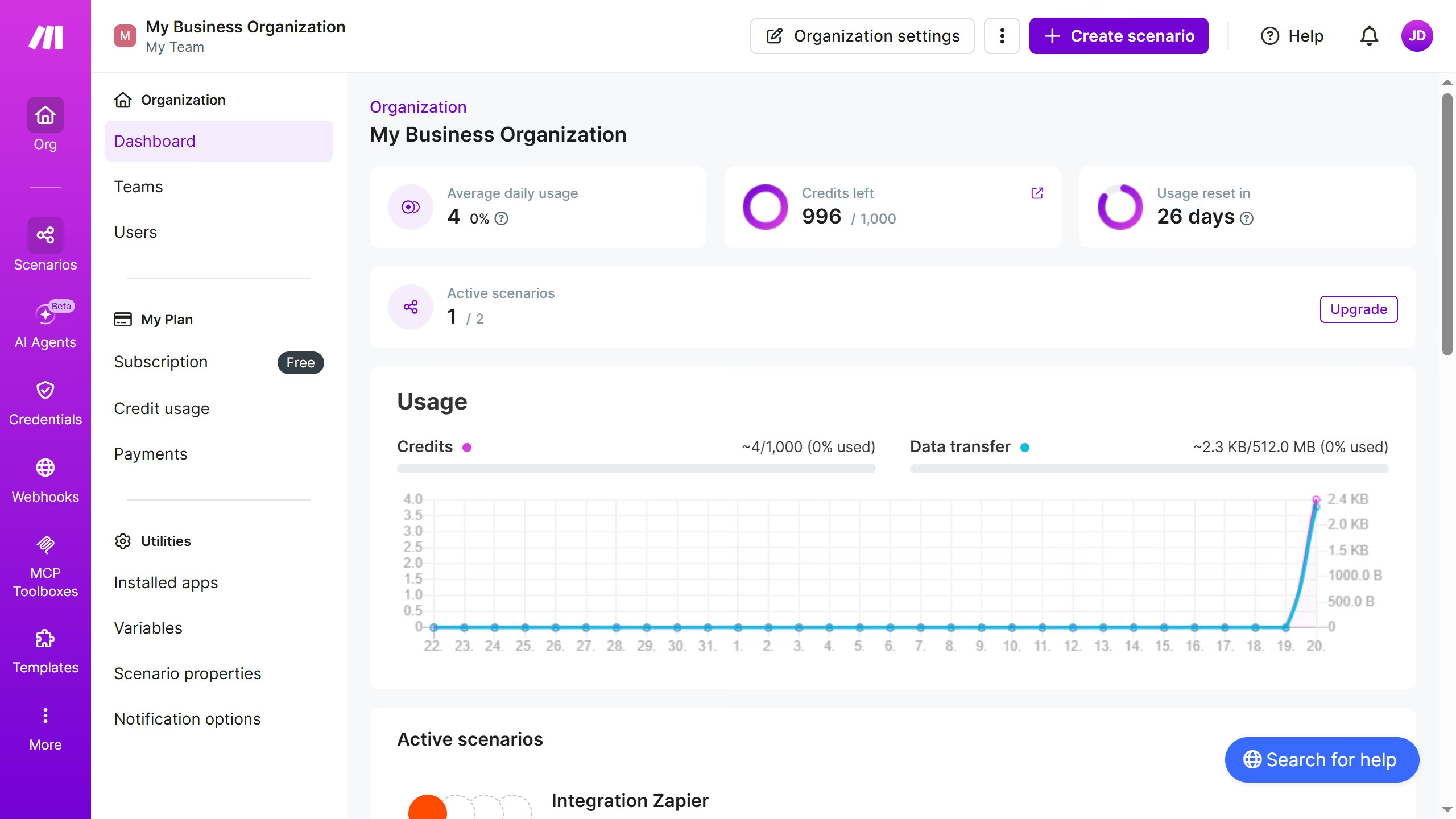
  1. First click on "Scenarios" button in the sidebar
  2. Then click on the Zapier scenario
  3. Next click on the "Options" button in the scenario header
  4. Then select "Scheduling" from the dropdown menu
  5. Click on the "Run scenario" dropdown in the "Schedule settings" modal
  6. Then select "At regular intervals" from the schedule options
  7. Finally click on the "Save" button

Create your own interactive guide with Guideflow

Why should you manage a regular interval running schedule of a Zapier scenario in Make

Make is a dynamic platform designed to streamline workflow automation effortlessly.

Managing a regular interval running schedule of a Zapier scenario in Make allows users to automate tasks consistently without manual intervention. This feature ensures that your automated processes occur at predetermined times, optimizing efficiency and time management.

By strategically scheduling scenarios, businesses can enhance productivity and ensure that critical tasks are performed precisely when needed, reducing errors and increasing operational accuracy.

Last update
July 14, 2026
Cursor MariaA cursor points to a button labeled "James."

Loo oma esimene demo vähem kui 30 sekundiga.