Salesforce
Salesforce is an enterprise CRM for sales, marketing, and customer success teams.
Website
Industry
CRM
Share this article:

How to link Salesforce to Outlook

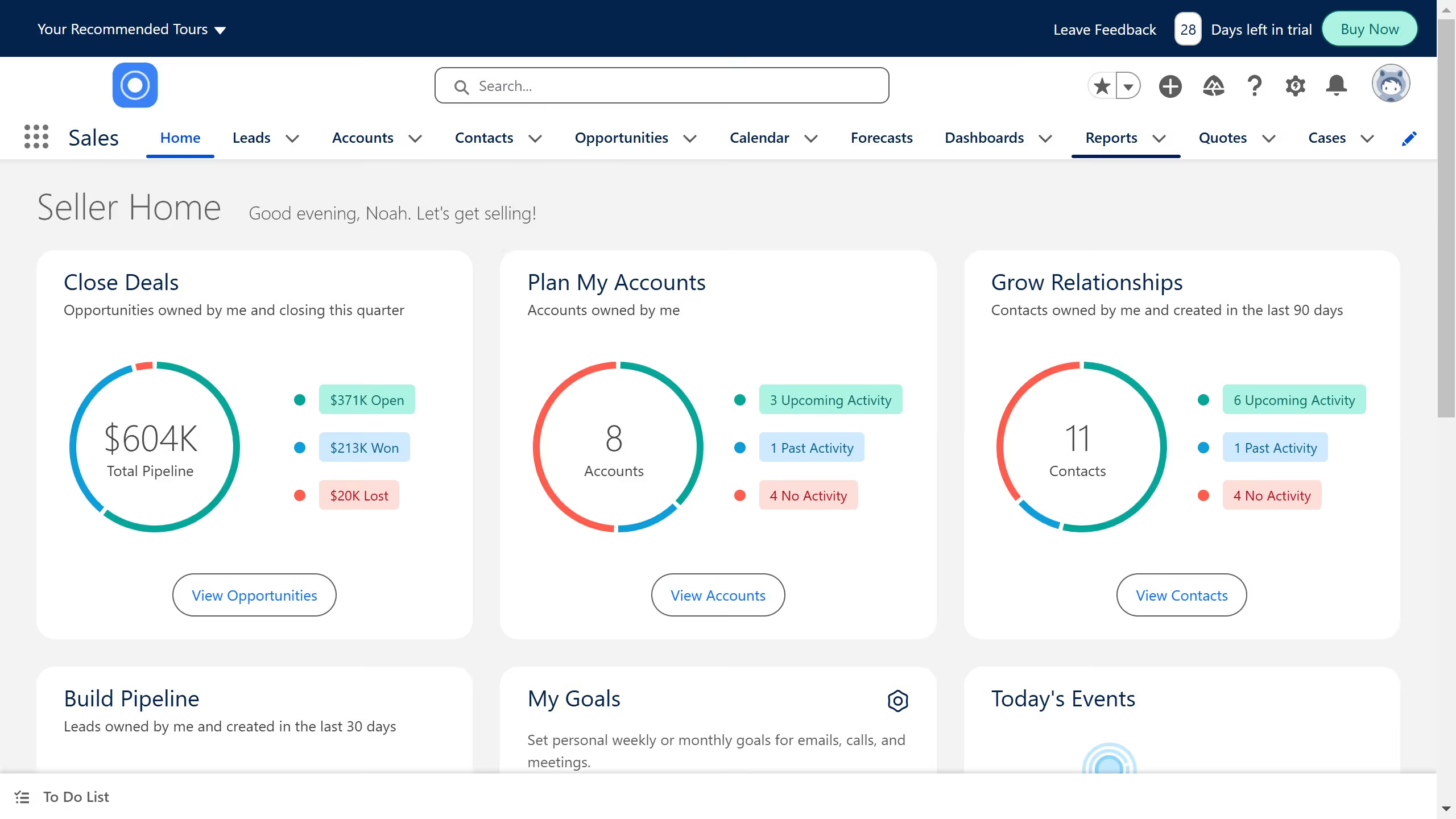
Here is how to link salesforce to outlook

  1. First click on the "Quick Find" search box in the left sidebar
  2. Then type "outlook" in the search field
  3. Next click on "Outlook Integration and Sync" in the search results
  4. Click the toggle switch next to "Outlook Integration" to enable it
  5. Click "Microsoft AppSource" link in the integration settings
  6. Click "Confirm" button in the redirect confirmation dialog
  7. Click the "Get it now" button on the Salesforce app page
  8. Enter your email address in the sign-in form
  9. Finally click the "Sign in" button to complete the process

Create your own interactive guide with Guideflow

Why should you link Salesforce to Outlook

Salesforce is a powerful customer relationship management (CRM) tool designed to help businesses streamline operations and enhance customer interactions.

Linking Salesforce to Outlook enables seamless integration between your email communications and CRM system, keeping your workflow smooth and uninterrupted.

With this connection, users can effortlessly sync emails, calendar events, and tasks, ensuring all crucial information is consistently at their fingertips.

This integration boosts productivity, enhances collaboration, and ensures you never miss an important client interaction.


Last update
July 14, 2026
Cursor MariaA cursor points to a button labeled "James."

Loo oma esimene demo vähem kui 30 sekundiga.