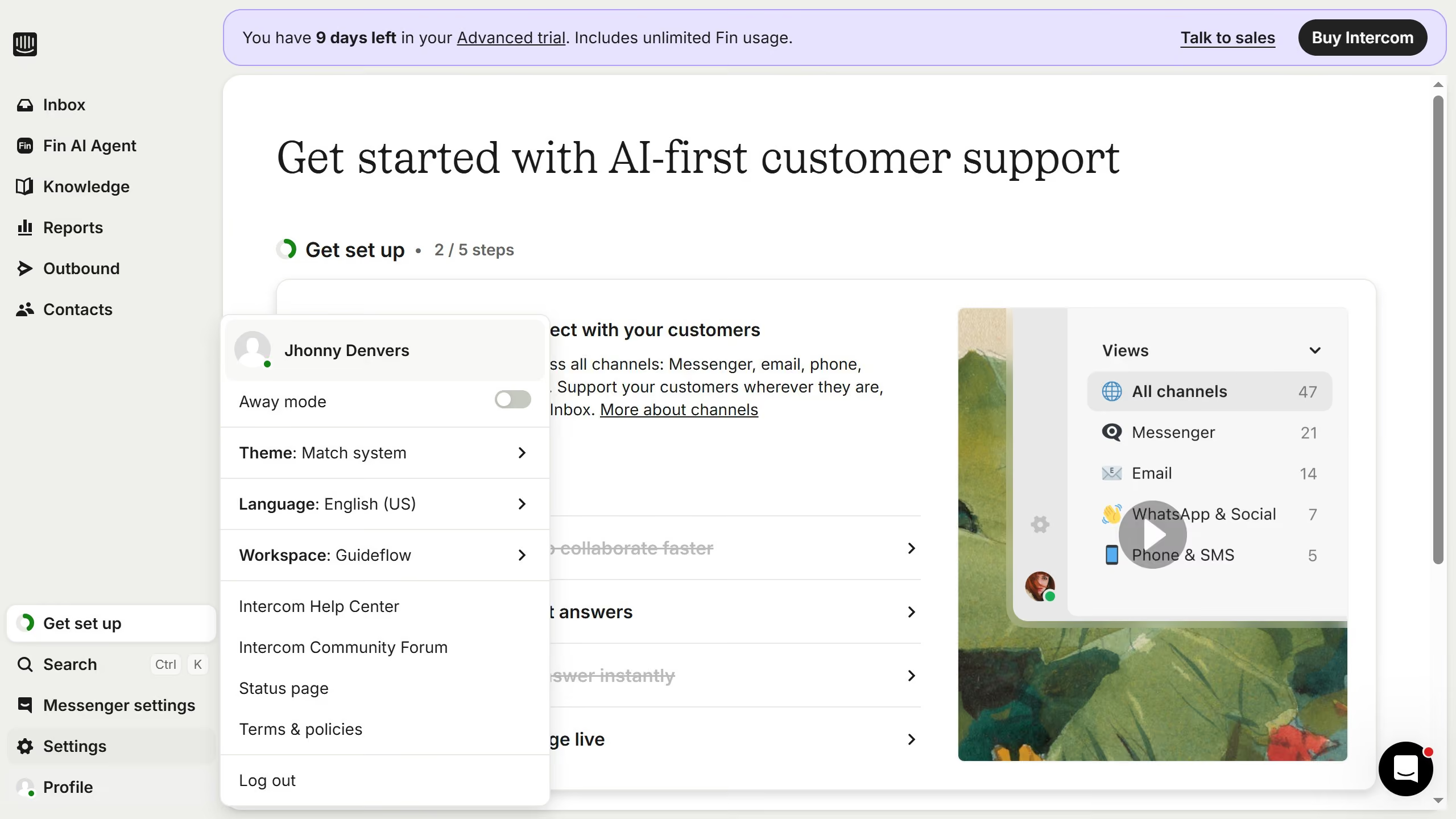
Here is how to insert link to an image in an internal article on intercom
- First, click on "Knowledge" in the left sidebar
- Then, click on the article title in the main content area
- Next, click on the edit icon to edit the article
- In the article editor, click on the image
- Then, click on the link icon that appears above the image
- After that, enter a link in the input field and press Enter
- Finally, click on the "Save" button to save the changes