Here is how to insert image in an internal article on intercom
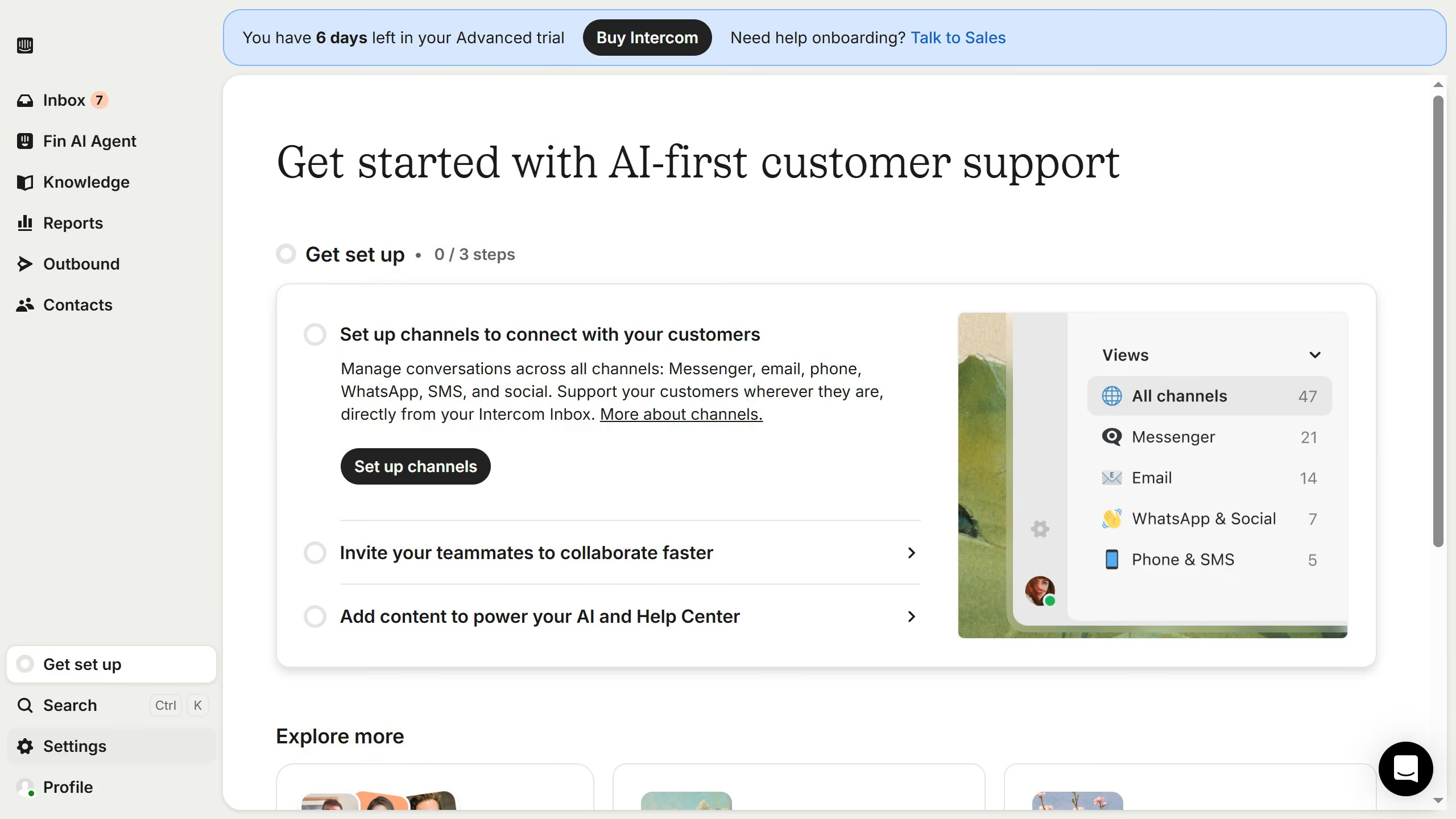
- First click on "Knowledge" item in the left sidebar
- Then click on "Articles" item in the left sidebar
- Then click on the article in the main content area
- Then click on the "Edit" button represented by a pencil icon
- Then click on the "Insert image" button and select your image
- Finally click on the "Save" button