Trello
Trello is a flexible work management tool that helps teams ideate, collaborate, organize workflows, and track progress. Its boards, lists, and cards make it easy to plan, prioritize, and manage projects in a visual and rewarding way.
Website
Industry
Collaboration
Share this article:

How to insert a list between two lists in Trello

Here is how to insert a list between two lists in trello

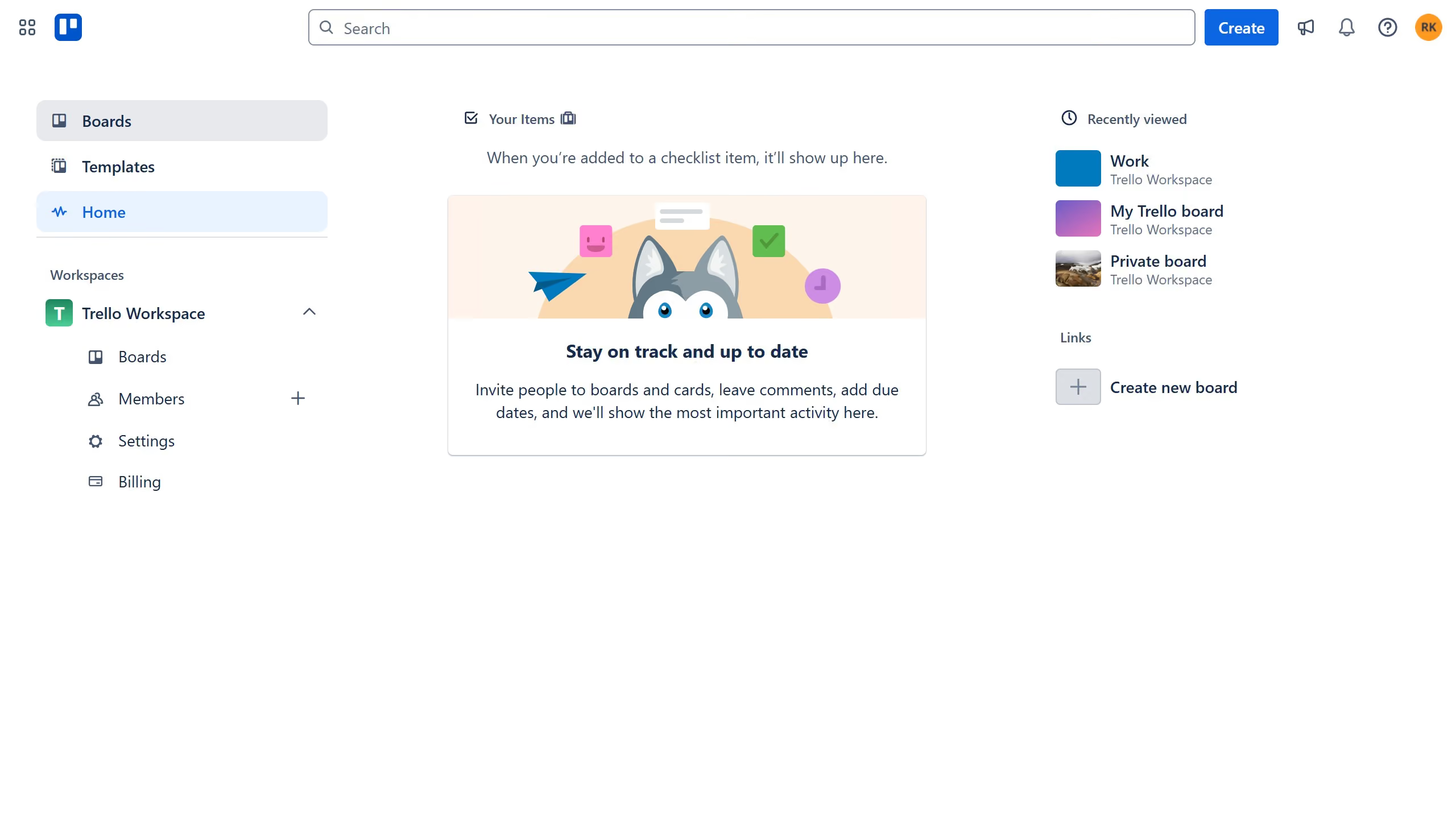
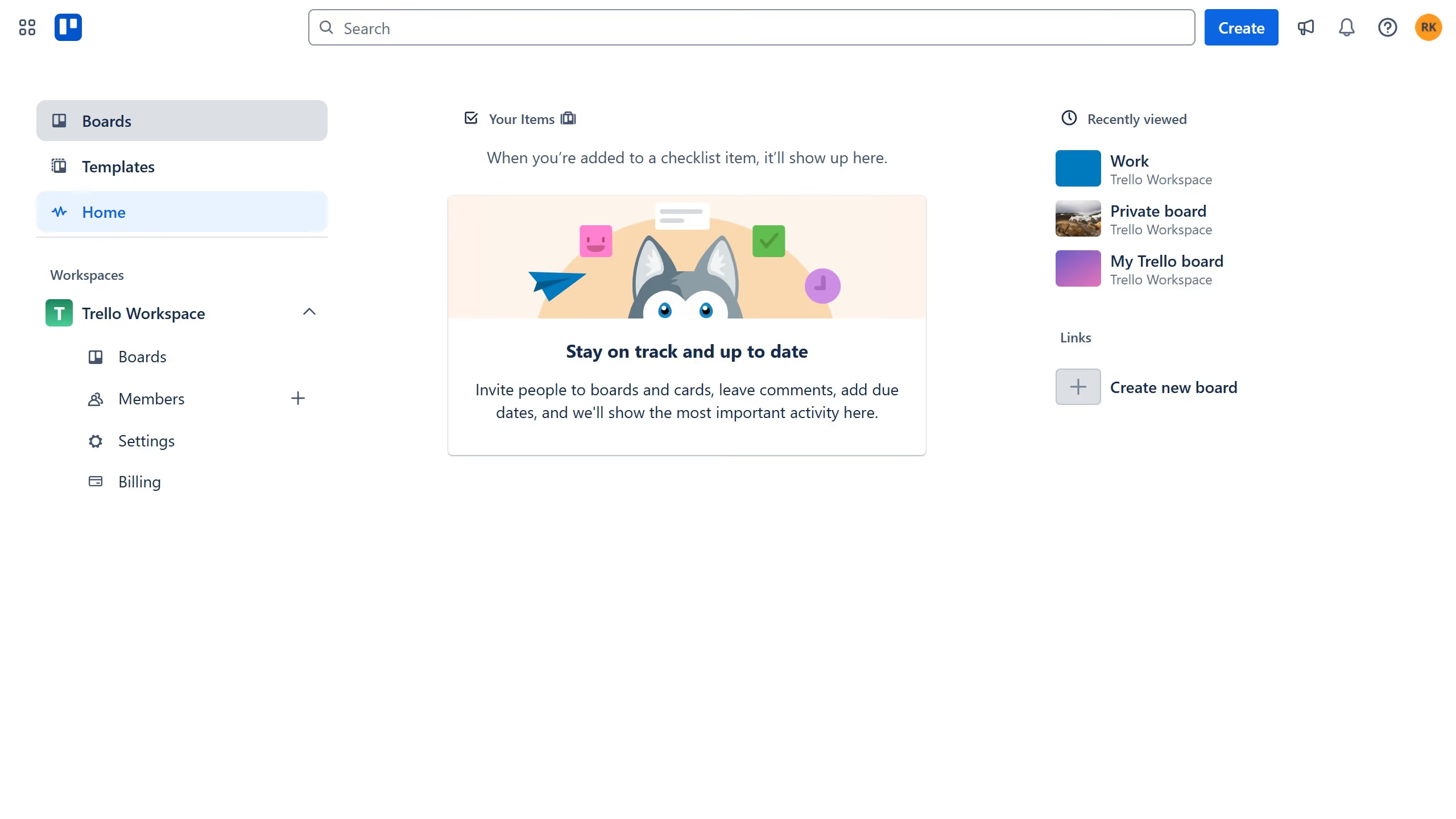
  1. First click on the "Boards" option in the left sidebar
  2. Then click on a board tile in the workspace section
  3. Next double click between the two lists
  4. Click in the "Enter list name..." input field and type in the desired name for your list
  5. Finally click "Add list" to create a new list

Create your own interactive guide with Guideflow

Why should you insert a list between two lists in Trello

Trello is a dynamic tool designed for effortless team collaboration and project management.

Inserting a list between two existing lists in Trello enhances the organization of your workflow, providing a seamless structure to manage tasks effectively.

This feature allows users to strategically position new lists, keeping related tasks grouped and maintaining a logical sequence. The benefit is a clearer overview and increased productivity, as team members can navigate tasks without confusion.

Given its intuitive nature, Trello ensures even complex projects become manageable, promoting efficiency and clarity.

Last update
July 14, 2026
Cursor MariaA cursor points to a button labeled "James."

Loo oma esimene demo vähem kui 30 sekundiga.