Make
Make is a no-code automation platform for teams to connect apps, build workflows, and automate repetitive tasks across business processes
Website
Industry
Collaboration
Share this article:

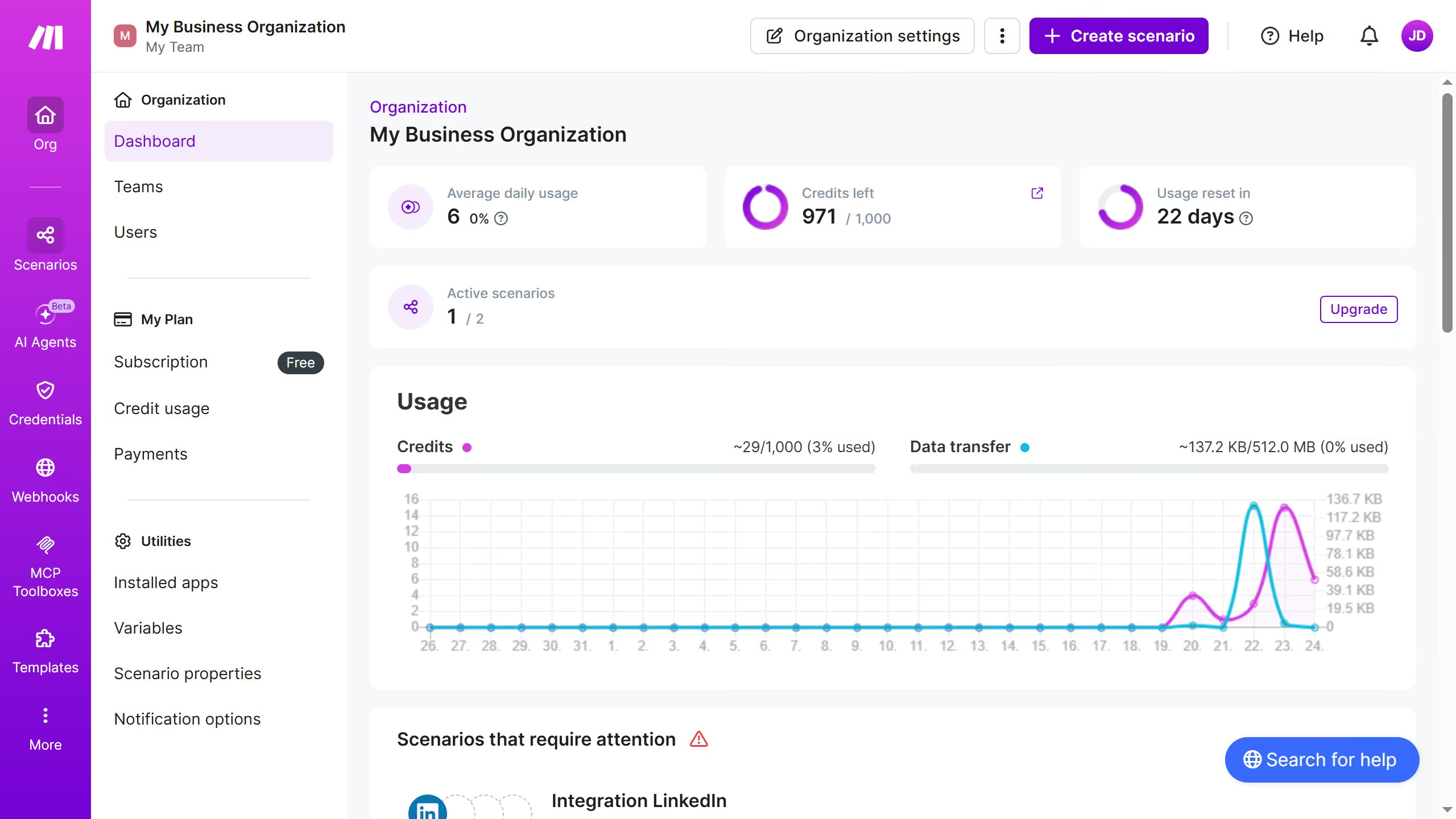
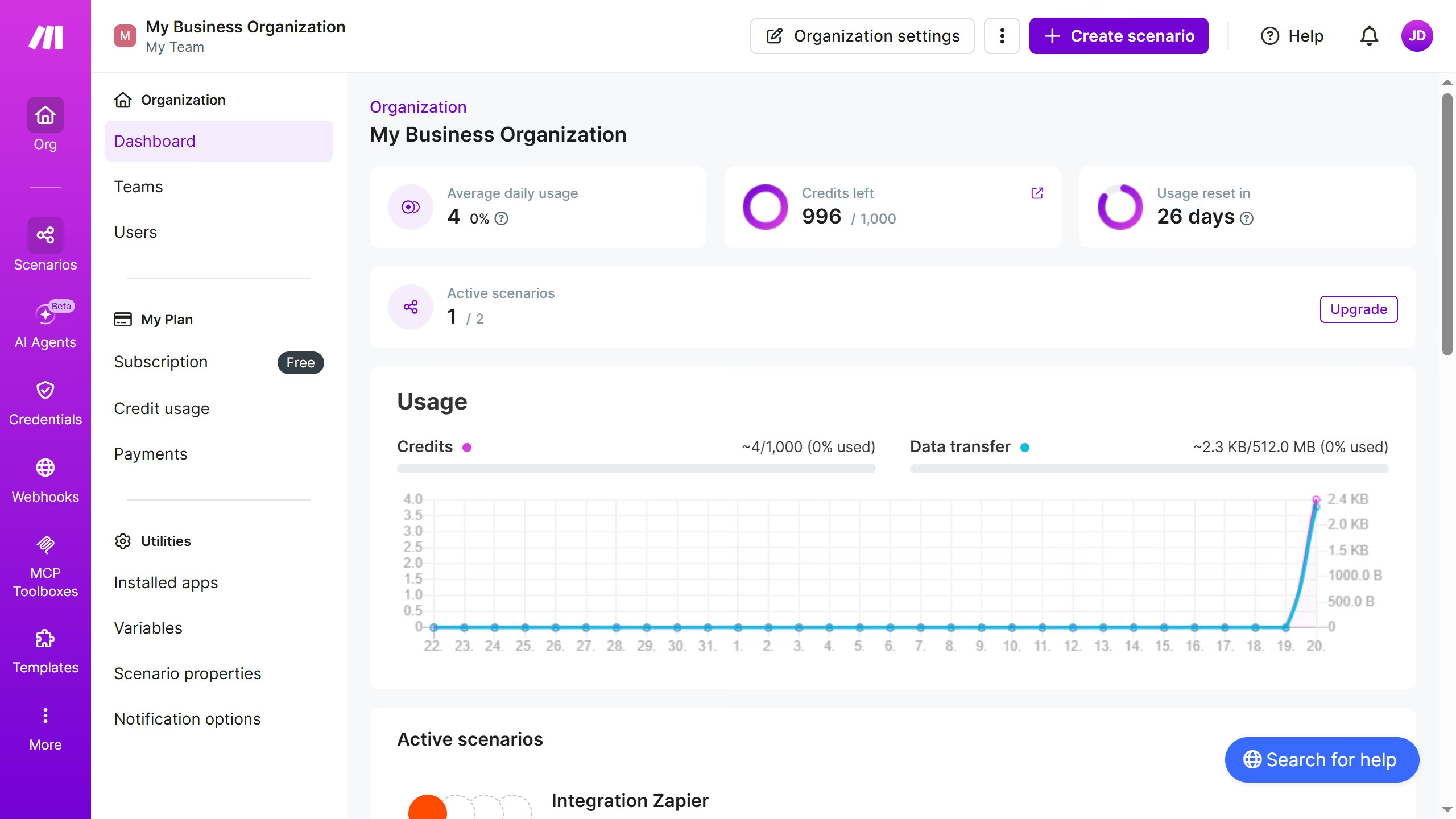
How to get email when there is a warning scenario run in Make

Here is how to get email when there is a warning scenario run in make

  1. First click on the user icon in the top right corner of the header
  2. Then click on "Profile" in the dropdown menu
  3. Next, click on "Email preferences" in the left sidebar
  4. Finally, click on the toggle switch to the left of "Warning in scenario run"

Create your own interactive guide with Guideflow

Why should you get email when there is a warning scenario run in Make

Make is an intuitive automation platform designed to integrate apps and streamline your workflows.

Receiving an email when there is a warning scenario run in Make enhances your project management by proactively alerting you of potential issues.

This feature assists in maintaining smooth operations by ensuring that no critical alerts go unnoticed, allowing for timely intervention.

By staying informed, you can minimize downtime and ensure optimal performance, all without manually monitoring each process, making your workflow both efficient and reliable.

Last update
July 14, 2026
Tutorials

Built to impress

Why leading companies build with Guideflow

More tutorials
Cursor MariaA cursor points to a button labeled "James."

Loo oma esimene demo vähem kui 30 sekundiga.