Mailerlite
MailerLite is an email marketing platform that helps businesses grow their audience, engage subscribers, and drive sales through intuitive tools for newsletters, automation, and landing pages.
Website
Industry
Email
Share this article:

How to filter subscribers by last name in Mailerlite

Here is how to filter subscribers by last name in mailerlite

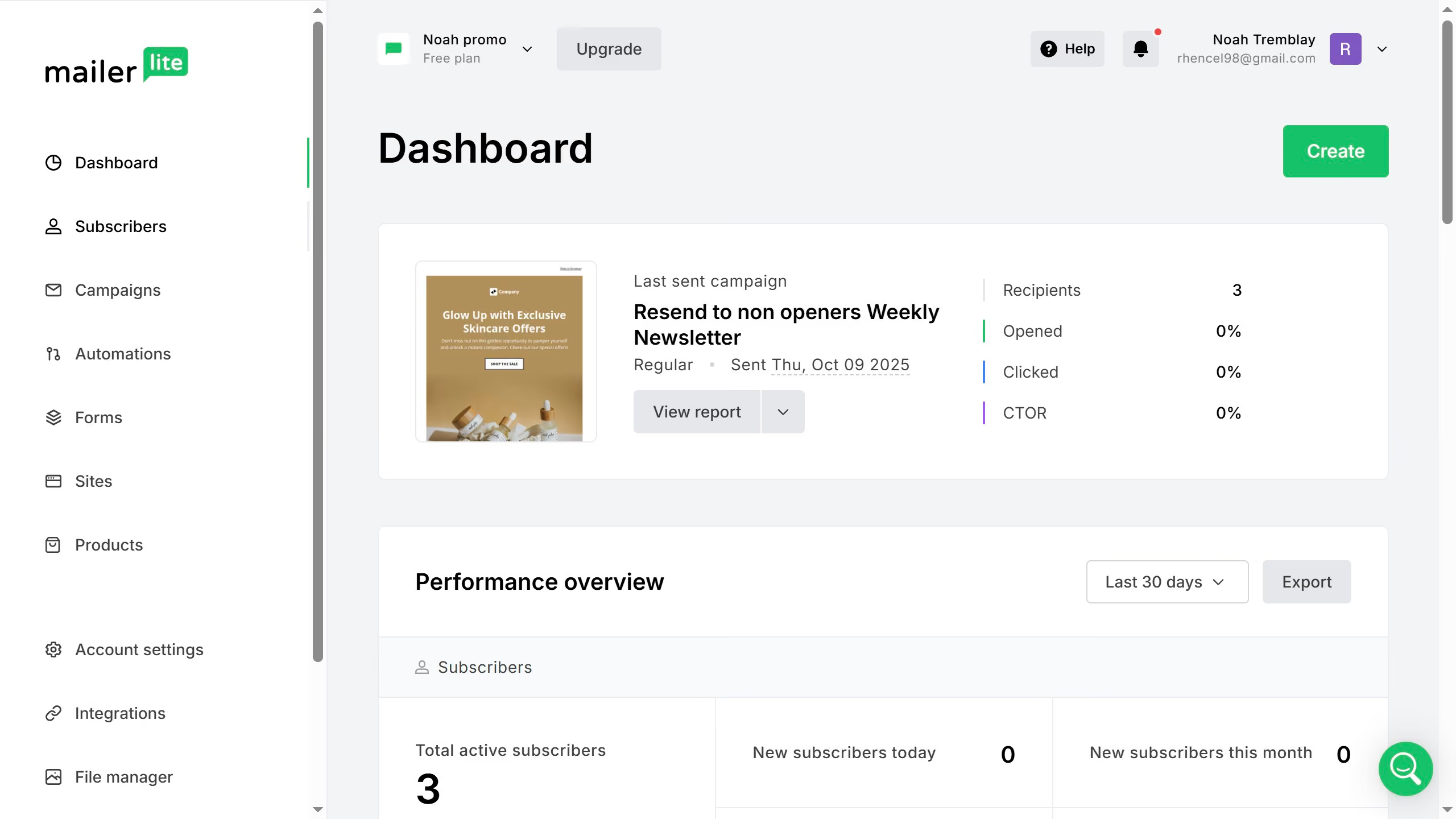
  1. First click on the "Subscribers" link in the left sidebar
  2. Click on the "Choose a filter" dropdown button in the main content area
  3. In the filter options popup, select the "Fields" option
  4. Click on "Choose a field" dropdown in the filter configuration
  5. Select "Last name" from the field options dropdown
  6. Click on "Choose an operator" dropdown in the filter settings
  7. Select your preferred operator option from the dropdown menu
  8. Click and type in the last name of the subscriber you want to filter in the text input field
  9. Click the "Apply filter" button to execute the search
  10. Finally, scroll down in the Subscribers menu to see the results of the filter

Create your own interactive guide with Guideflow

Why should you filter subscribers by last name in Mailerlite

MailerLite is a versatile email marketing platform designed to simplify subscriber communication.

The ability to filter subscribers by last name in MailerLite allows for highly organized contact management, ensuring that emails reach precisely the right segments.

This feature is invaluable for businesses aiming to provide personalized communication and targeted marketing strategies. By swiftly locating subscribers within specific sections, businesses can enhance their email campaigns' accuracy and relevance.

Ultimately, this results in improved customer engagement and more efficient marketing efforts.

Last update
July 14, 2026
Cursor MariaA cursor points to a button labeled "James."

Loo oma esimene demo vähem kui 30 sekundiga.