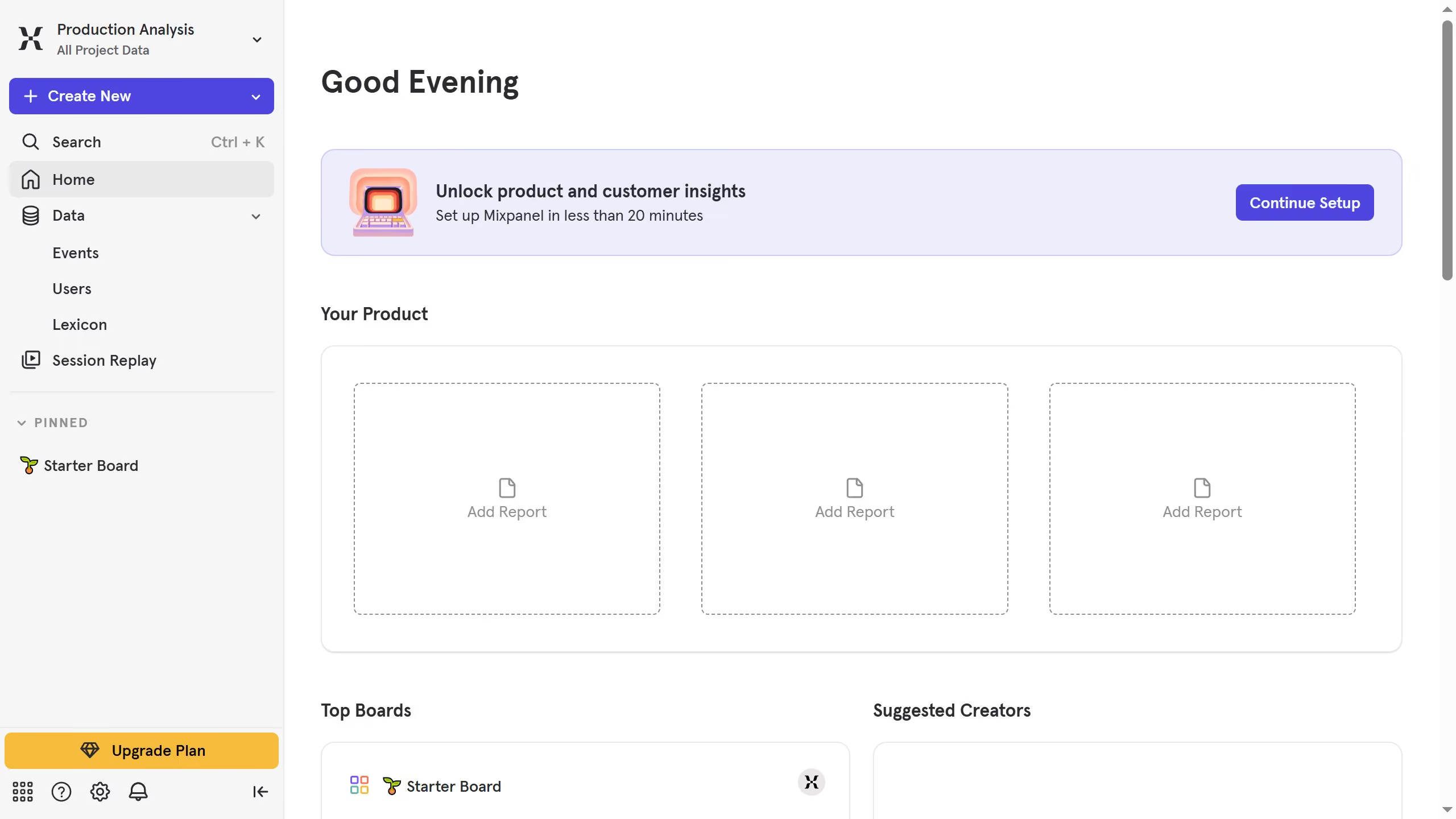
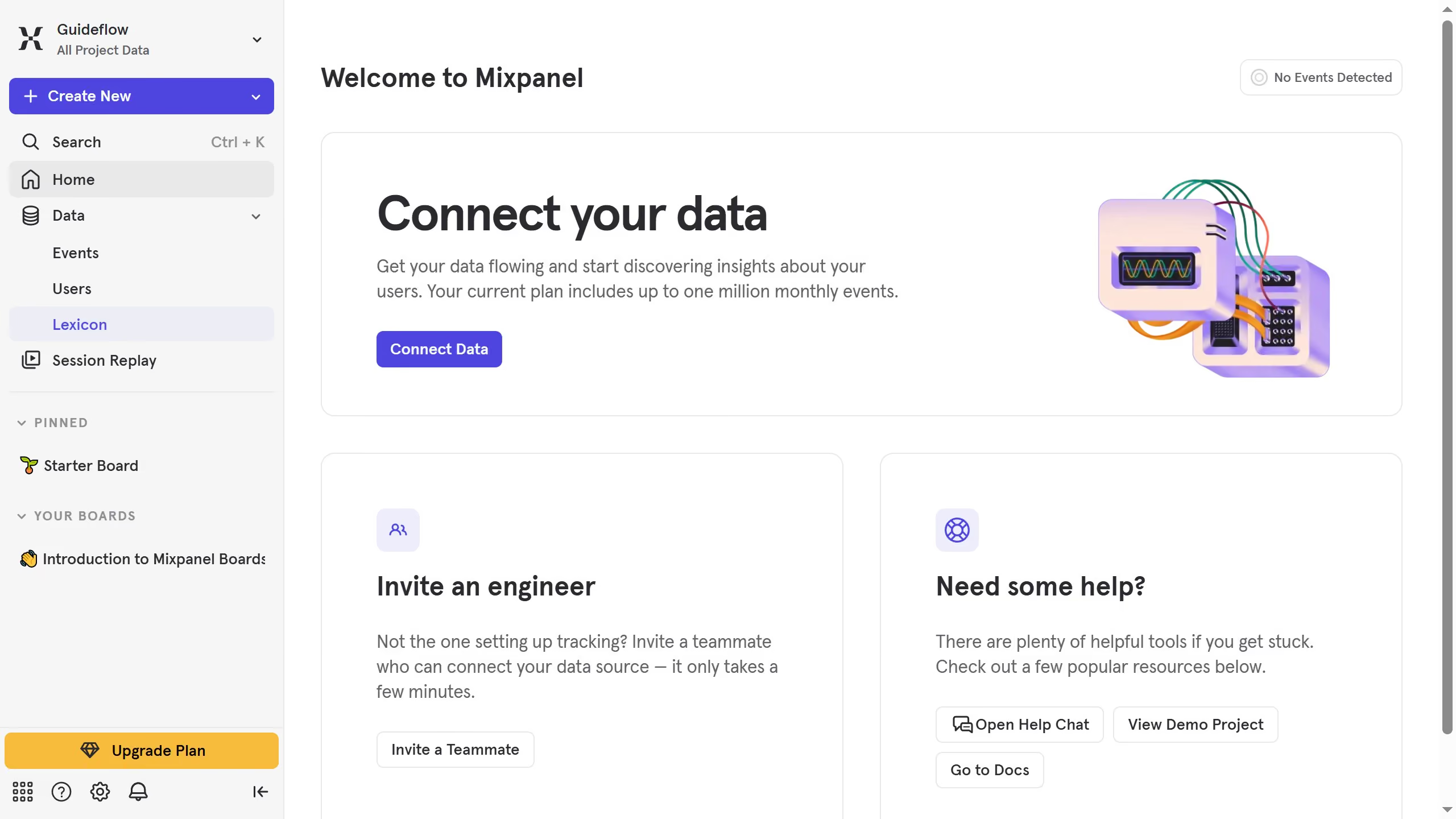
Here is how to filter metrics by metrics in mixpanel
- First, click on "Lexicon" in the left sidebar
- Next, click on "Metrics" in the left sidebar
- Then, click on the "Filter" button
- Finally, select the "Metrics" checkbox


Create your own interactive guide with Guideflow
Mixpanel is an advanced analytics platform designed to help businesses make data-driven decisions.
One of the standout features of Mixpanel is its ability to filter metrics by metrics, providing deeper insights into user behavior.
This feature allows users to refine data by applying specific conditions, leading to more precise analysis and understanding.
Ultimately, this capability empowers teams to tailor strategies effectively, resulting in improved product development and customer satisfaction.
Why leading companies build with Guideflow