Here is how to filter event properties to merged in mixpanel
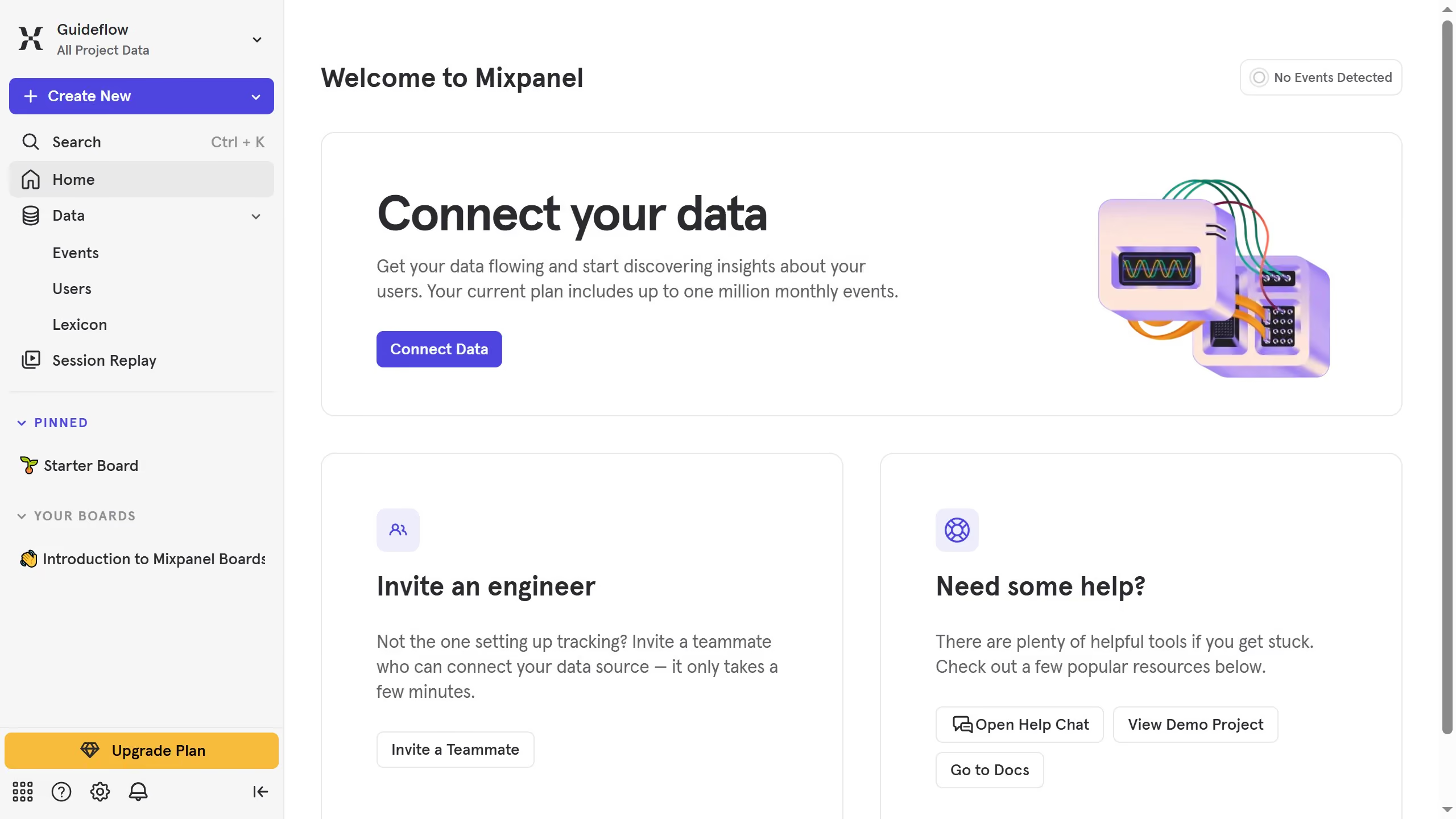
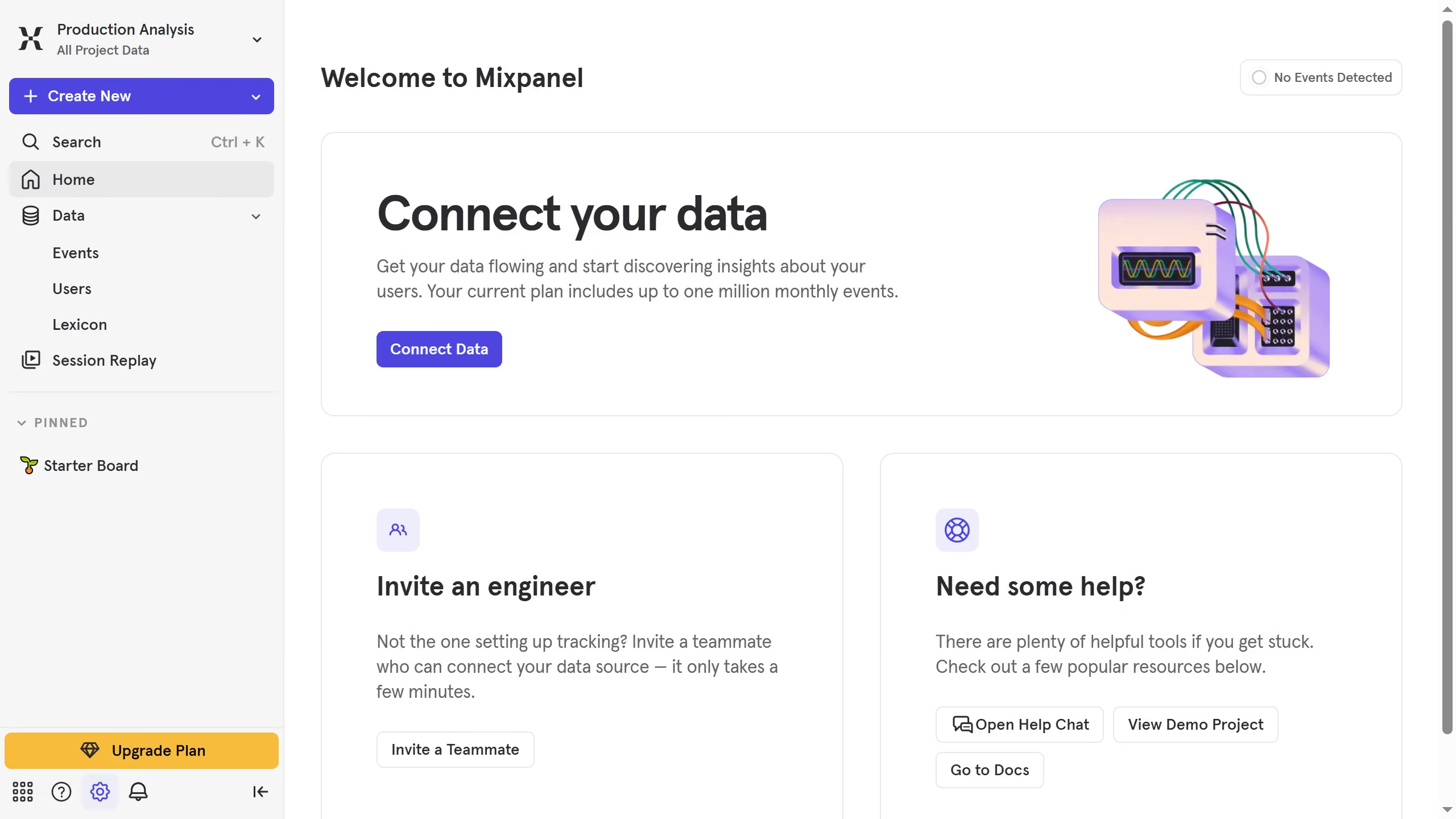
- First click on "Lexicon" in the left sidebar
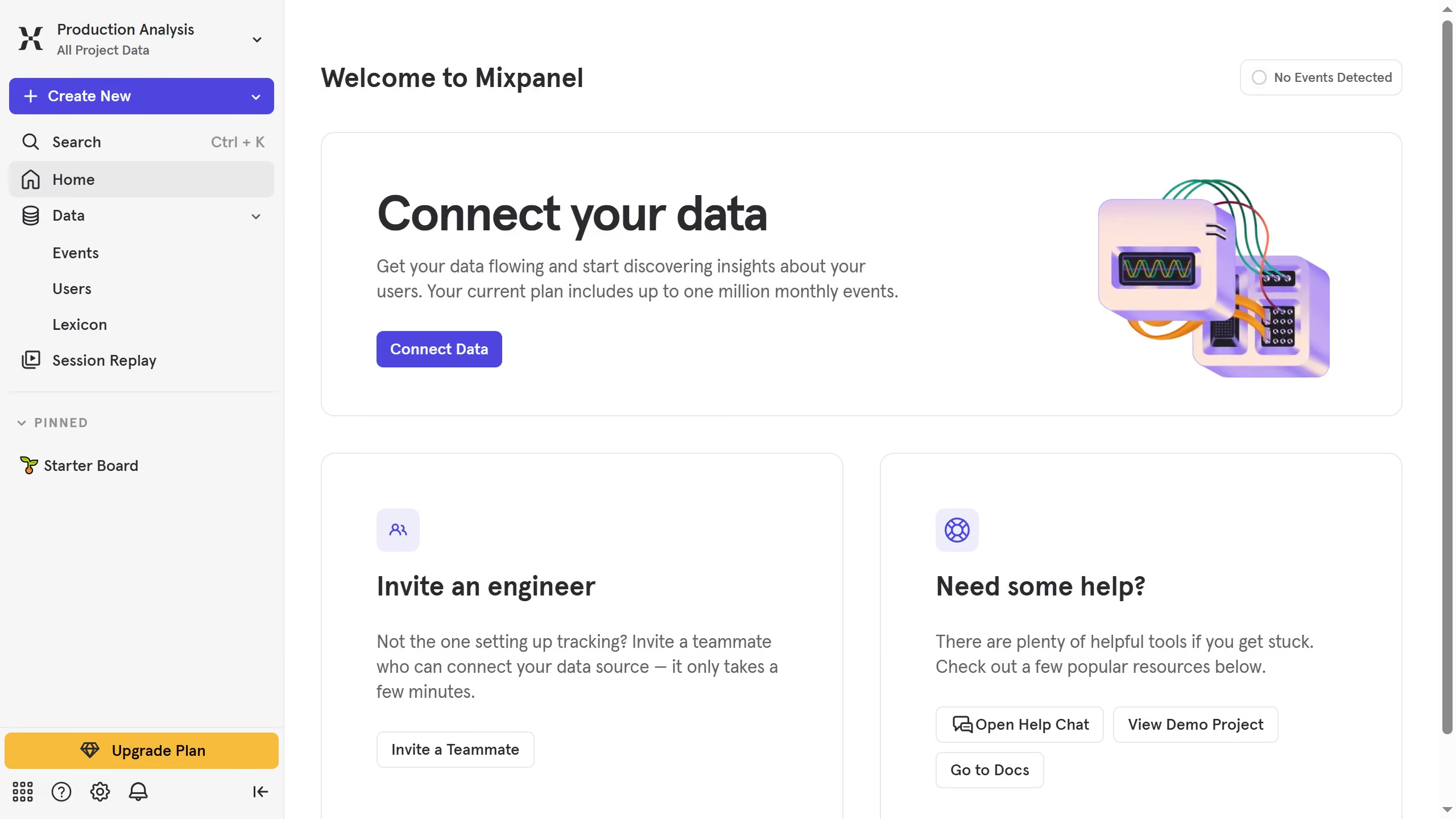
- Then click on "Event Properties" in the left sidebar
- Next click on the "Filter" button
- Finally select the "Merged" checkbox


Create your own interactive guide with Guideflow
Mixpanel is a powerful analytics platform that helps businesses understand their product and user engagement.
Filtering event properties to be merged in Mixpanel allows users to streamline data by emphasizing relevant aspects, thereby gaining clearer insights.
This feature ensures that only pertinent data points are merged, enabling teams to focus on specific metrics without clutter.
By doing so, Mixpanel users can efficiently conduct in-depth analyses, driving informed decision-making and enhancing targeted strategies.
Why leading companies build with Guideflow