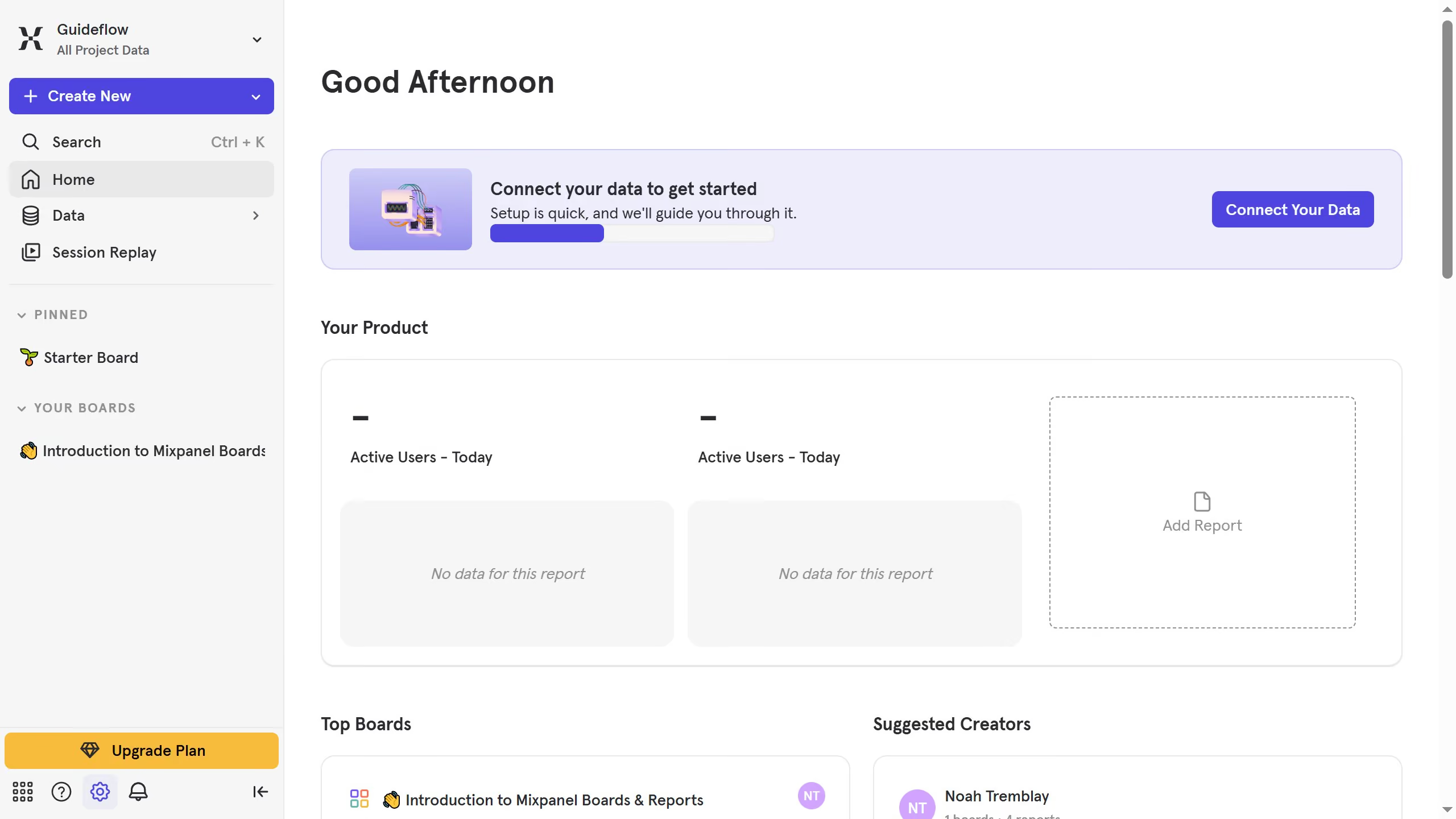
Here is how to filter event properties by your properties in mixpanel
- First click on "Lexicon" in the sidebar
- Then click on "Event Properties" in the sidebar
- Then click on the "Filter" button
- Finally select the checkbox next to "Your Properties"


Create your own interactive guide with Guideflow
Mixpanel is a powerful analytics tool designed to help businesses track user interactions and improve product experiences.
The ability to filter event properties by your properties in Mixpanel is a feature that elevates your data analysis accuracy. By applying filters specific to your parameters, you can gain insights tailored to your unique business needs.
This targeted approach enhances decision-making processes, leading to more effective strategies and improved user engagement.
Overall, it empowers you to transform data into actionable insights with precision and ease.
Why leading companies build with Guideflow