Confluence
Confluence is a team workspace platform for companies to create, organize, and collaborate on documents, project plans, and internal knowledge in one shared place.
Website
Industry
Collaboration
Share this article:

How to filter apps by the Archiving use case in the Confluence Marketplace

Here is how to filter apps by the archiving use case in the confluence marketplace

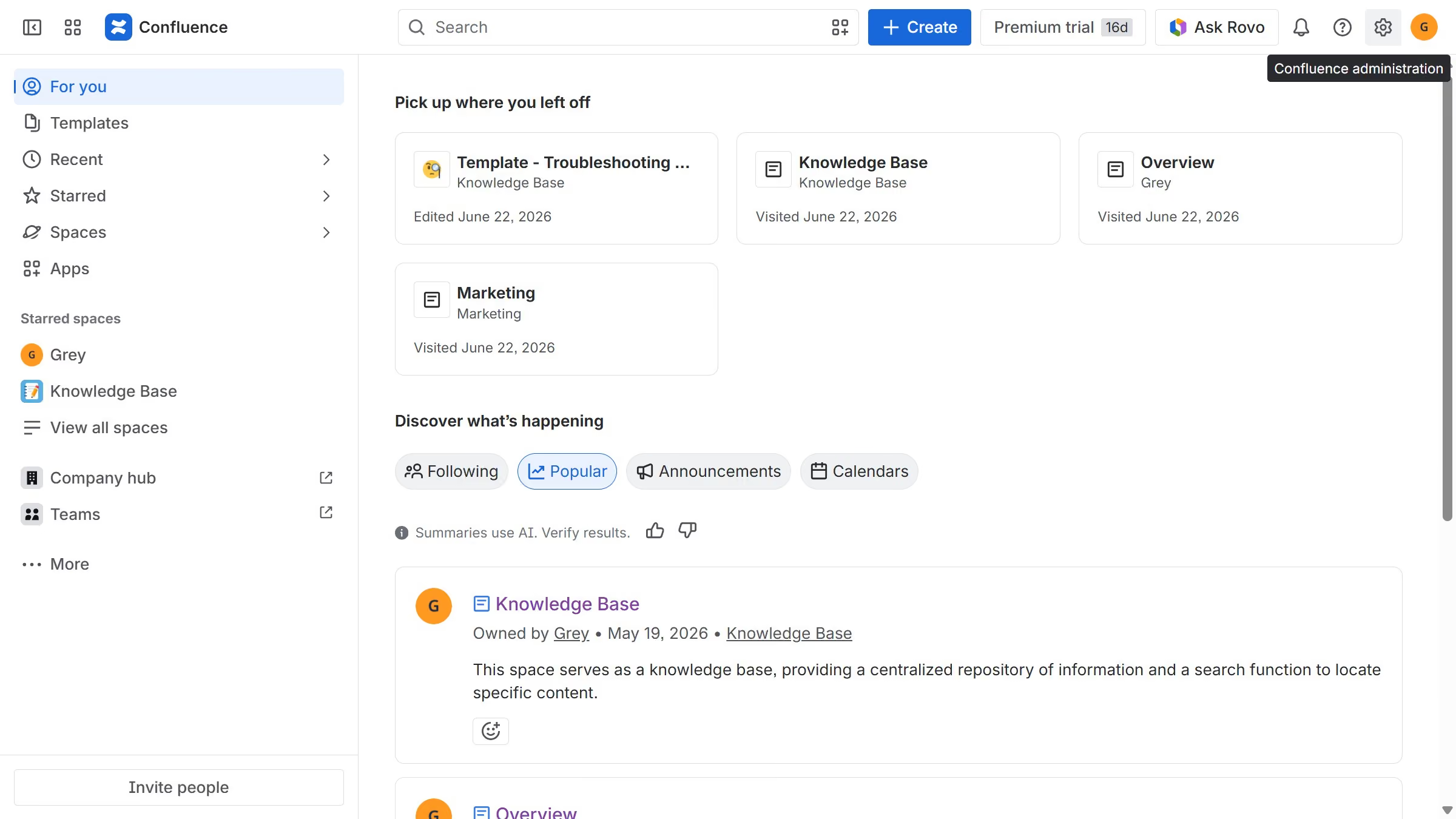
  1. First click on the "Apps" in the left sidebar
  2. Next, click on the "Explore more apps" option
  3. Click on the "Use cases" filter in the top menu bar
  4. Then, select the "Archiving" checkbox

Create your own interactive guide with Guideflow

Why should you filter apps by the Archiving use case in the Confluence Marketplace

Confluence is a dynamic, collaborative workspace designed to keep teams and projects aligned.

In the Confluence Marketplace, filtering apps by the Archiving use case is a breeze, offering a path to seamlessly manage your documentation lifecycle.

By honing in on archiving-focused apps, you can streamline your workspace, ensuring that only the most relevant documents are front and center, boosting productivity and clarity.

These tools enhance organizational efficiency by neatly tidying away outdated content, aiding in compliance and maintaining an uncluttered digital environment.

Last update
July 14, 2026
Cursor MariaA cursor points to a button labeled "James."

Loo oma esimene demo vähem kui 30 sekundiga.