n8n
n8n is a workflow automation platform for technical teams to connect apps, APIs, and AI tools, automate complex workflows, and build integrations with the flexibility of code and the speed of no-code.
Website
Industry
Collaboration
Share this article:

How to filter a column by equals in n8n

Here is how to filter a column by equals in n8n

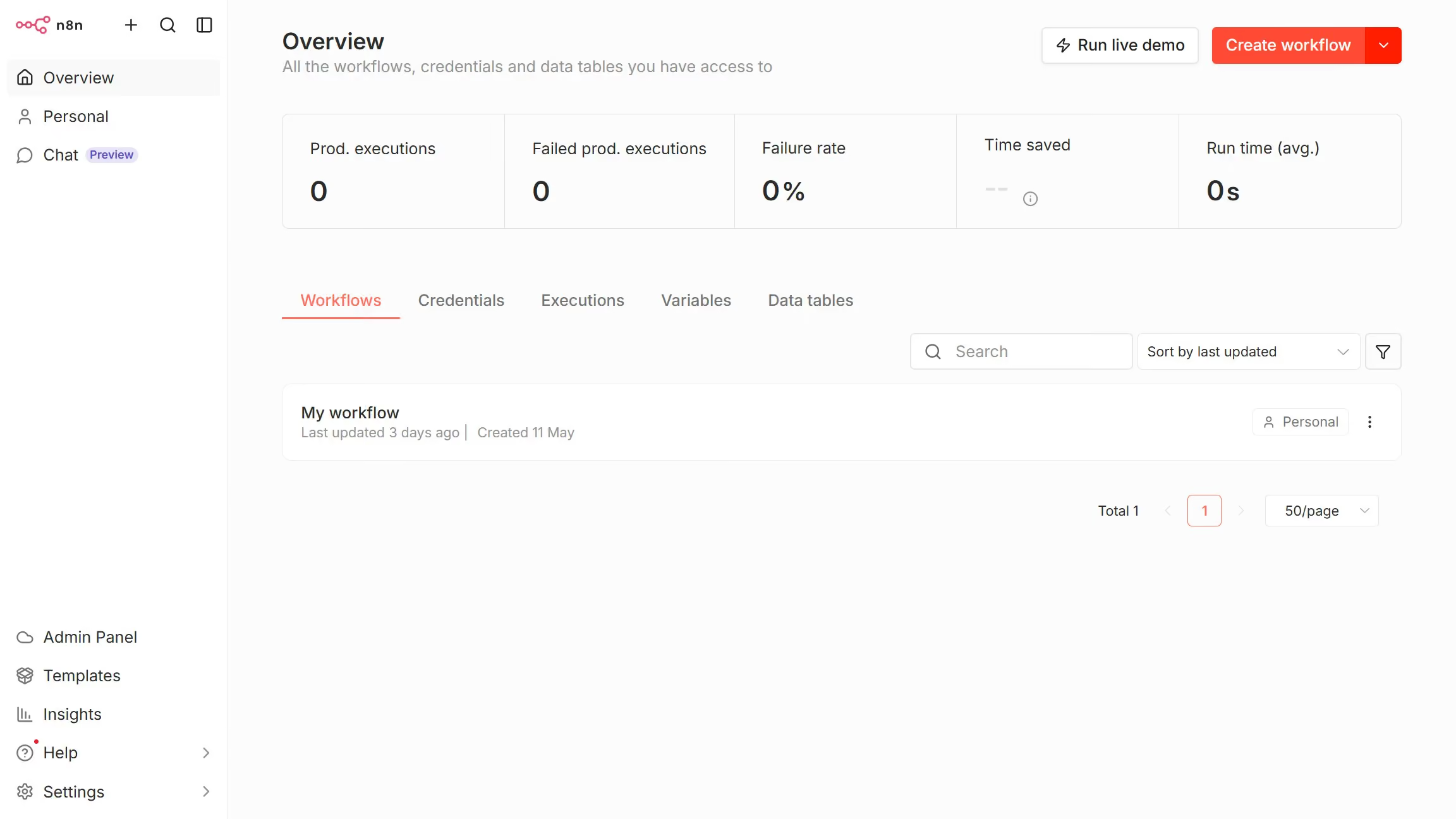
  1. Then click on "Personal" link in the left sidebar.
  2. Then click on "Data tables" tab.
  3. Next open the data table you want to filter.
  4. Then click the filter icon for the column you want to filter.
  5. Next click on the filter condition dropdown.
  6. Then select "Equals" from the available options.
  7. Finally enter your filter criteria in the "Filter..." input field.

Create your own interactive guide with Guideflow

Why should you filter a column by equals in n8n

n8n is a dynamic automation tool designed to streamline workflows and enhance productivity.

Filtering a column by equals in n8n offers a straightforward way to sift through data, ensuring you access precise information effortlessly.

This feature is particularly beneficial for those seeking to target specific data points, enabling you to make informed decisions quickly.

By using this filter, you maintain cleaner data sets, optimize processes, and achieve more accurate analysis with minimal effort.

Last update
July 14, 2026
Cursor MariaA cursor points to a button labeled "James."

Loo oma esimene demo vähem kui 30 sekundiga.