Intercom
Intercom is a customer messaging platform that enables businesses to provide live chat, automation, and support.
Website
Industry
Support
Share this article:

How to enable email notifications for conversation updates in Intercom

Here is how to enable email notifications for conversation updates in intercom

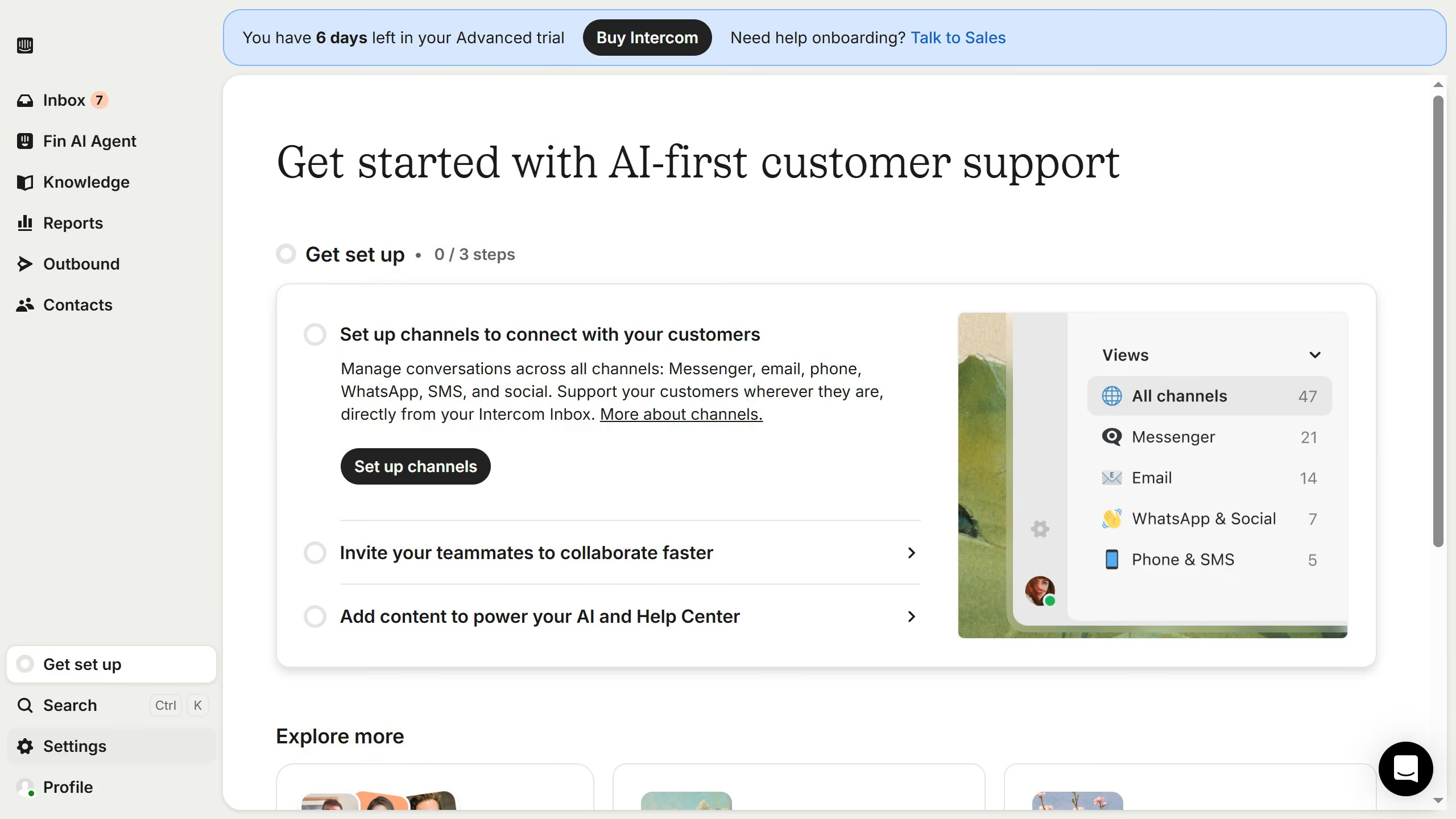
  1. First click on "Settings" in the left sidebar
  2. Then click on "Channels" in the left sidebar
  3. Next click on "Email" under the "Messenger" section in the left sidebar
  4. Then click on the "Email settings" tab
  5. Finally, toggle the switch ON for "Conversation updates"

Create your own interactive guide with Guideflow

Why should you enable email notifications for conversation updates in Intercom

Intercom is a powerful communication platform designed to enhance customer interactions and support.

Enabling email notifications for conversation updates in Intercom ensures that you stay informed and connected with your customers, even when you're not logged into the platform.

This feature allows you to keep track of important updates, respond promptly, and maintain customer engagement efficiently.

Ultimately, it streamlines communication, boosts responsiveness, and enhances the overall customer service experience.

Last update
July 14, 2026
Cursor MariaA cursor points to a button labeled "James."

Loo oma esimene demo vähem kui 30 sekundiga.