Mural
Mural is a visual collaboration platform for brainstorming, planning, and running remote workshops on a shared canvas.
Website
Industry
Design
Share this article:

How to duplicate images in Mural

Here is how to duplicate images in mural

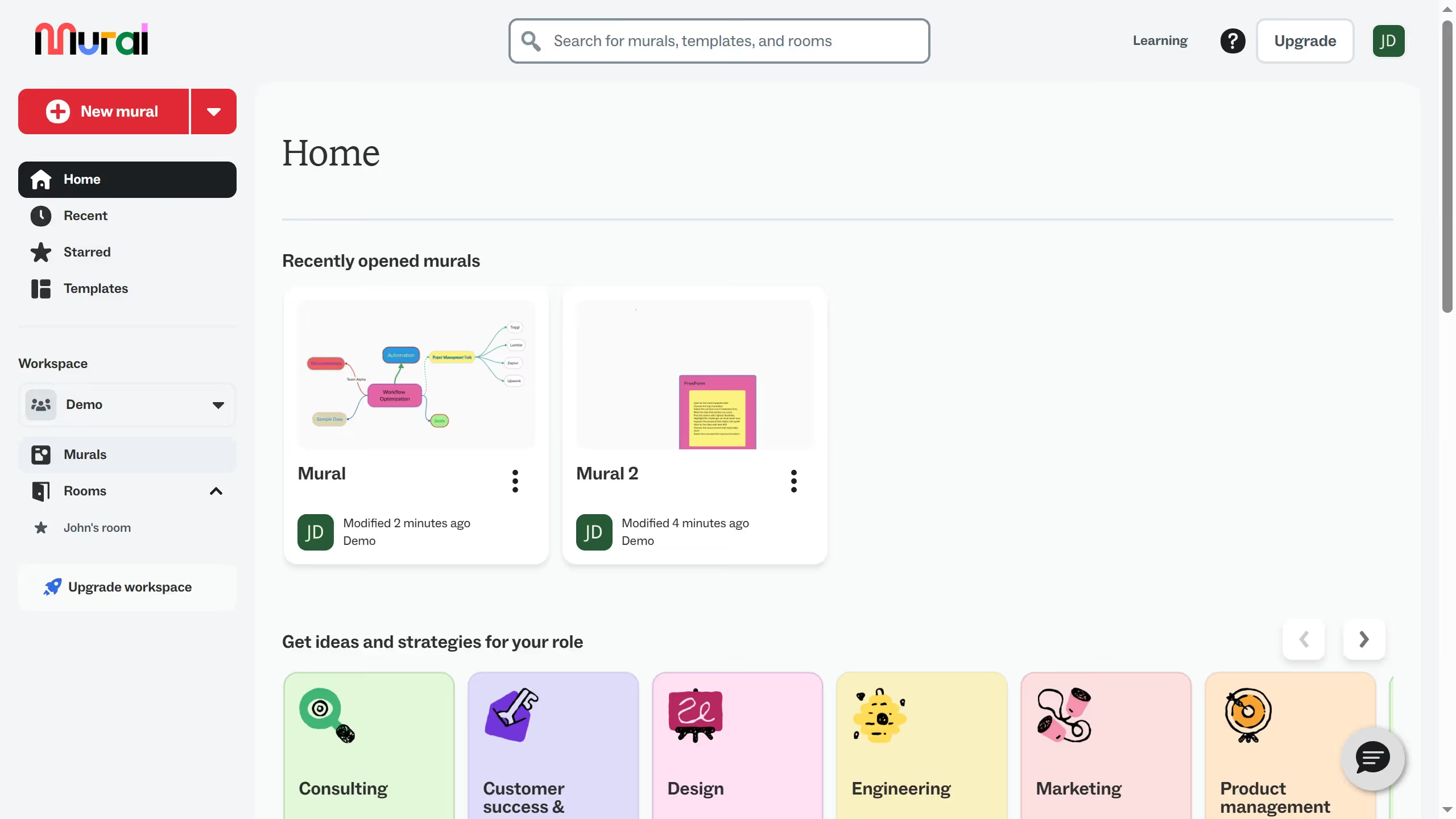
  1. First click on the "Murals" item in the left sidebar navigation menu
  2. Then click on the mural that you want to open
  3. Click on the image that you want to duplicate
  4. Then right-click on the image element in the center of the canvas to open the context menu
  5. Finally click on the "Duplicate" option in the context menu and the duplication action is completed

Create your own interactive guide with Guideflow

Why should you duplicate images in Mural

Last update
July 14, 2026
Cursor MariaA cursor points to a button labeled "James."

Loo oma esimene demo vähem kui 30 sekundiga.