Mixmax
Mixmax is a sales engagement platform for revenue teams to automate email outreach, sequences, and meeting scheduling.
Website
Industry
Leadgen
Share this article:

How to disable workspace-wide access to meeting transcripts via the API in Mixmax

Here is how to disable workspace-wide access to meeting transcripts via the api in mixmax

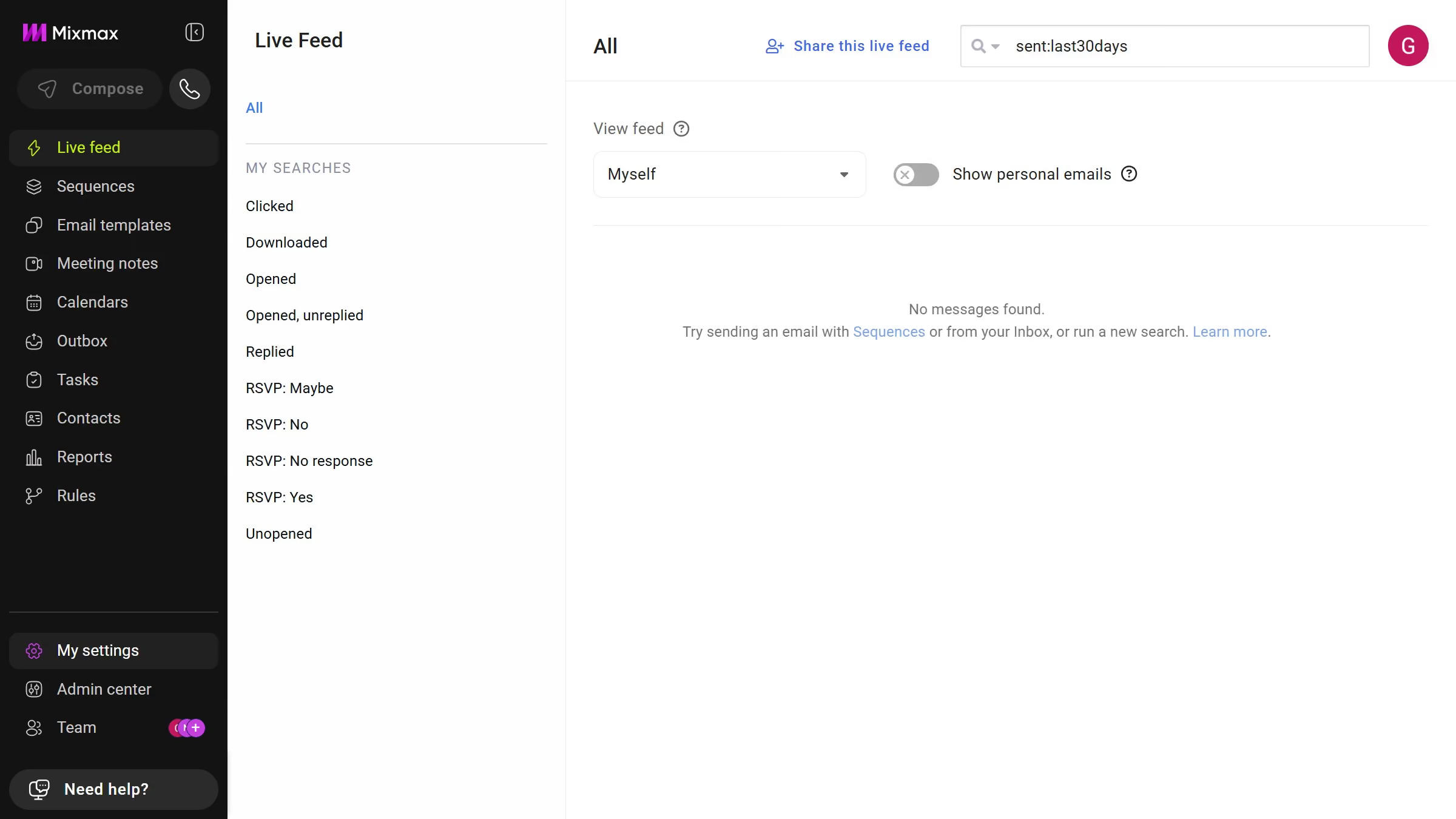
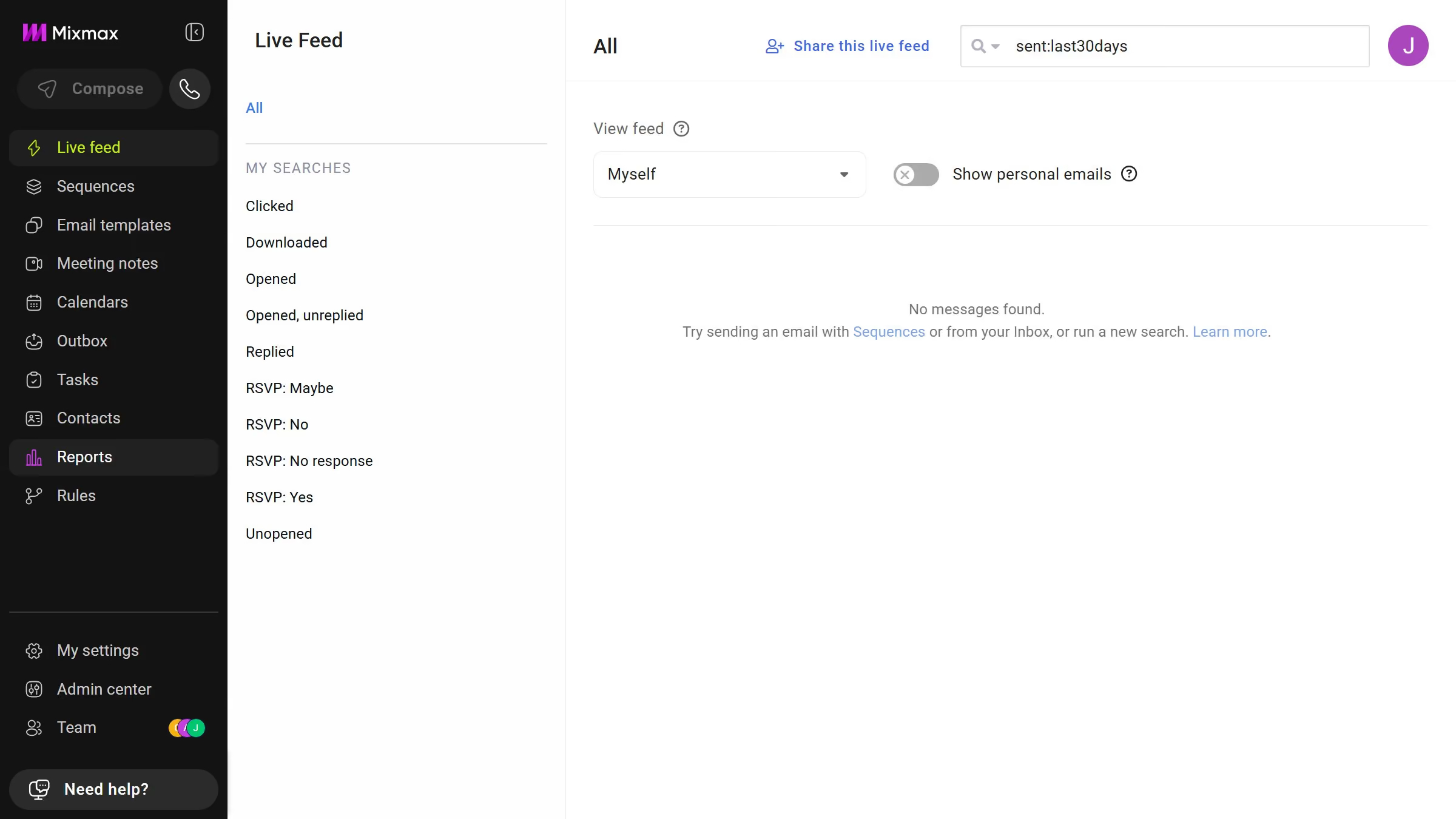
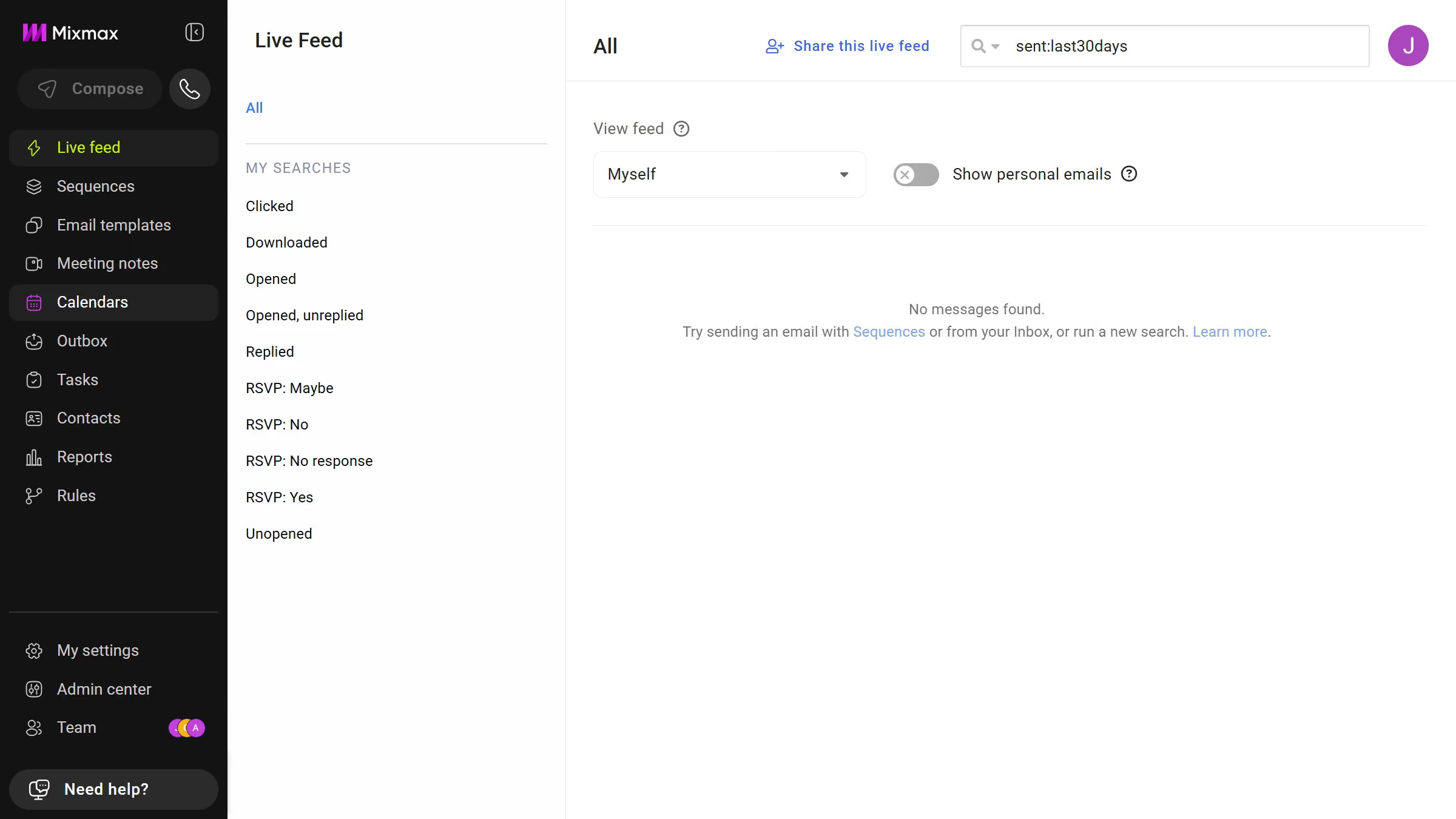
  1. First, click on "Admin center" in the sidebar menu
  2. Next click on "Meeting Copilot" in the left sidebar
  3. Then, toggle off the "Allow workspace-wide transcript access via API" option

Create your own interactive guide with Guideflow

Why should you disable workspace-wide access to meeting transcripts via the API in Mixmax

Mixmax empowers users with seamless communication and productivity tools integrated directly into Gmail.

An essential feature is the ability to disable workspace-wide access to meeting transcripts via the API. This enhances control over sensitive information, allowing administrators to safeguard data effortlessly.

Utilizing this feature ensures that only authorized personnel can access transcripts, thereby fostering a secure environment and maintaining confidentiality within collaborative teams.

Last update
July 14, 2026
Cursor MariaA cursor points to a button labeled "James."

Loo oma esimene demo vähem kui 30 sekundiga.