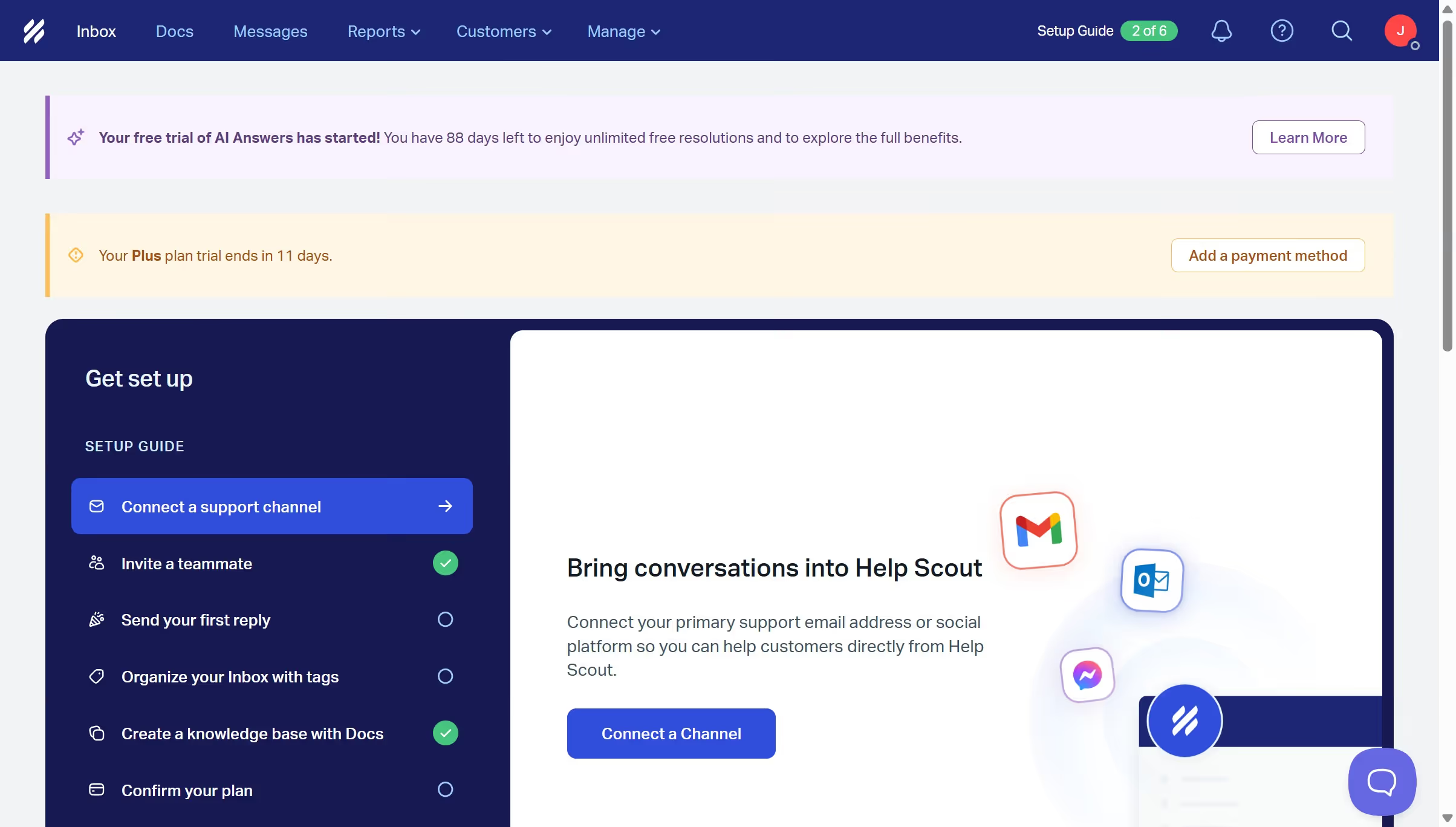
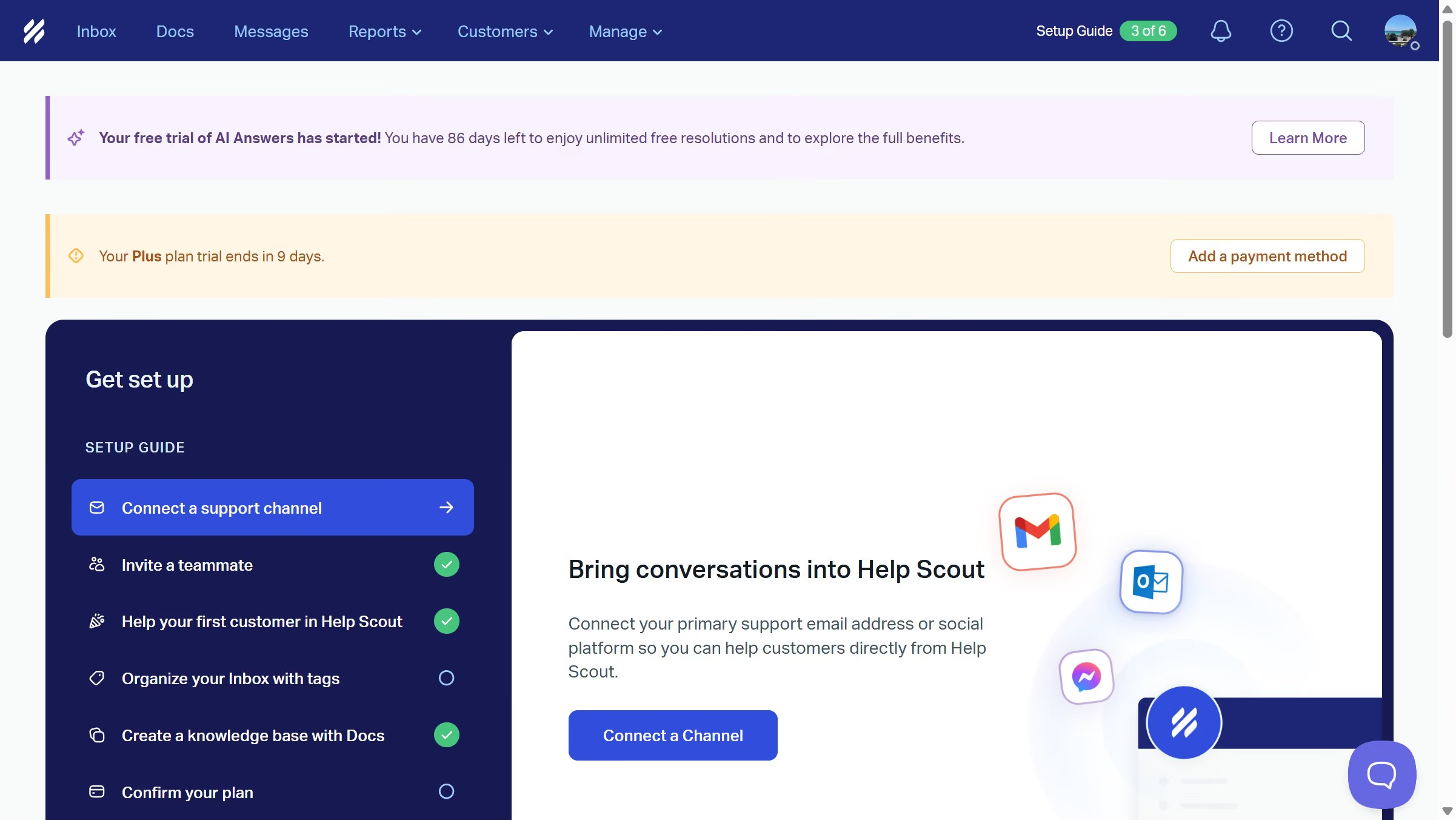
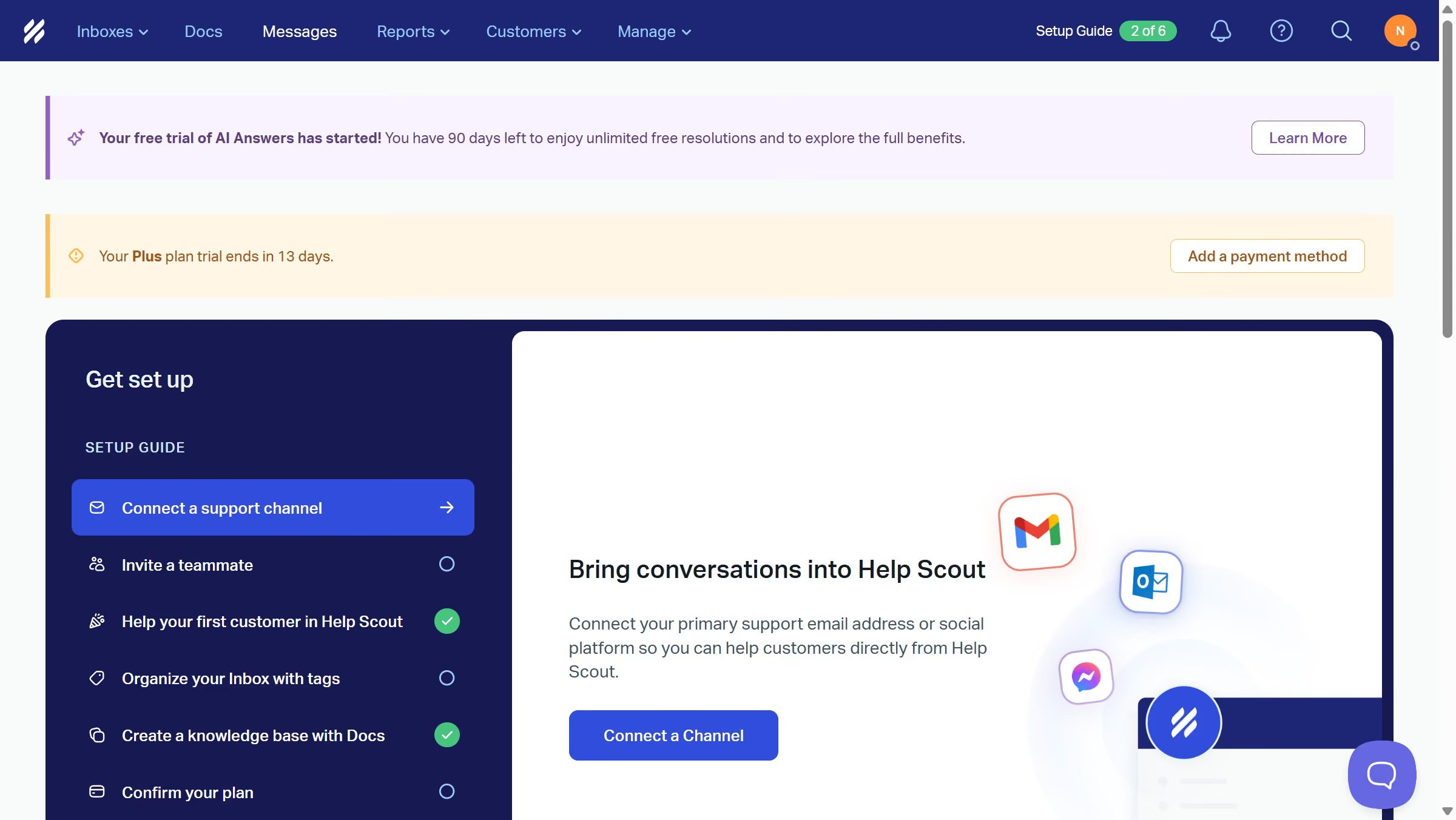
Here is how to disable routing in helpscout
- First click on the "Inbox" tab in the header.
- Then click on the "Settings" icon in the sidebar.
- Next, select "Routing" from the settings menu.
- Finally, toggle the switch to the "Off" position.


Create your own interactive guide with Guideflow
Help Scout is a powerful tool designed to streamline customer support through efficient ticket management.
One of its customizable features is the ability to disable routing, offering users the flexibility to manage conversations manually.
Disabling routing can enhance a support team's focus on specific issues by allowing them to prioritize queries based on urgency or expertise.
This feature promotes personalized customer interactions, ensuring each ticket gets the attention it deserves, thereby boosting overall customer satisfaction.
Why leading companies build with Guideflow