Mixmax
Mixmax is a sales engagement platform for revenue teams to automate email outreach, sequences, and meeting scheduling.
Website
Industry
Leadgen
Share this article:

How to disable click tracking for emails in a sequence in Mixmax

Here is how to disable click tracking for emails in a sequence in mixmax

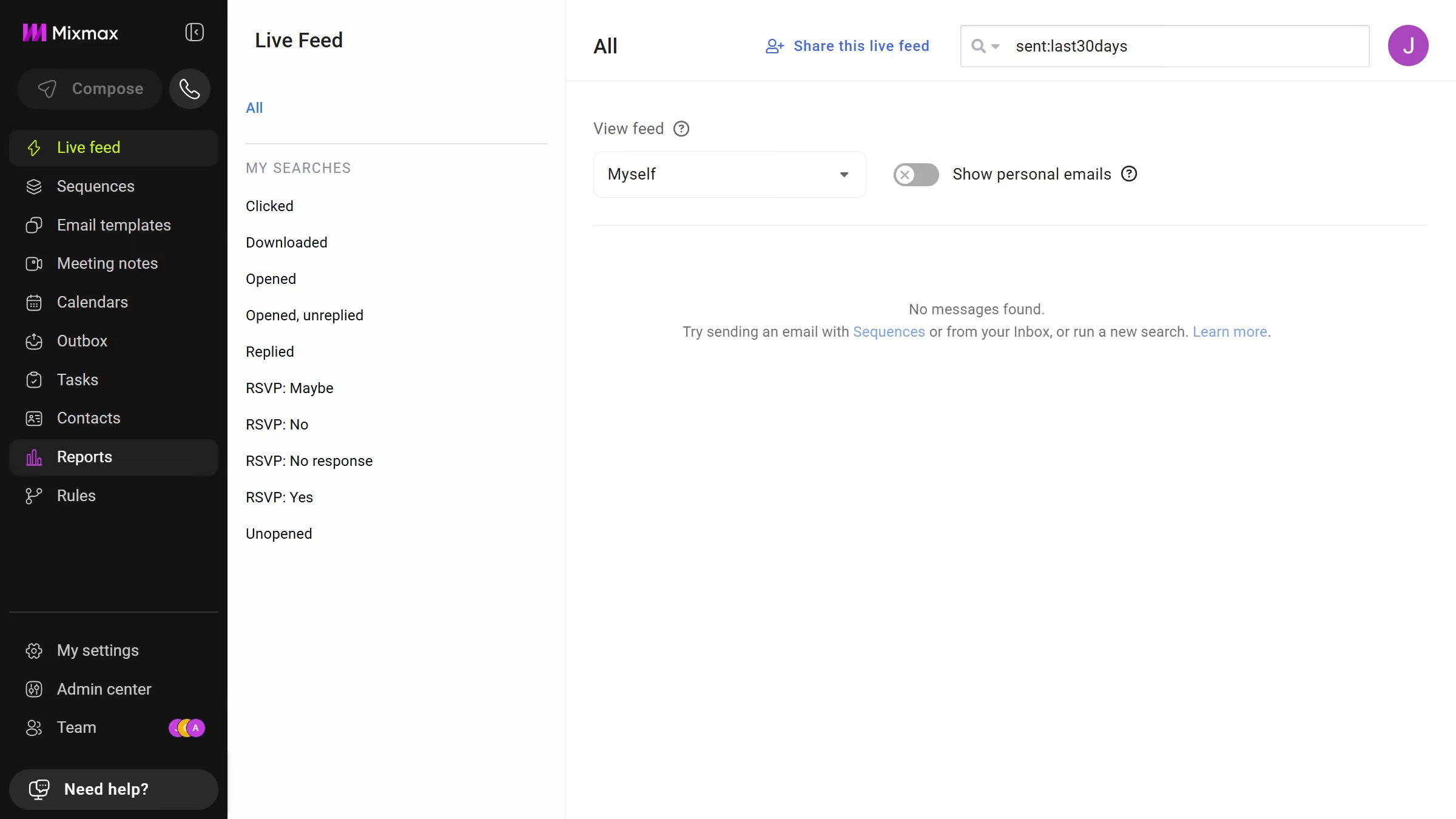
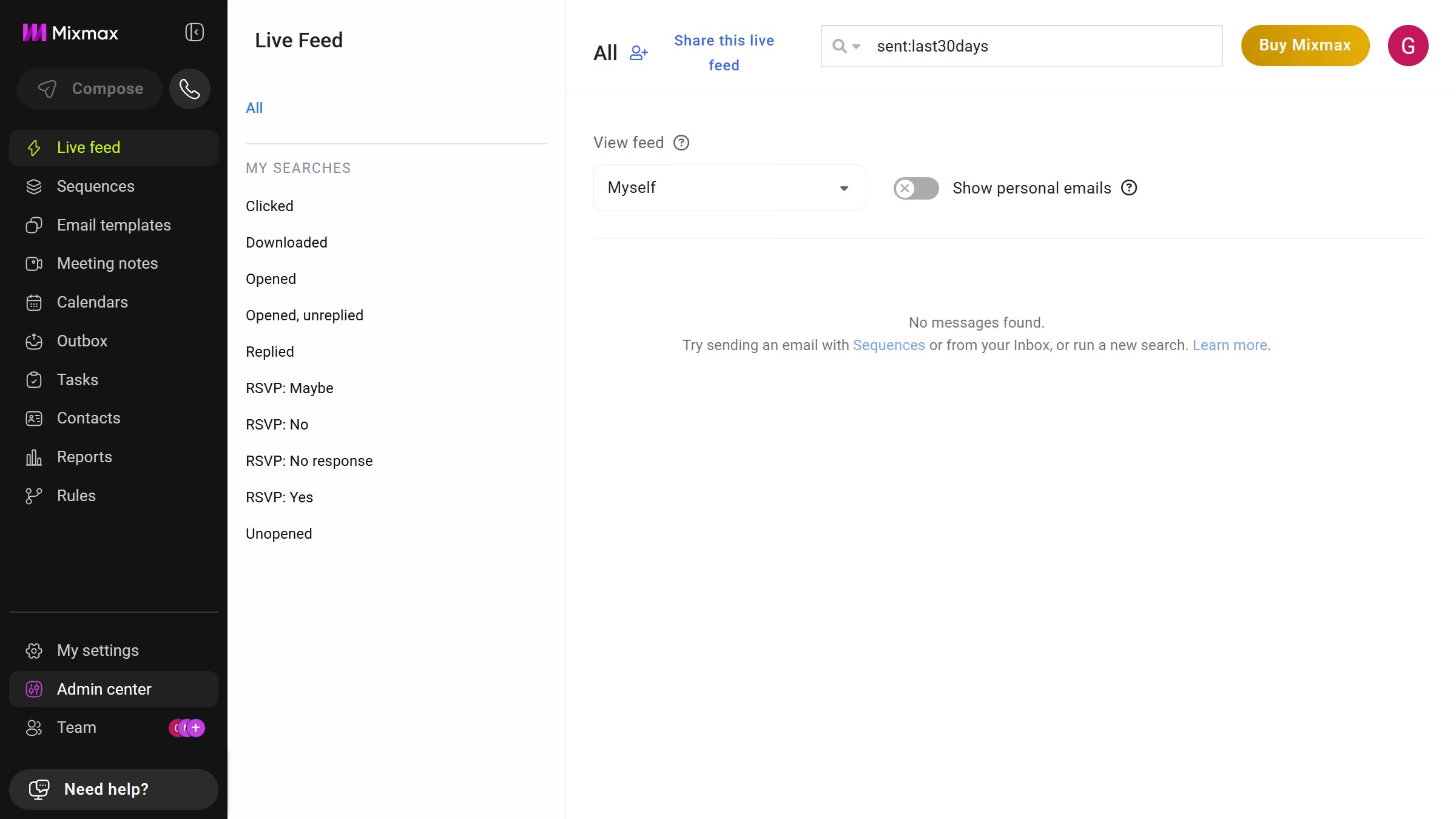
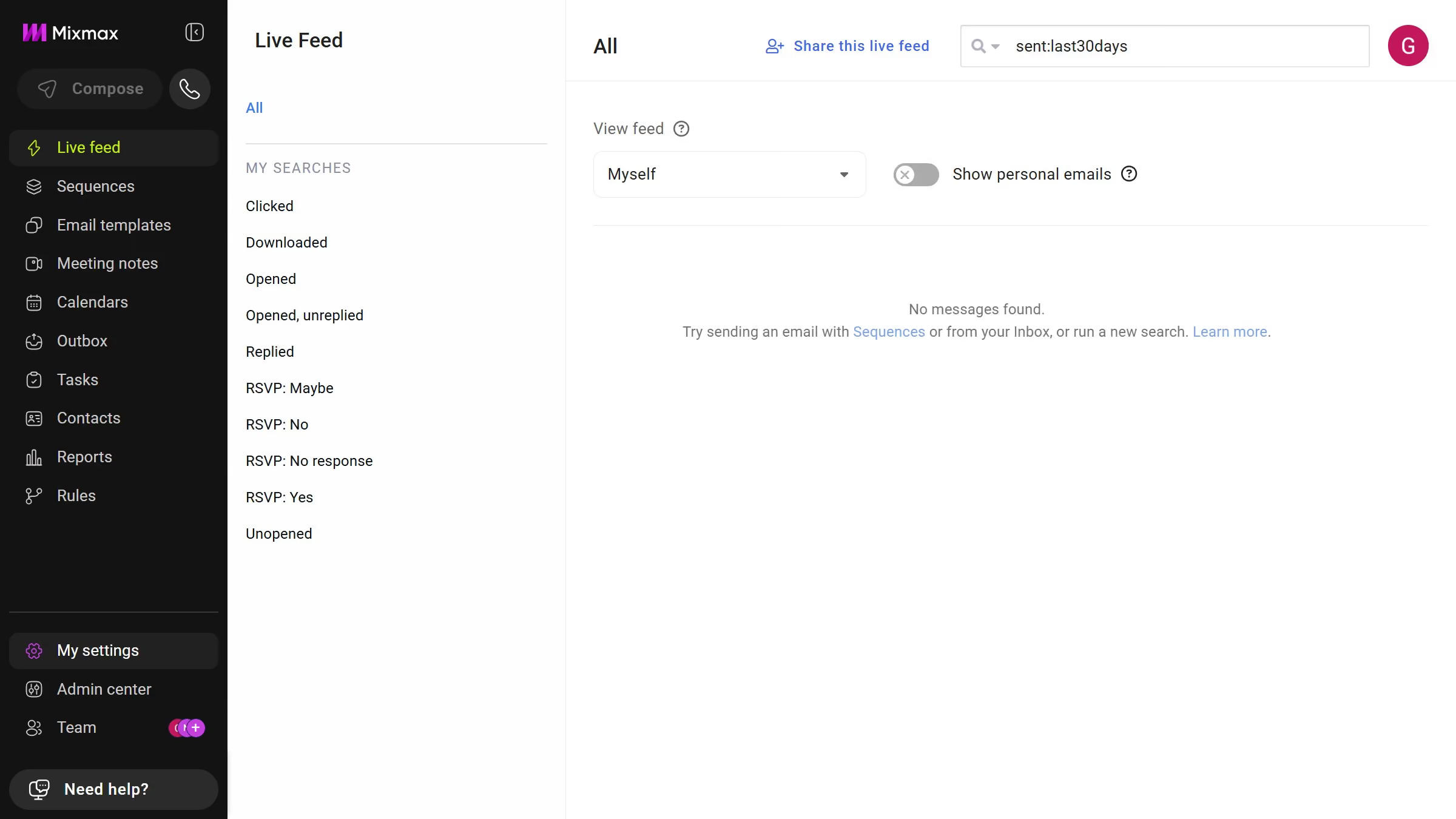
  1. First click on the "Sequences" in the left sidebar
  2. Next, click on the sequence you want to configure
  3. Click on the "Settings" tab in the sequence configuration
  4. Then select the "Tracking" option from the settings sidebar
  5. Finally, uncheck the "Track clicks" checkbox to disable click tracking

Create your own interactive guide with Guideflow

Why should you disable click tracking for emails in a sequence in Mixmax

Mixmax is an all-in-one communication platform designed to streamline and enhance email productivity.

Disabling click tracking for emails in a sequence is a valuable feature that helps maintain recipient privacy and build trust. By turning off click tracking, recipients can engage with your emails without feeling monitored. This approach encourages more natural interactions, which can lead to improved relationships over time.

Moreover, it aligns with GDPR compliance, providing peace of mind for users concerned about regulatory standards. Enjoy a seamless Mixmax experience while respecting privacy preferences.

Last update
July 14, 2026
Cursor MariaA cursor points to a button labeled "James."

Loo oma esimene demo vähem kui 30 sekundiga.