Here is how to delete user notes from a conversation on intercom
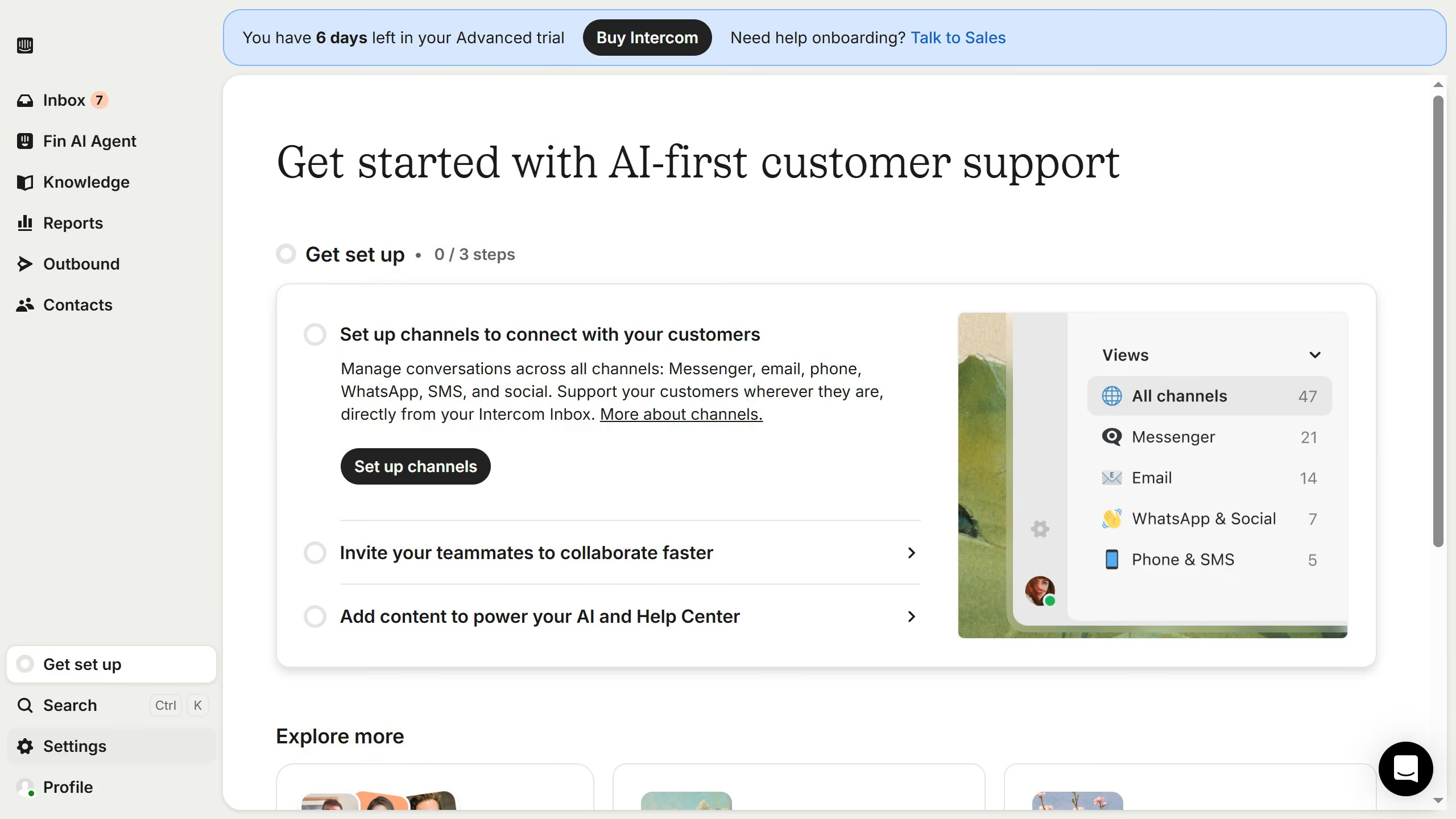
- First, click on "Inbox" in the left sidebar
- Then click on your preferred conversation in the main content area
- Next, expand the "User notes" section in the right sidebar by clicking on it
- After that, click on the trash icon next to the user notes you want to delete
- Finally, click on the "Delete" button to confirm the deletion