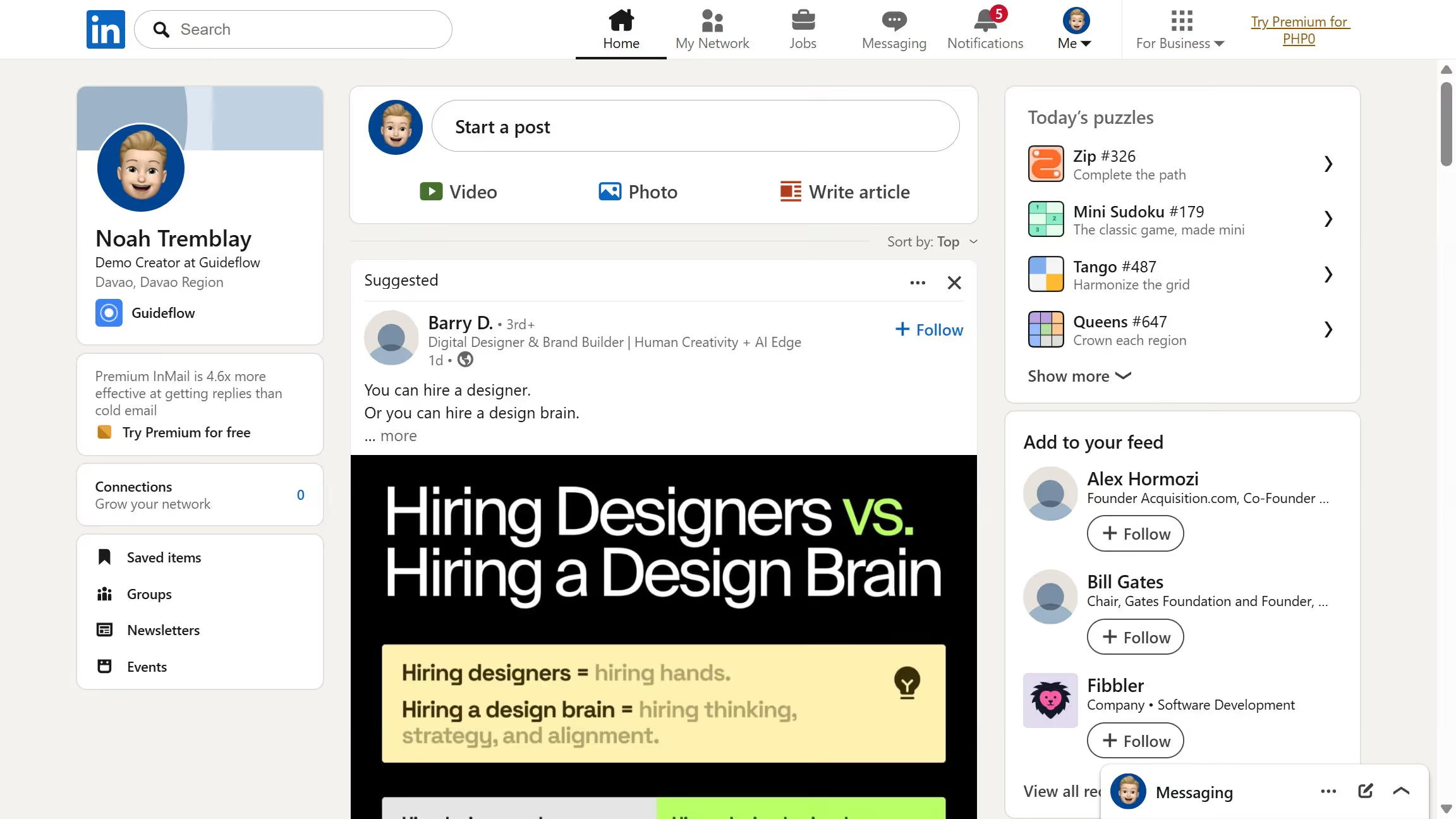
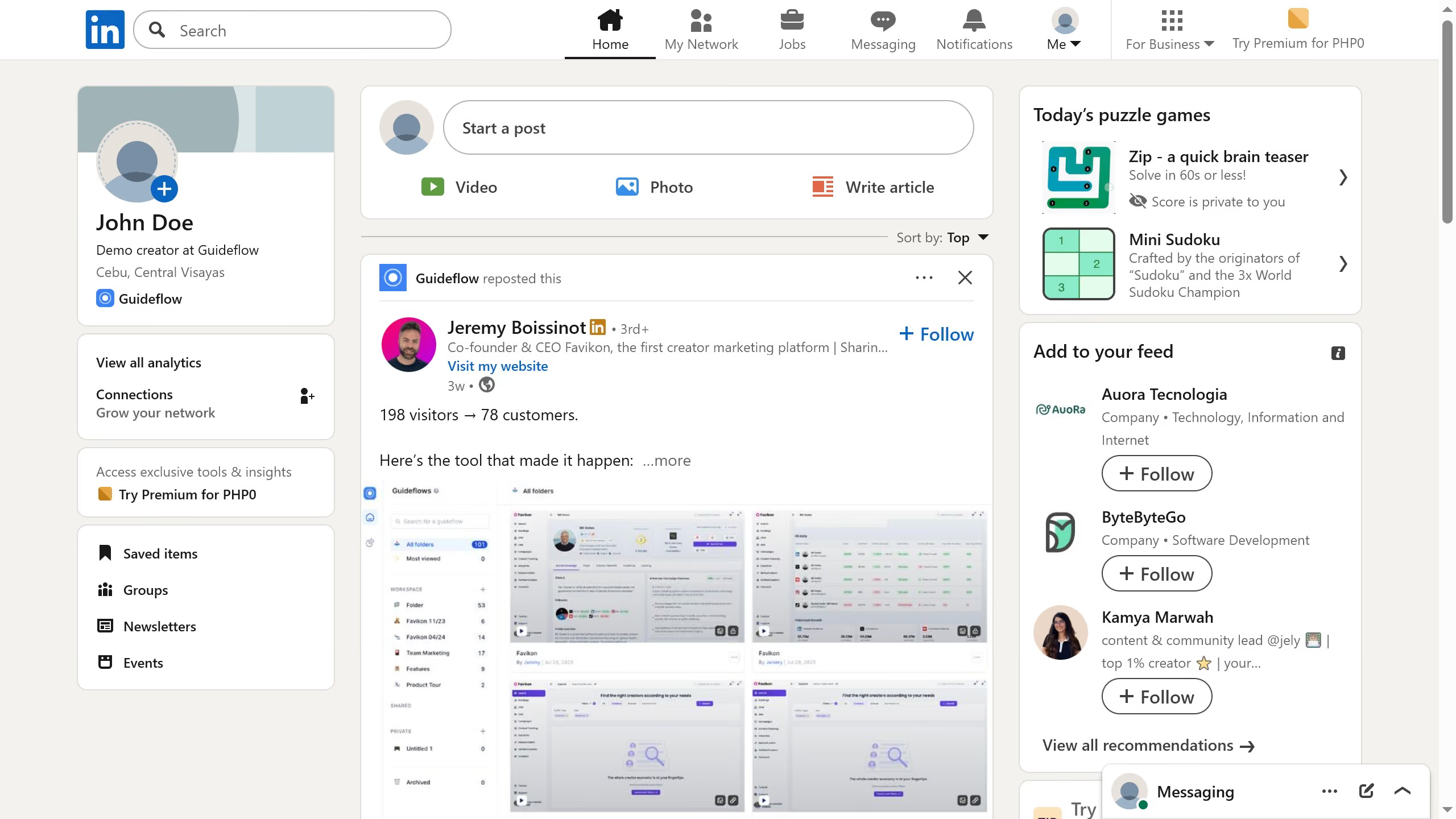
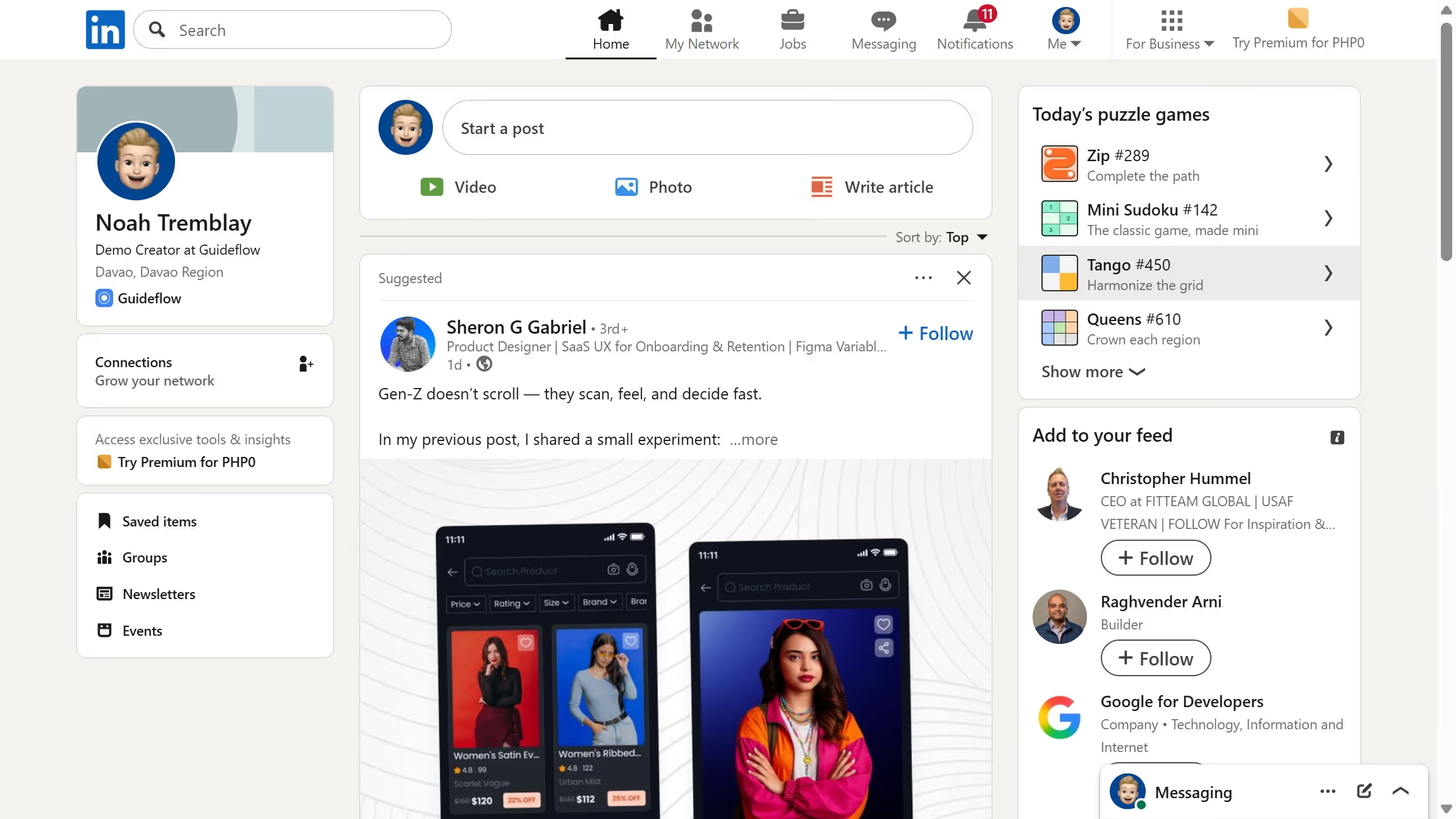
Linkedin
LinkedIn is a professional networking platform that helps individuals and businesses connect, share opportunities, and grow careers. It offers tools for recruiting, marketing, sales, and learning, with over 1 billion members worldwide, including executives from every Fortune 500 company.
Website
Industry
Leadgen
Share this article:

How to delete job alerts in LinkedIn

Here is how to delete job alerts in linkedin

  1. First click on the "Jobs" icon in the top navigation bar
  2. Then click on "Preferences" in the left sidebar menu
  3. Next click on "Job alerts" option in the preferences modal
  4. Then click on the edit icon next to the job alert
  5. Next click on "Delete job alert" button at the bottom of the edit modal
  6. Finally click on "Delete" button in the confirmation popup to remove the job alert

Create your own interactive guide with Guideflow

Why should you delete job alerts in LinkedIn

LinkedIn is the premier social platform connecting professionals across the globe.

Utilizing the feature to delete job alerts on LinkedIn helps streamline your notifications, ensuring you're only receiving information relevant to your current career goals.

This feature allows you to manage your job search with precision, so you're not overwhelmed by unnecessary alerts.

By removing unnecessary alerts, you free up space for more pertinent opportunities, helping you focus on the next step in your professional journey.


Last update
July 14, 2026
Cursor MariaA cursor points to a button labeled "James."

Loo oma esimene demo vähem kui 30 sekundiga.