SurveyMonkey
SurveyMonkey is an online survey and feedback collection platform for customer insights.
Website
Industry
Marketing
Share this article:

How to delete individual responses in SurveyMonkey

Here is how to delete individual responses in surveymonkey

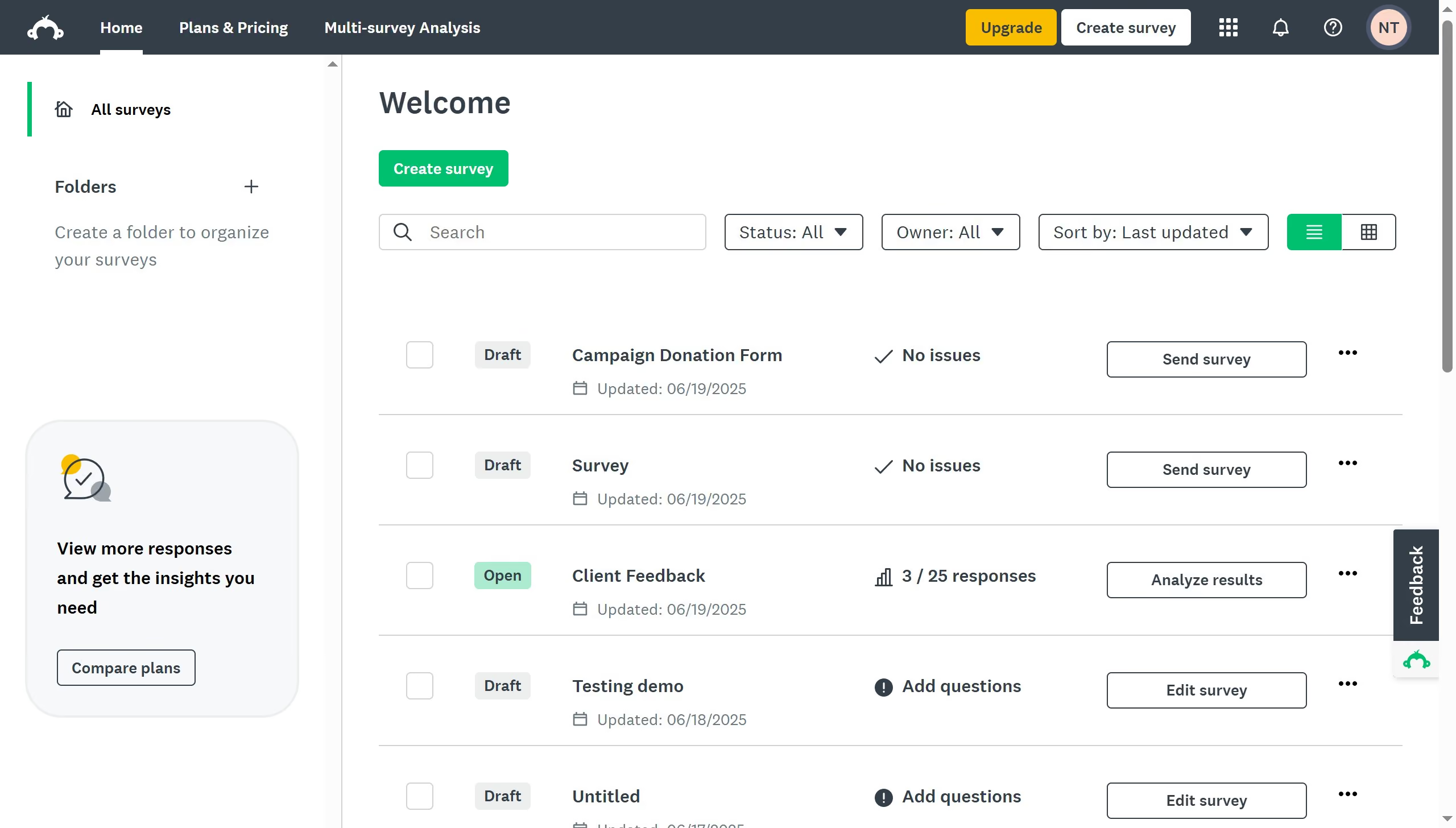
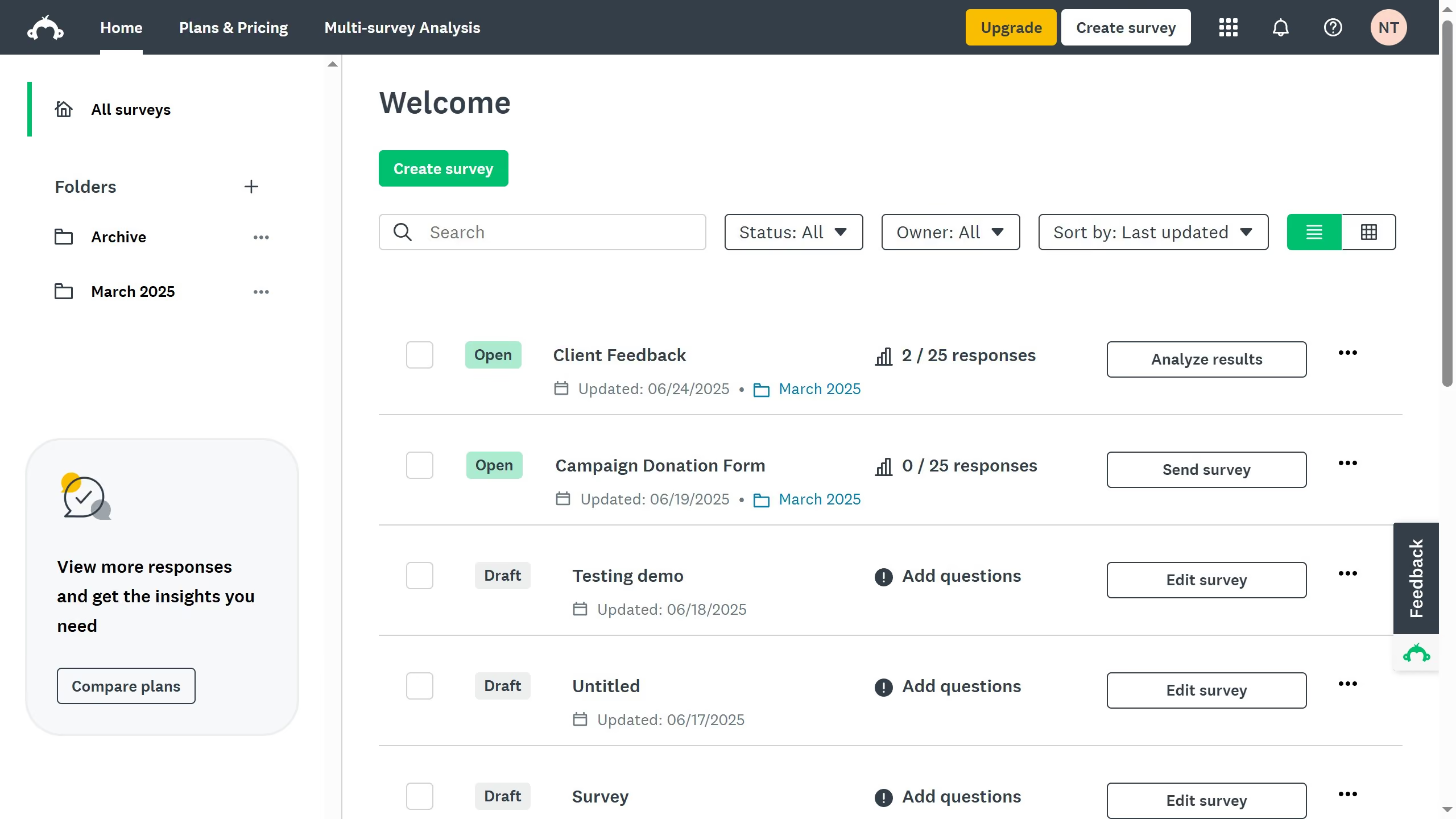
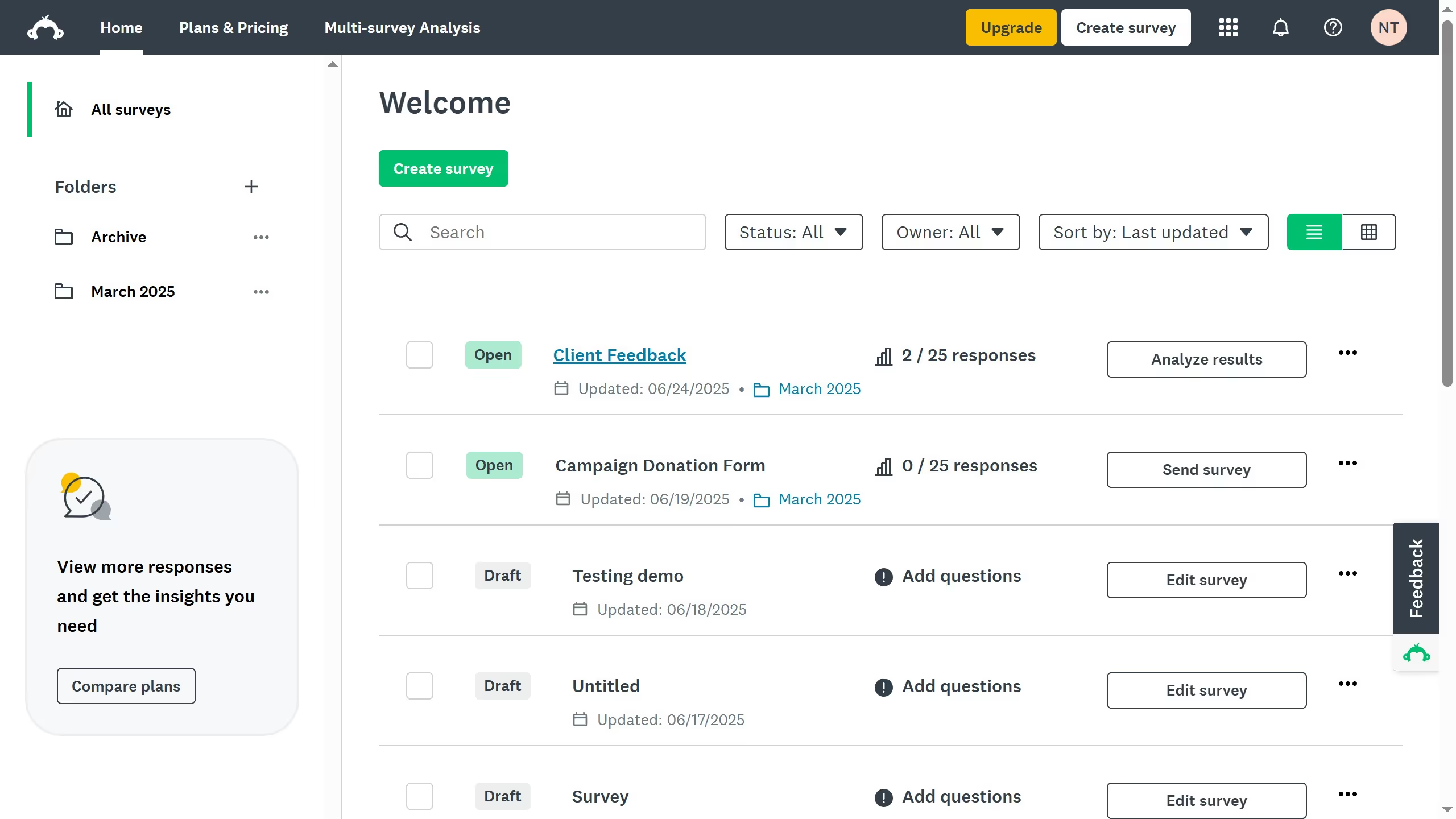
  1. First click the survey you want to edit
  2. Then click on the "ANALYZE RESULTS" tab
  3. Next click on the "Individual Responses" tab
  4. Then click on the "Delete" icon next to the survey response
  5. Finally click on the "Delete response" button in the confirmation dialog

Create your own interactive guide with Guideflow

Why should you delete individual responses in SurveyMonkey

SurveyMonkey is a powerful tool that helps individuals and businesses collect and analyze survey data effortlessly.

The ability to delete individual responses in SurveyMonkey is a handy feature that empowers users to maintain data integrity by removing any entries that may be invalid or submitted in error.

By using this feature, survey administrators ensure that their analysis remains accurate and reflective of genuine responses, enhancing the reliability of their results.

This capability also allows for more comprehensive data management, ensuring that every survey retains its quality and relevance.


Last update
July 14, 2026
Cursor MariaA cursor points to a button labeled "James."

Loo oma esimene demo vähem kui 30 sekundiga.