ClickUp
ClickUp is an all-in-one productivity platform for task management and collaboration.
Website
Industry
Project Management
Share this article:

How to delete a time entry from Timesheets in ClickUp

Here is how to delete a time entry from timesheets in clickup

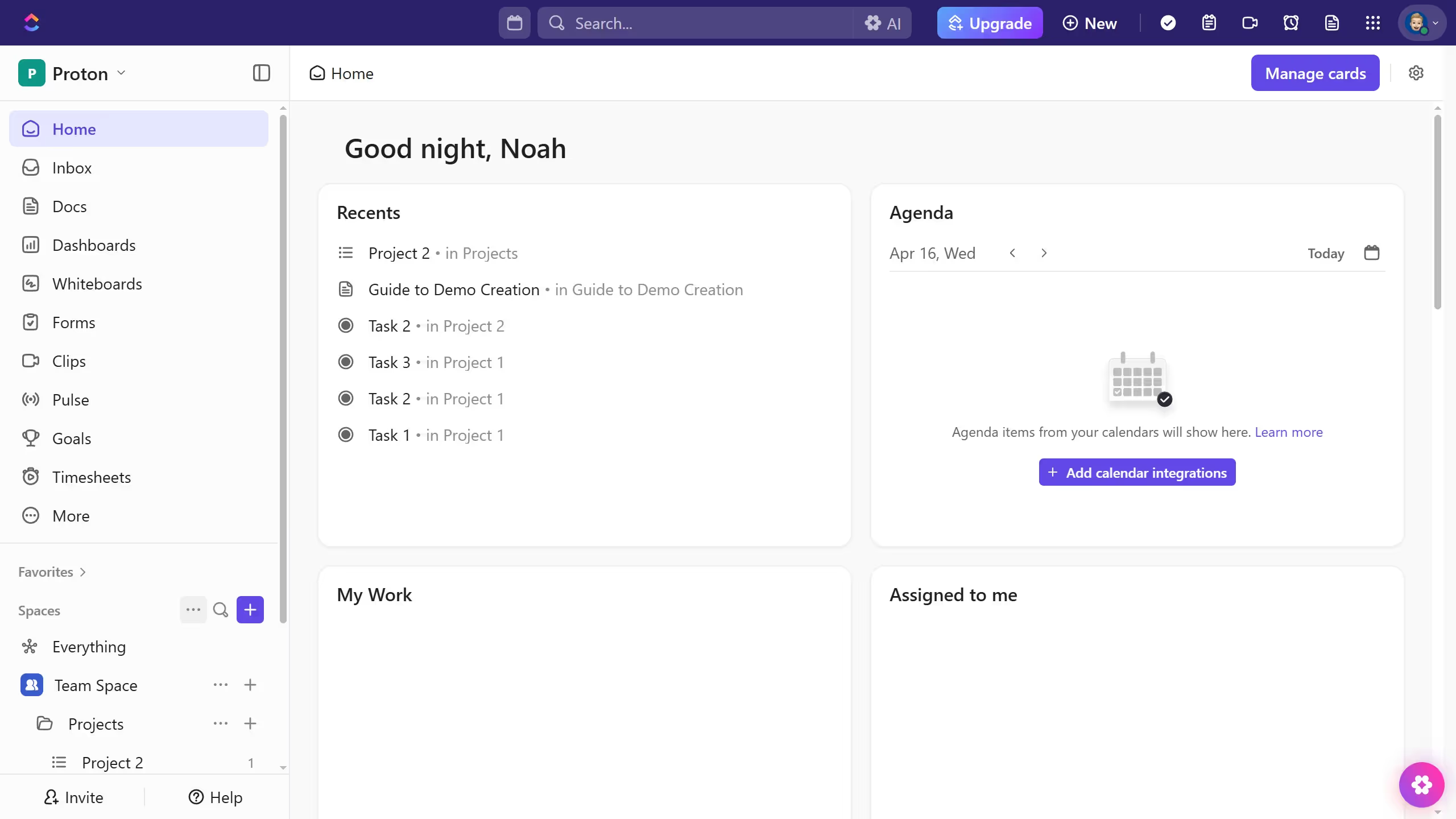
  1. First click on the "Timesheets" option in the left sidebar menu
  2. Next locate the time entry you want to delete and click the expand icon
  3. Then under the "Total" column to the right of the time entry, click the "more options" (three dots) icon
  4. Finally click on the "Delete Entry" option in the dropdown menu

Create your own interactive guide with Guideflow

Why should you delete a time entry from Timesheets in ClickUp

ClickUp is a versatile productivity platform designed to streamline workflows and boost team efficiency.

The ability to delete a time entry from Timesheets in ClickUp is crucial for maintaining accurate records. This feature ensures that your time management is precise and reflective of actual work activities.

Cleansing your timesheets of inaccuracies not only enhances reporting accuracy but also improves project insights. Embrace this feature for better project analysis and informed decision-making.

Last update
July 14, 2026
Cursor MariaA cursor points to a button labeled "James."

Loo oma esimene demo vähem kui 30 sekundiga.