Here is how to delete a previous version of content in confluence
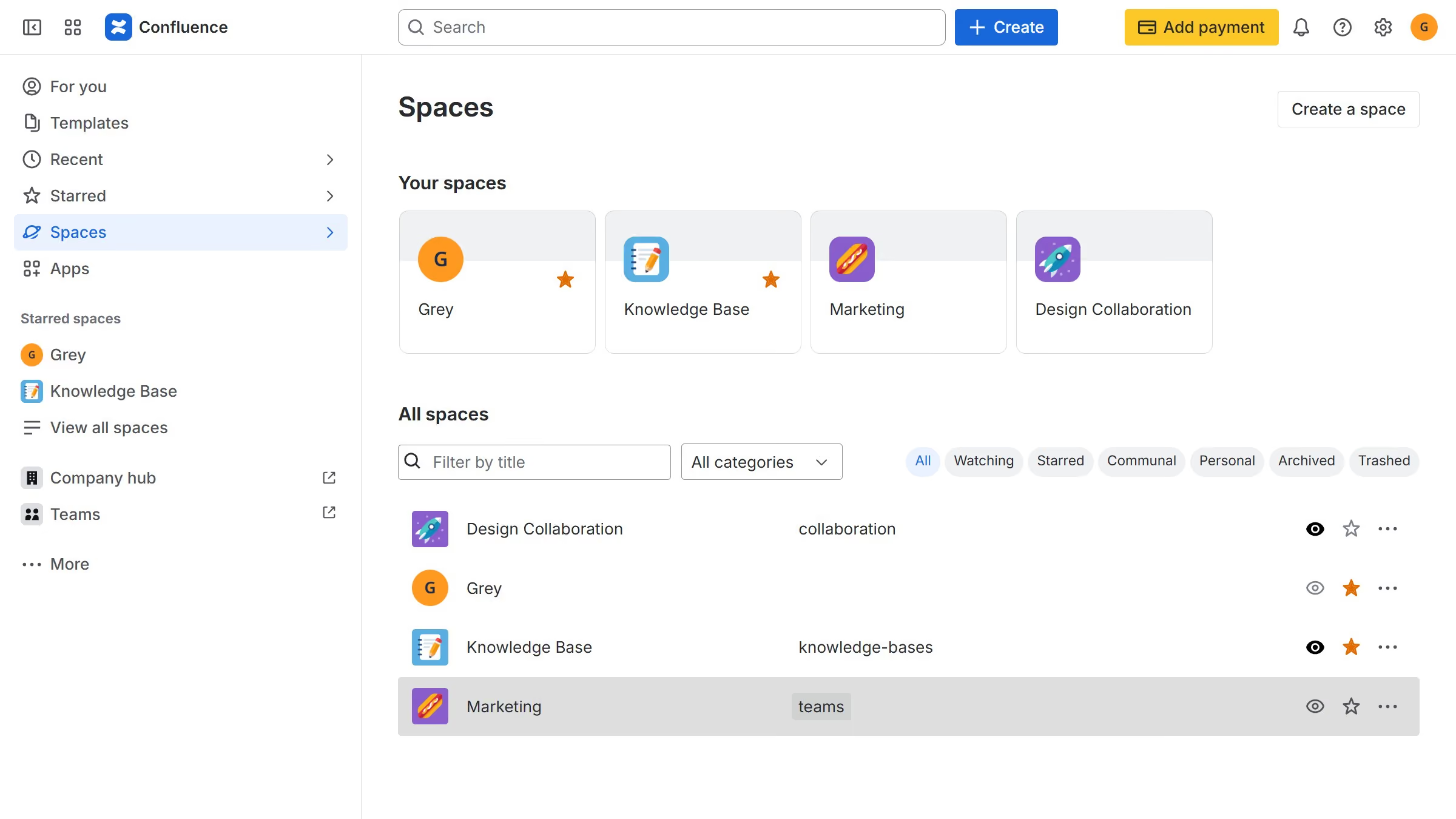
- First, navigate to the Spaces list and open the space that contains the content
- In the left sidebar, open the content whose version history you want to manage
- Then click on the "More actions" button in the top right corner
- Select "Version history" from the dropdown menu
- Locate the version you want to delete
- Next click on the "More actions" button next to the version
- Then select "Delete" from the dropdown menu
- Finally click on the "Delete" button in the confirmation dialog