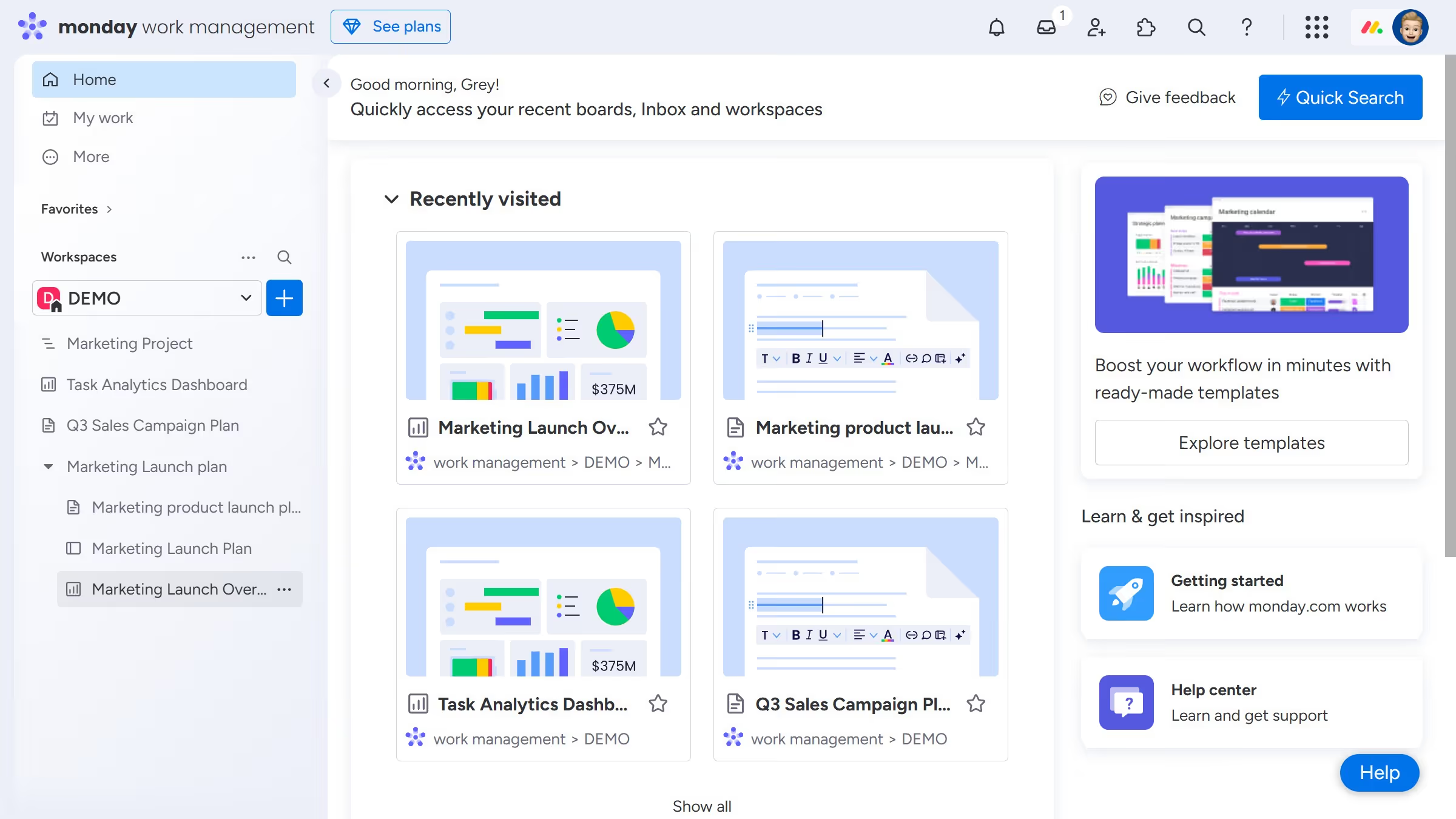
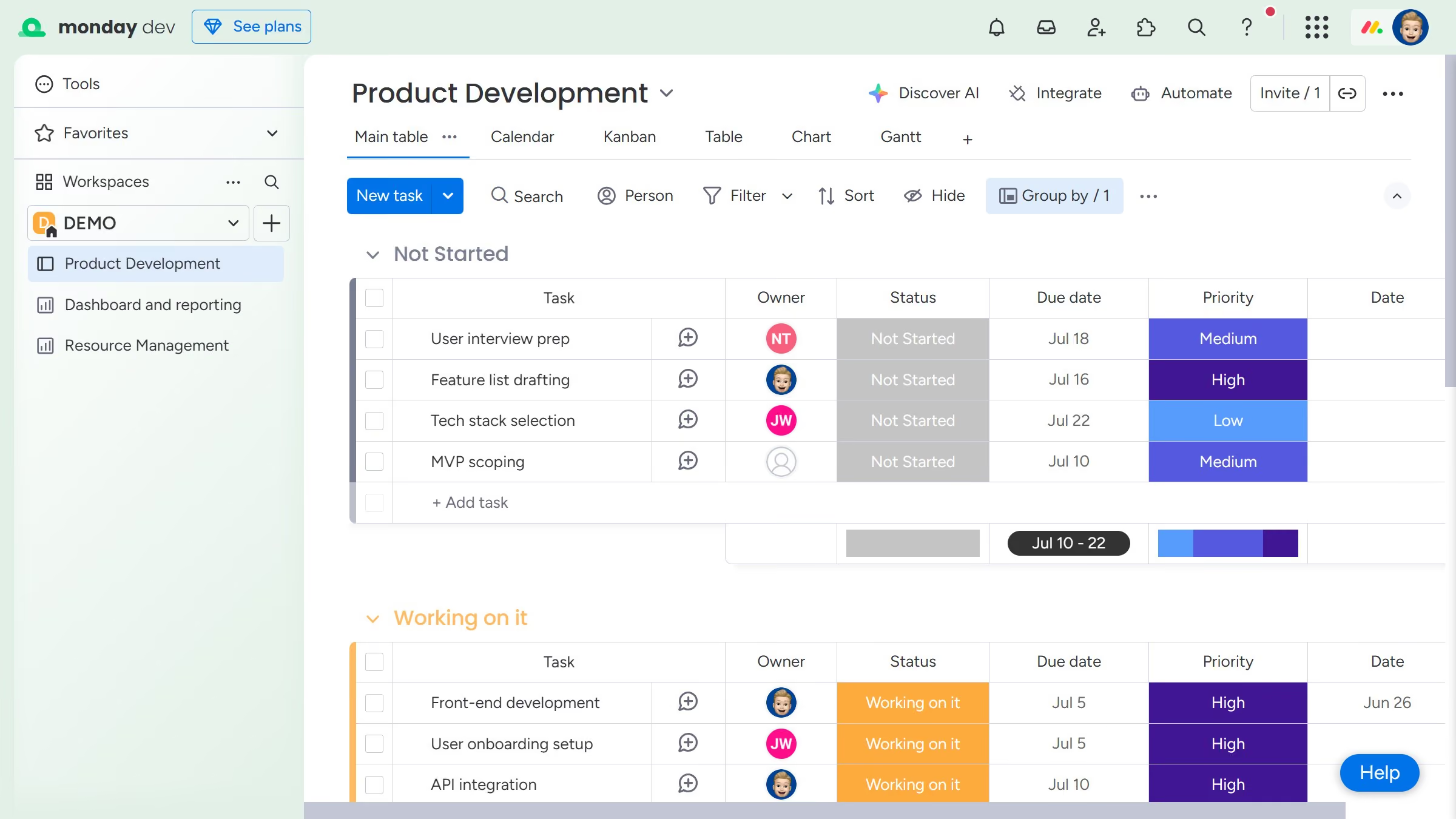
Monday.com
Monday.com is a work operating system that helps teams plan, track, and deliver work with customizable workflows and collaboration features.
Website
Industry
Collaboration
Share this article:

How to delete a dashboard in Monday.com

Here is how to delete a dashboard in monday.com

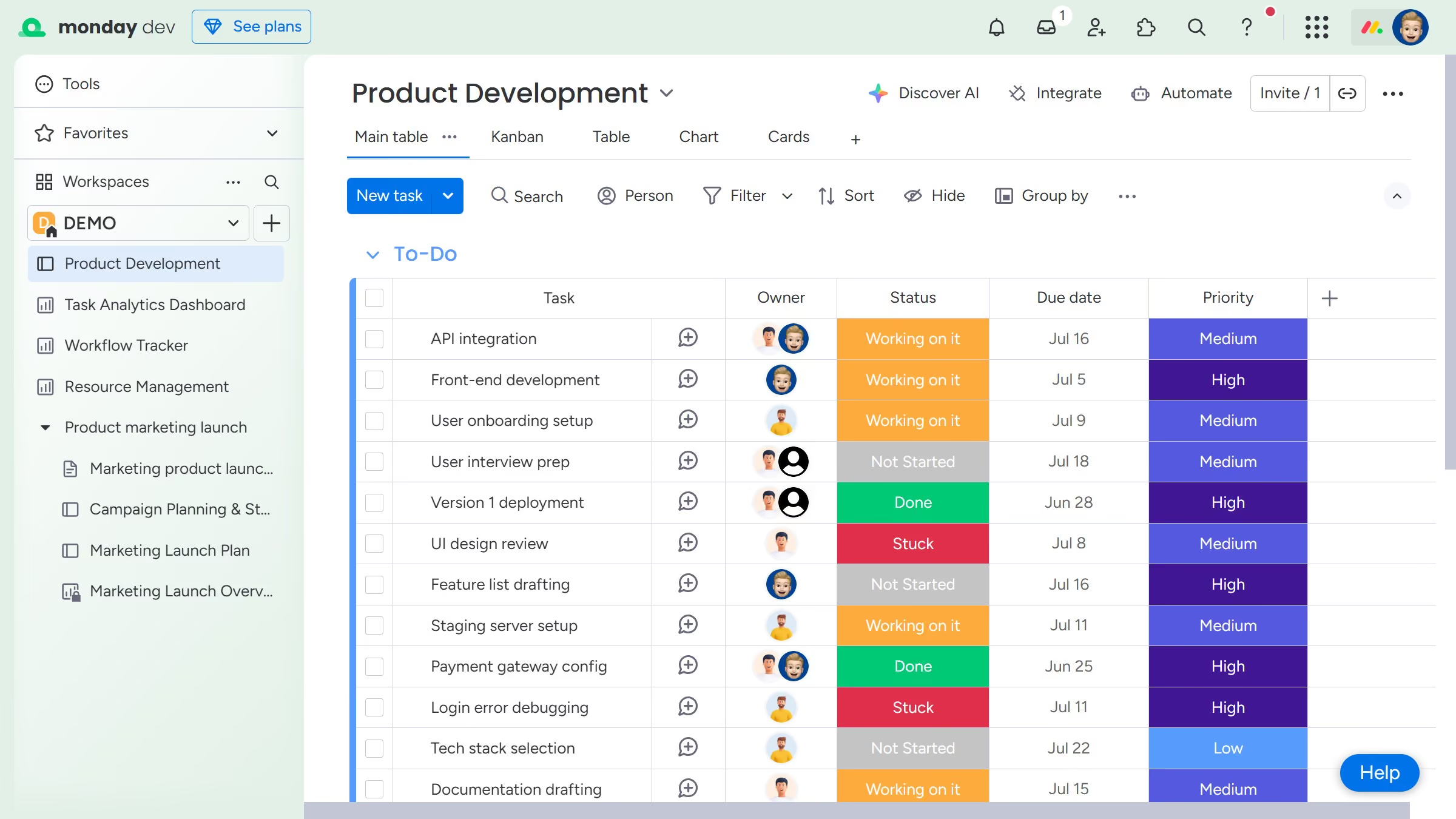
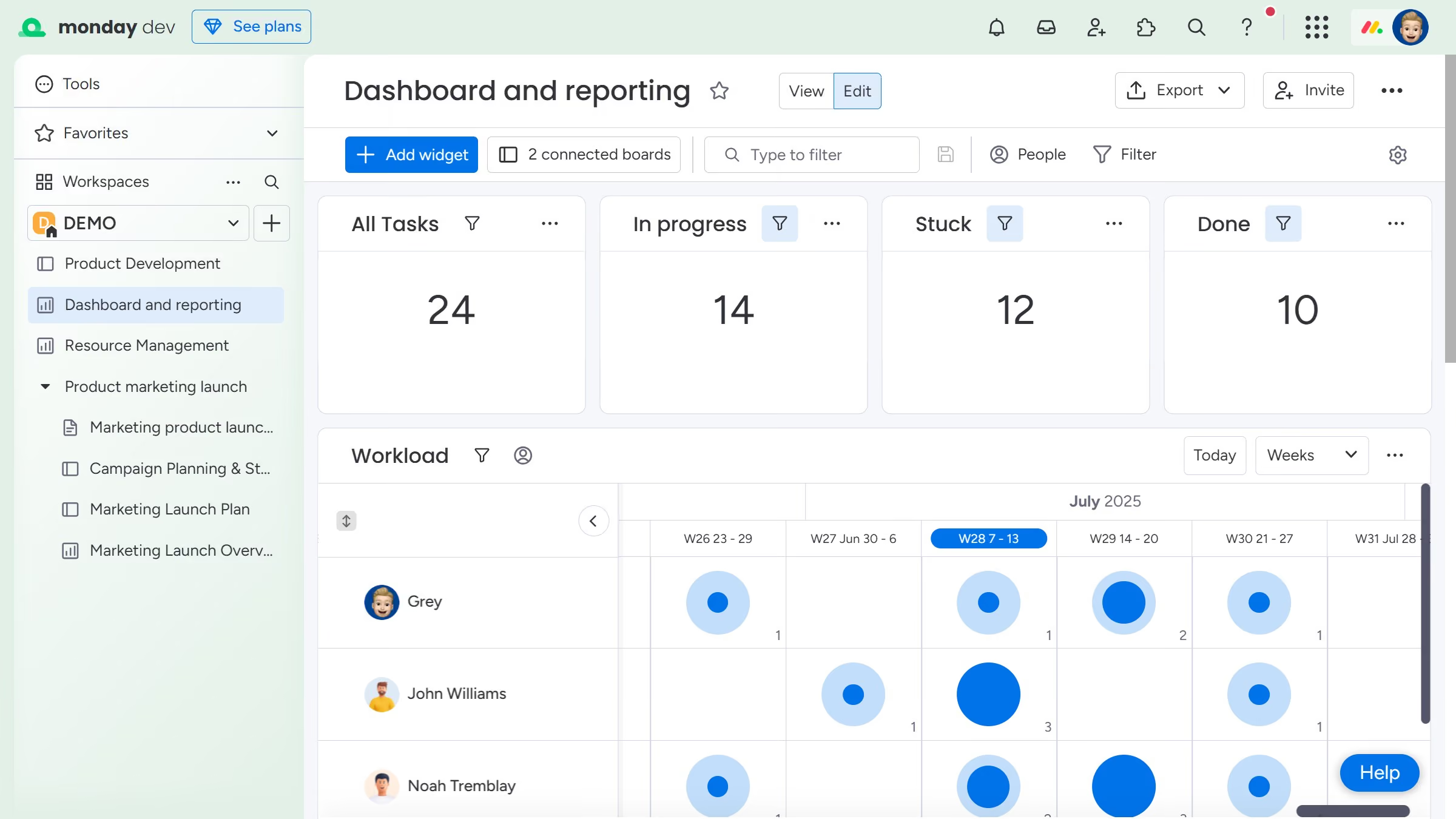
  1. First, locate the dashboard you want to delete in the left sidebar
  2. Then click on the "more options" button (three dots) next to the dashboard name
  3. Finally click on the "Delete" option in the dropdown menu
Create your own interactive guide with Guideflow

Why should you delete a dashboard in Monday.com

Monday.com is a dynamic work operating system that streamlines team collaboration and workflow efficiency.

The ability to delete a dashboard in Monday.com is an essential feature for maintaining a clutter-free workspace.

This action can enhance productivity by ensuring that only relevant and necessary information is displayed, preventing distractions.

Regularly cleaning up dashboards helps teams focus on their current goals and projects, fostering a more organized and efficient work environment.

Last update
July 14, 2026
Cursor MariaA cursor points to a button labeled "James."

Loo oma esimene demo vähem kui 30 sekundiga.