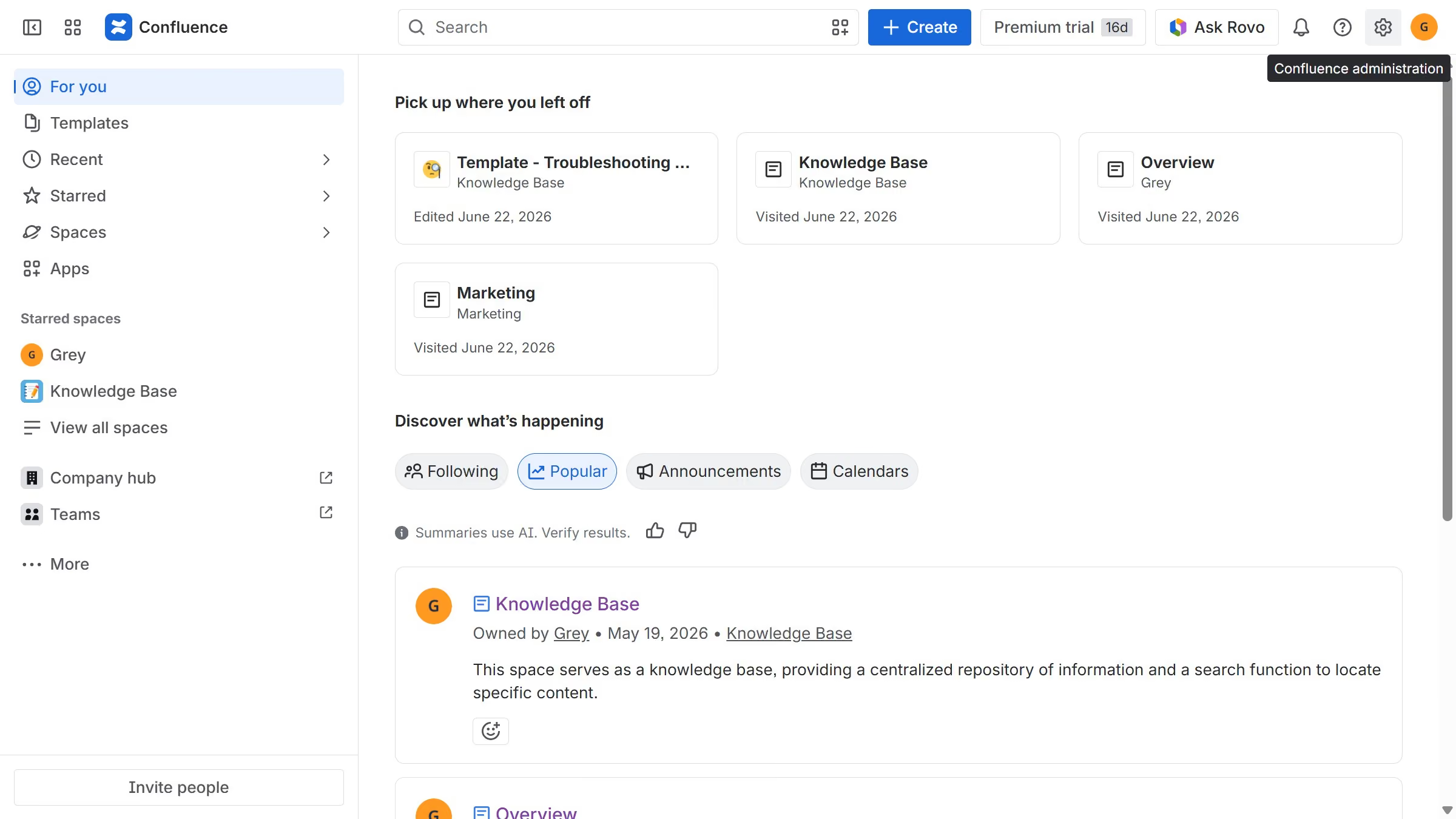
Here is how to create a space report in confluence
- First click on the settings icon in the top right corner to open confluence administration
- In the sidebar, click on "Data management"
- Next select "Space reports" in the submenu
- Then click on the "Create report" button in the header
- Finally click on the "Download" button to download the report