Here is how to close a board in trello
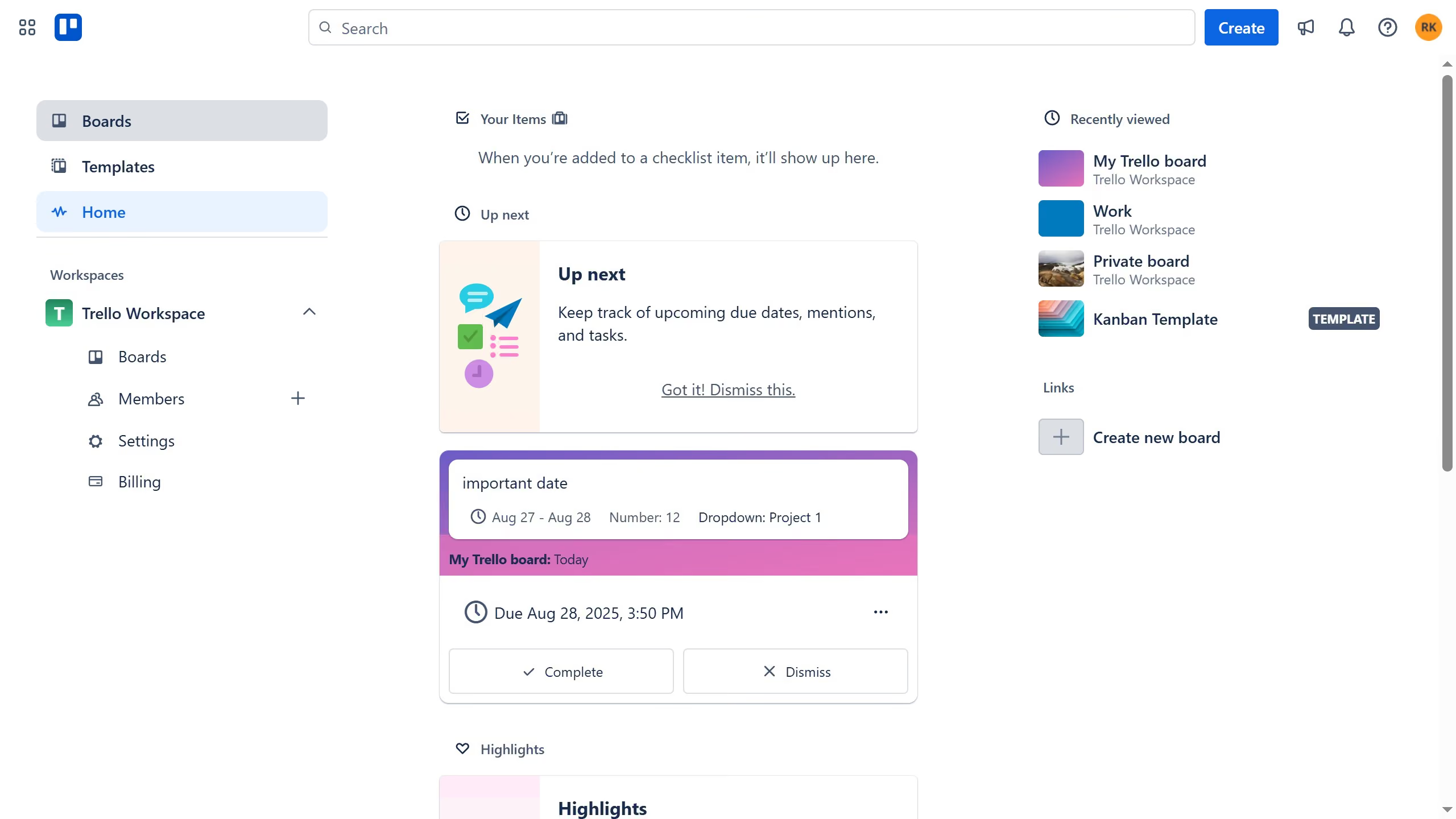
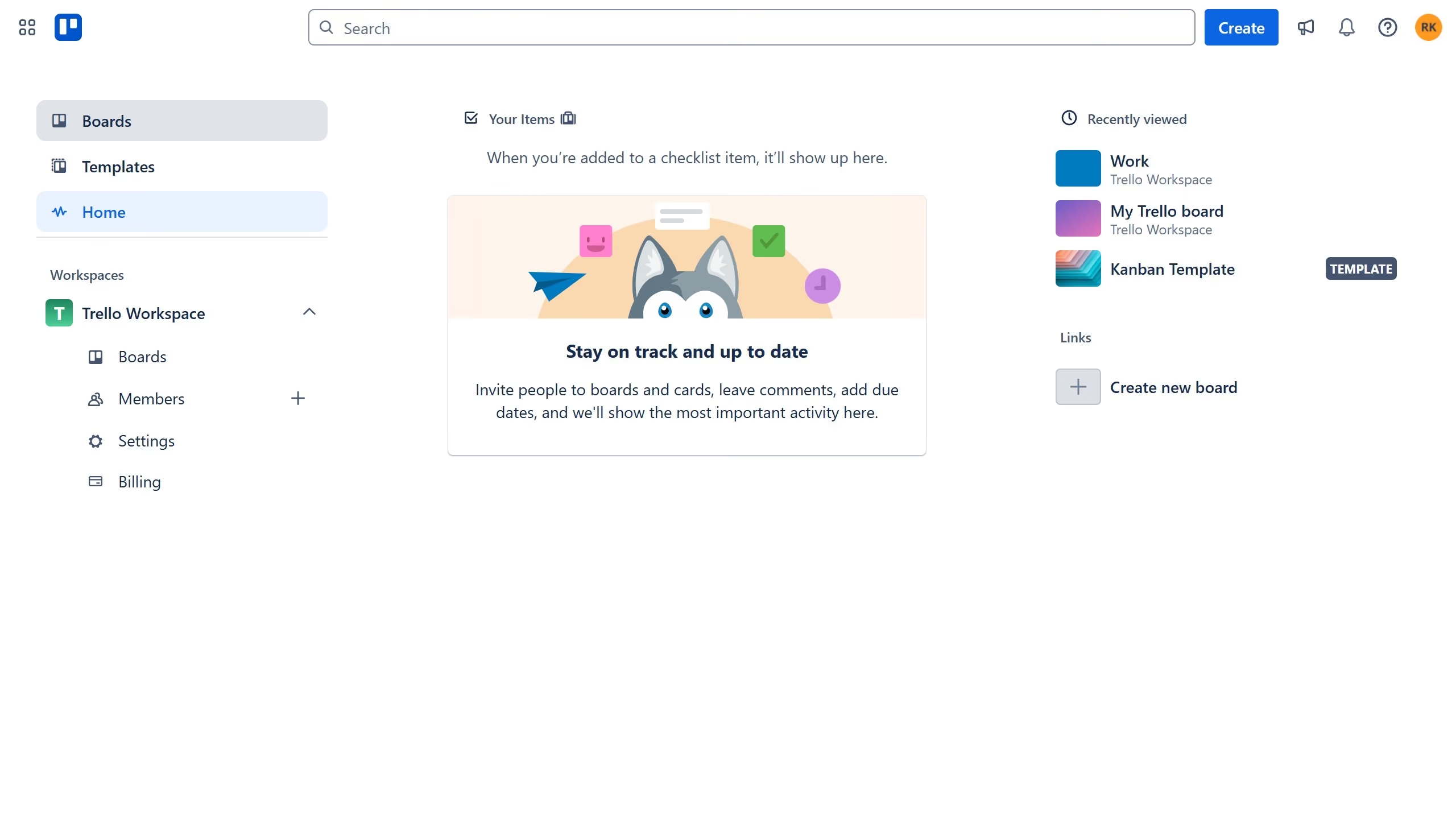
- First click on "Boards" option in the left sidebar
- Then click on "Work board" tile in the workspace section
- Next click on the "Menu" button (three dots) in the top-right corner
- Then scroll down in the menu dropdown option
- Then click on "Close board" option at the bottom of the menu
- Finally click the red "Close" button in the confirmation dialog