Lemlist
Lemlist is an email outreach tool designed to help users create personalized email campaigns and automate follow-up sequences for better results.
Website
Industry
Email
Share this article:

How to assign team member role in Lemlist

Here is how to assign team member role in lemlist

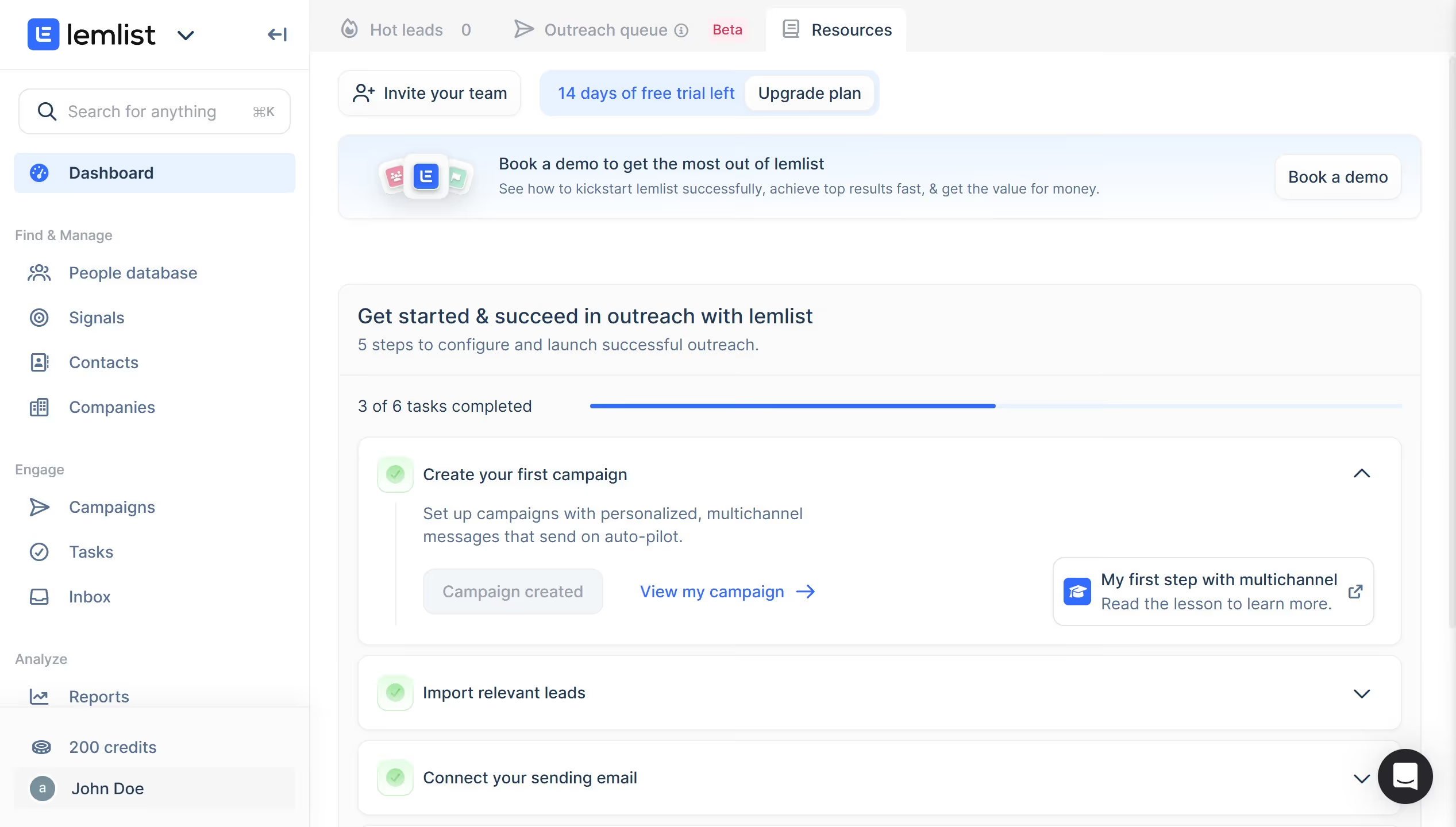
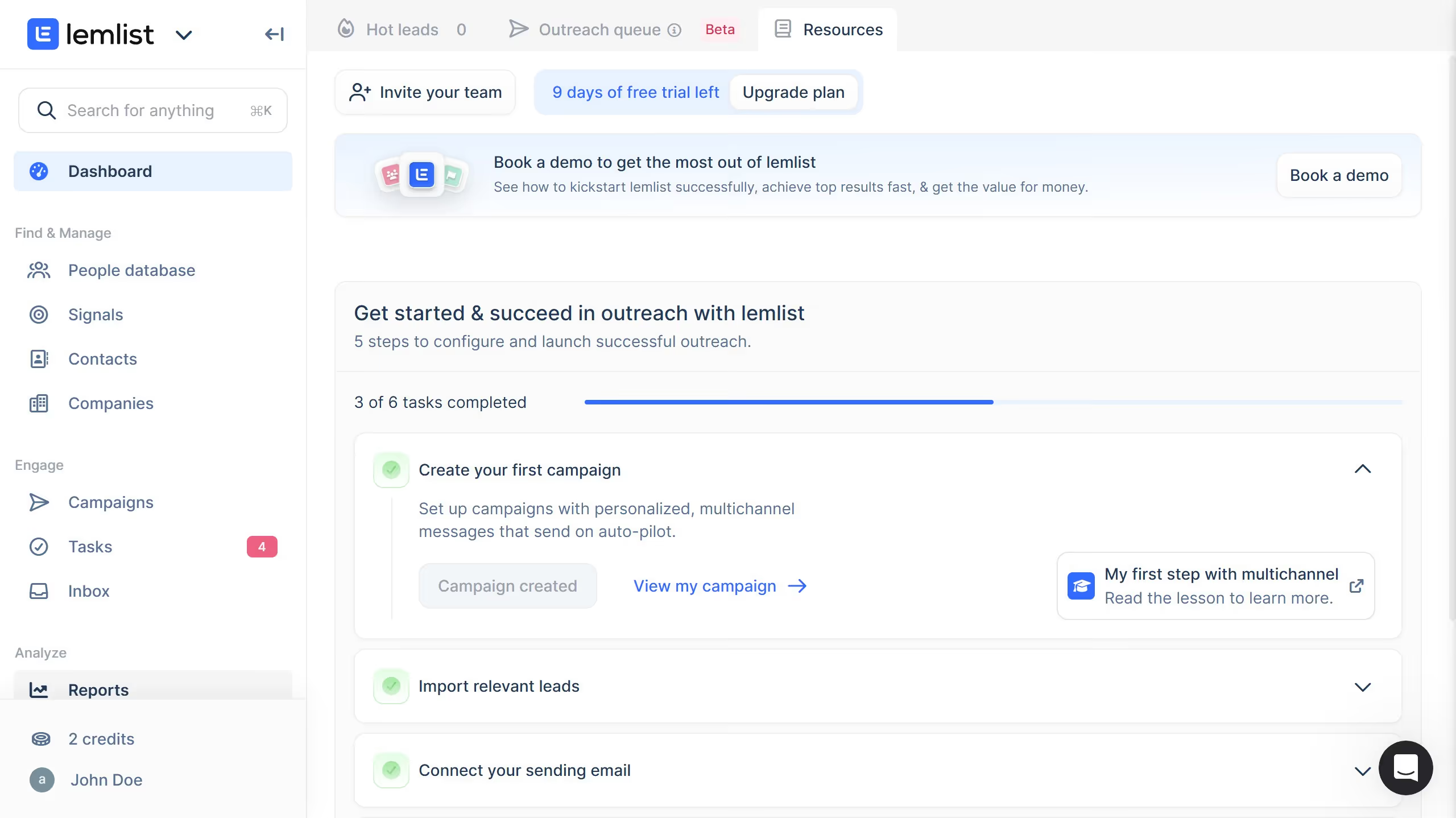
  1. First click your profile icon in the bottom left sidebar
  2. Then click on the "Plans & billing" option in the user menu dropdown
  3. Next click on the role dropdown for the user you want to manage in the user management table
  4. Finally select a role option from the dropdown menu

Create your own interactive guide with Guideflow

Why should you assign team member role in Lemlist

Lemlist is a dynamic marketing tool designed to personalize and automate email outreach, enhancing engagement and conversions.

Assigning team member roles in Lemlist optimizes collaboration, ensuring everyone knows their responsibilities, thereby streamlining processes and enhancing productivity.

This feature allows for clear delegation, reducing confusion and fostering an efficient workflow, which helps in achieving marketing objectives more effectively.

By assigning roles, you create a well-structured team environment, encouraging seamless coordination and unified efforts.

Last update
July 14, 2026
Cursor MariaA cursor points to a button labeled "James."

Loo oma esimene demo vähem kui 30 sekundiga.