Intercom
Intercom is a customer messaging platform that enables businesses to provide live chat, automation, and support.
Website
Industry
Support
Share this article:

How to assign replies to post message on Intercom

Here is how to assign replies to post message on intercom

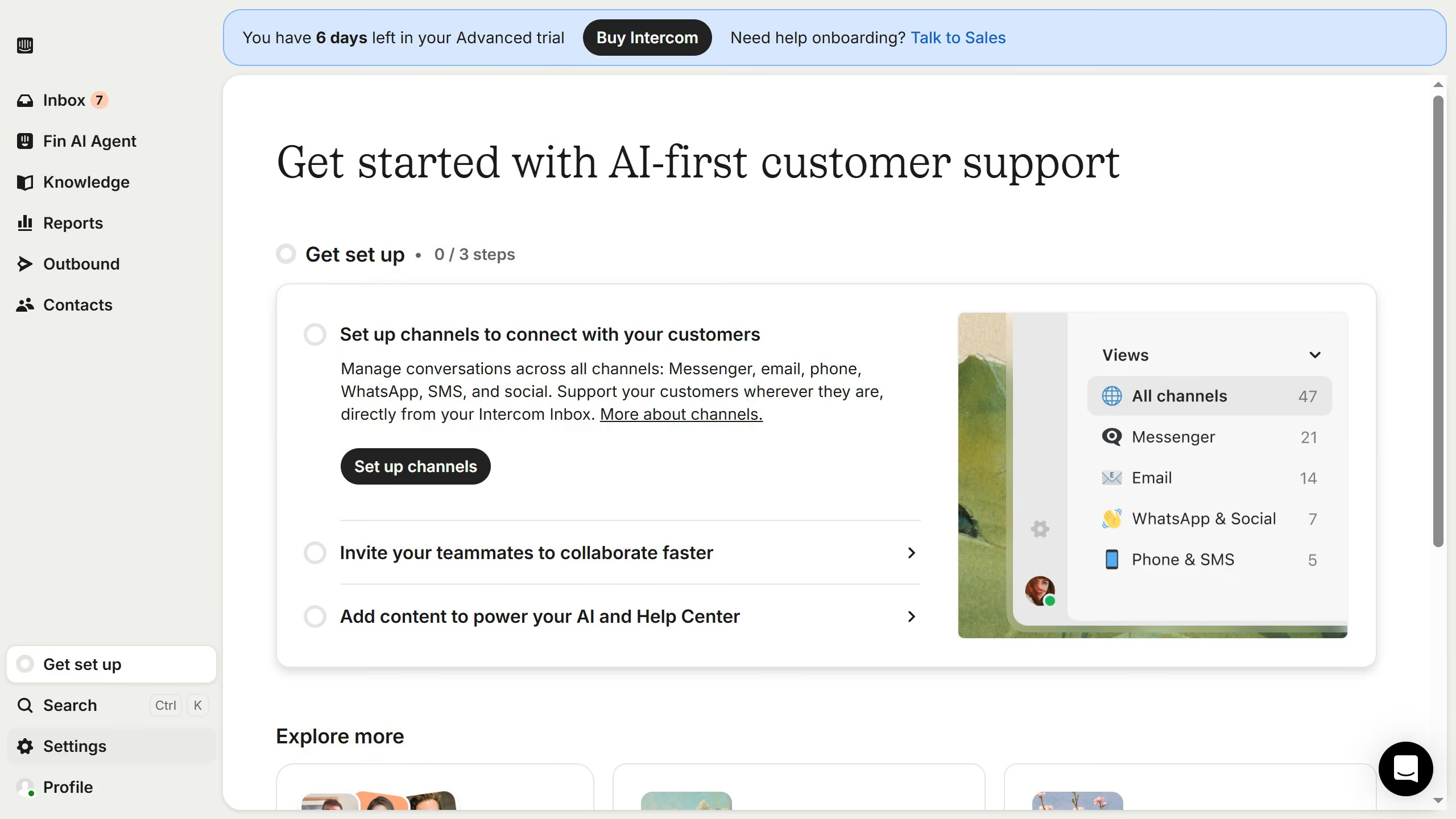
  1. First click on "Outbound" item in the left sidebar
  2. Then click on Post Message item in the main content area
  3. Then click on the "Edit" button.
  4. Then click on the dropdown in the "Assign replies to" section
  5. Then click on a option from the dropdown menu
  6. Finally click on the "Save and close" button

Create your own interactive guide with Guideflow

Why should you assign replies to post message on Intercom

Intercom revolutionizes customer communication by streamlining interactions in one easy platform.

One standout feature is the ability to assign replies to post messages. This ensures all messages reach the right team members swiftly, eliminating communication lags.

Implementing this functionality enhances team collaboration and boosts efficiency. It helps in tracking responsibilities, reducing misunderstandings, and maintaining seamless customer service. Utilizing Intercom's advanced assignment feature empowers teams to respond faster and satisfy customer needs efficiently.

Last update
July 14, 2026
Cursor MariaA cursor points to a button labeled "James."

Loo oma esimene demo vähem kui 30 sekundiga.