Trello
Trello is a flexible work management tool that helps teams ideate, collaborate, organize workflows, and track progress. Its boards, lists, and cards make it easy to plan, prioritize, and manage projects in a visual and rewarding way.
Website
Industry
Collaboration
Share this article:

How to archive card in Trello

Here is how to archive card in trello

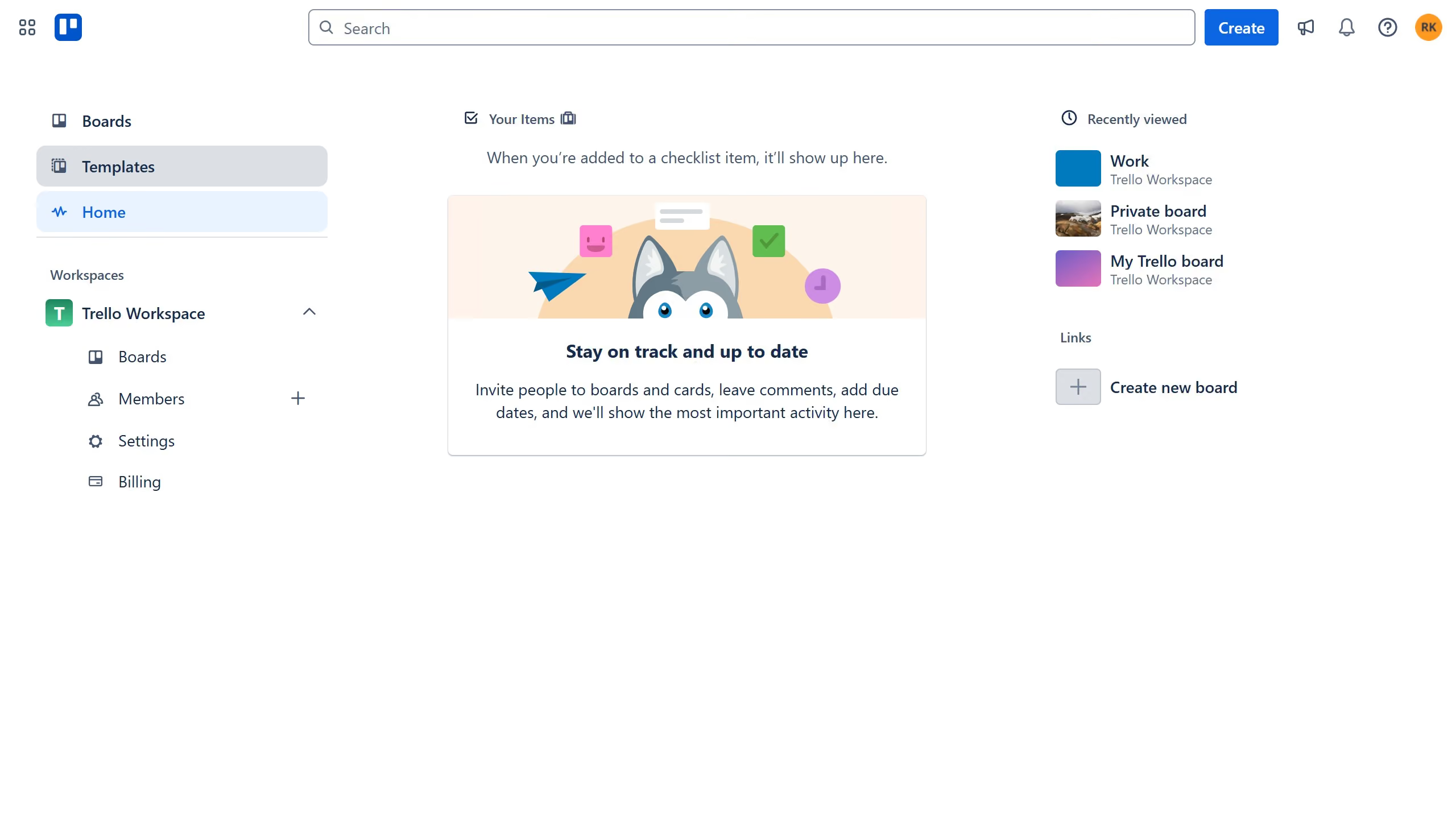
  1. First click on the "Boards" option in the left sidebar
  2. Then click on the board that has the card you want to archive in the Trello Workspace section
  3. Next click on the card you want to archive
  4. Then click on the "more options" menu (three dots) in the top-right corner of the card details
  5. Finally click on the "Archive" option in the dropdown menu

Create your own interactive guide with Guideflow

Why should you archive card in Trello

Trello is an intuitive project management tool designed to streamline workflows and enhance team productivity.

Archiving a card in Trello allows users to declutter their boards without permanently deleting important information. This feature is instrumental in maintaining a clear focus on current tasks while preserving past work for future reference.

By archiving, teams can ensure that their workspace remains organized and efficient. It offers a seamless way to manage and prioritize tasks by removing outdated or completed cards from active view, yet keeping them accessible if needed.

Last update
July 14, 2026
Cursor MariaA cursor points to a button labeled "James."

Loo oma esimene demo vähem kui 30 sekundiga.