Manychat
Manychat is a chat marketing automation platform that helps brands and creators drive sales and engagement through messaging apps like Instagram, WhatsApp, Facebook Messenger, and Telegram.
Website
Industry
Leadgen
Share this article:

How to archive a user field in Manychat

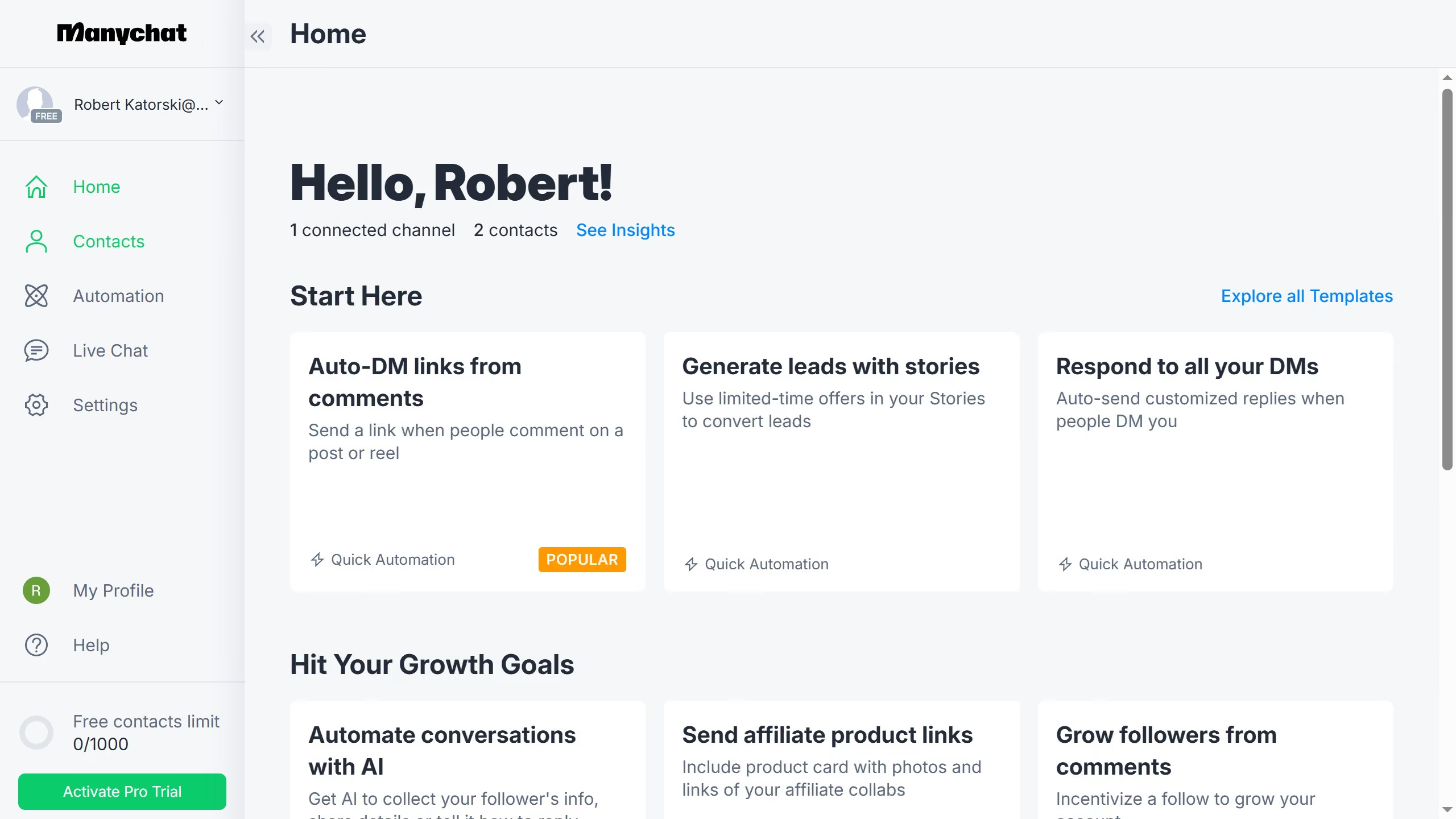
Here is how to archive a user field in manychat

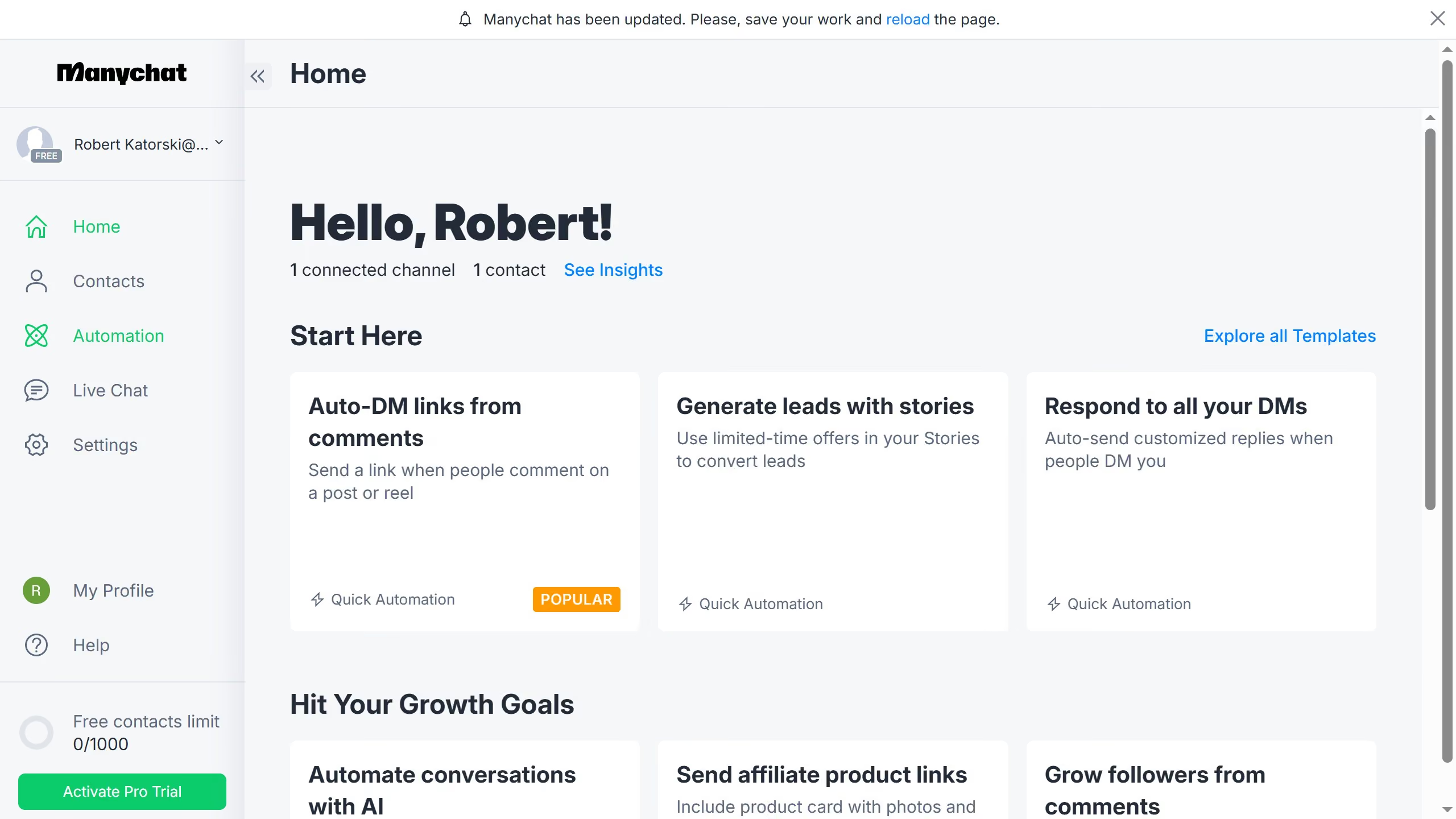
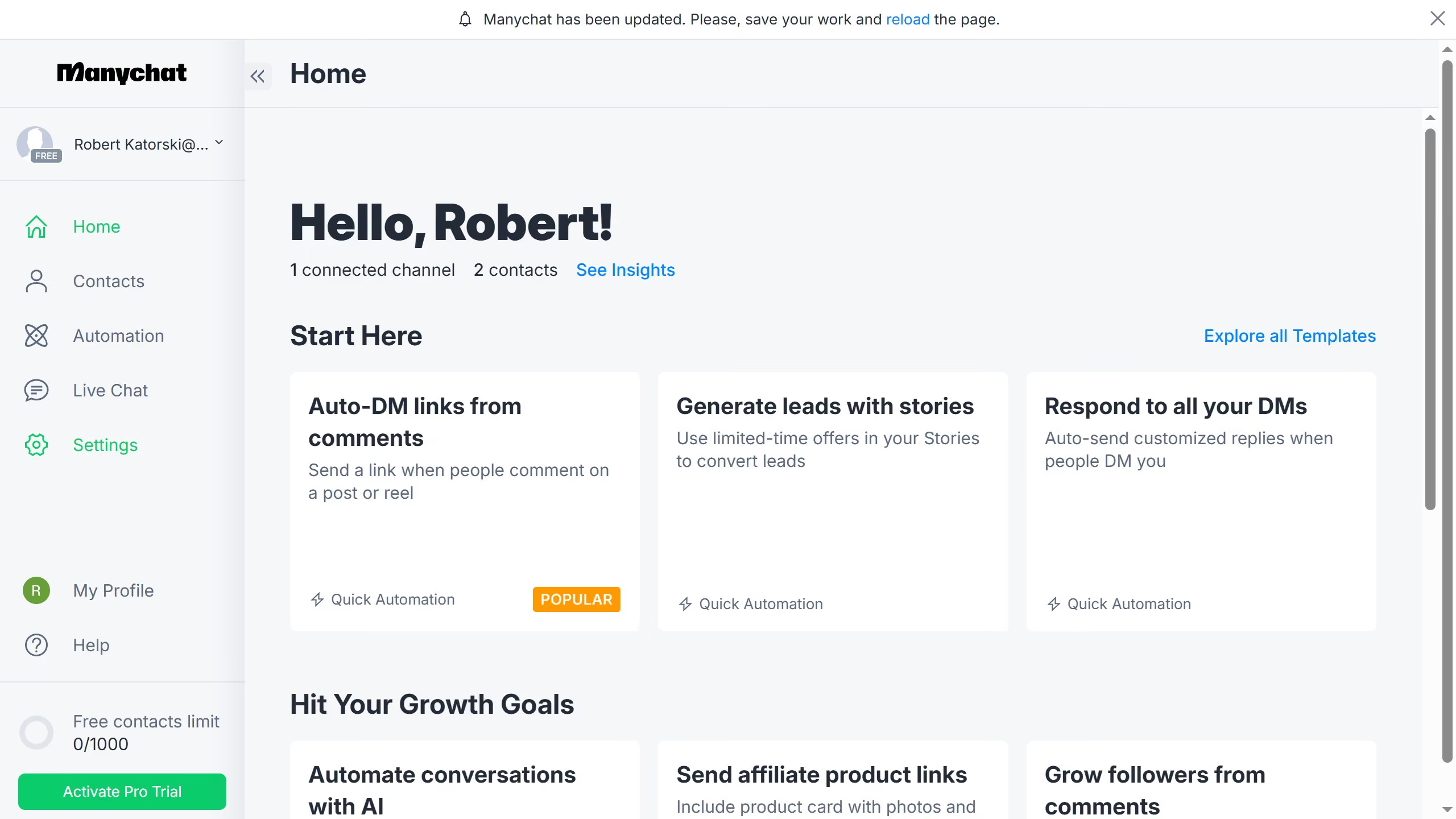
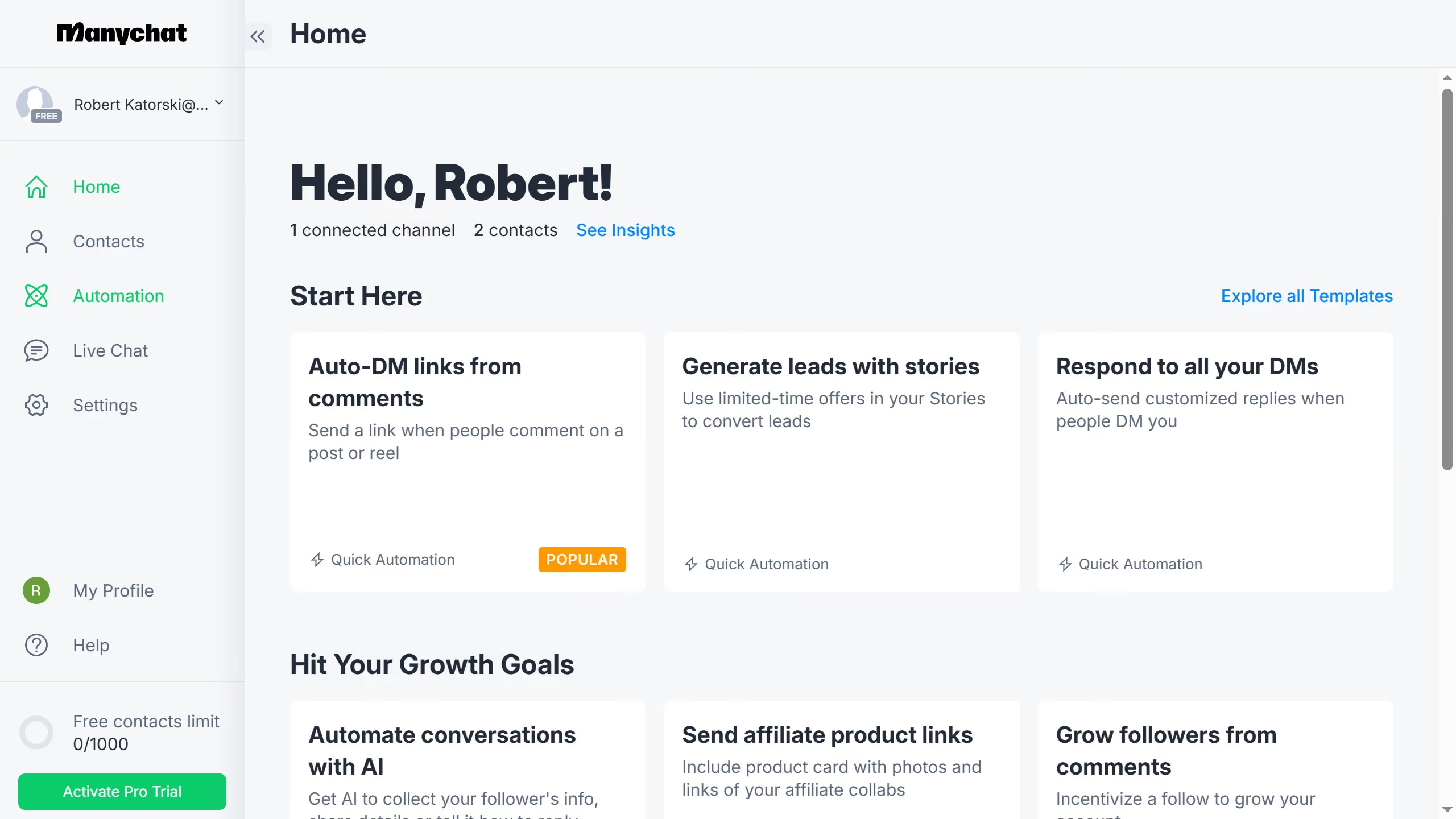
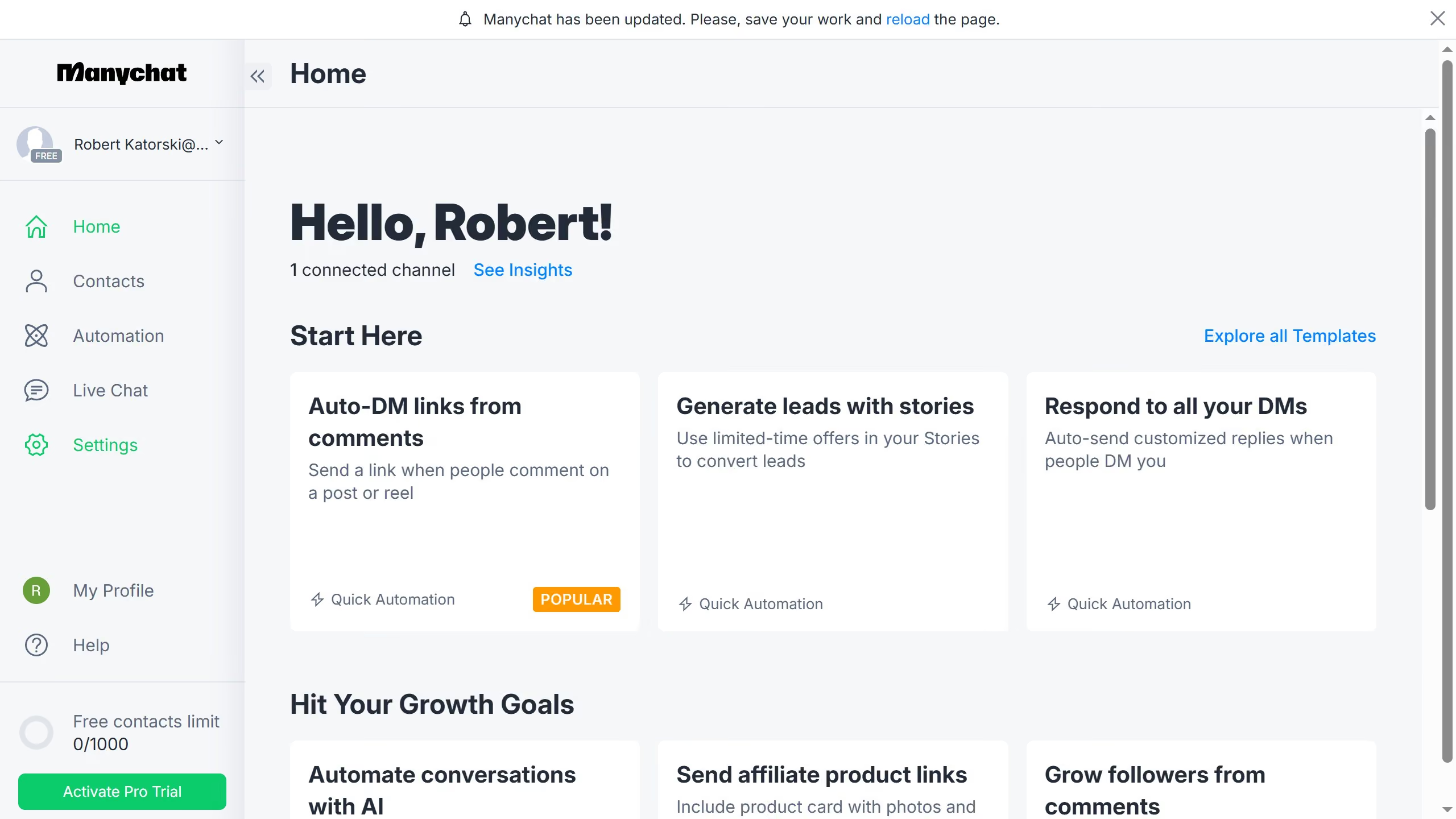
  1. First click on the "Settings" option in the left sidebar menu
  2. Then scroll down in the general settings page
  3. Next click on "Fields" option under the Automation section in the left submenu
  4. Then scroll up in the fields settings page
  5. Next click on the three dots menu button next to the user field you want to archive
  6. Finally click on "Archive" in the dropdown menu
Create your own interactive guide with Guideflow

Why should you archive a user field in Manychat

Manychat is a powerful tool for automating and enhancing customer interactions via chatbots.

Archiving a user field in Manychat allows you to streamline your user data, ensuring your system is organized and efficient.

This feature empowers users to maintain a clutter-free database, making it easy to focus on active and relevant user information.

By archiving non-essential user fields, you enhance system performance and improve your engagement by targeting the right audience with precise data.

Last update
July 14, 2026
Cursor MariaA cursor points to a button labeled "James."

Loo oma esimene demo vähem kui 30 sekundiga.