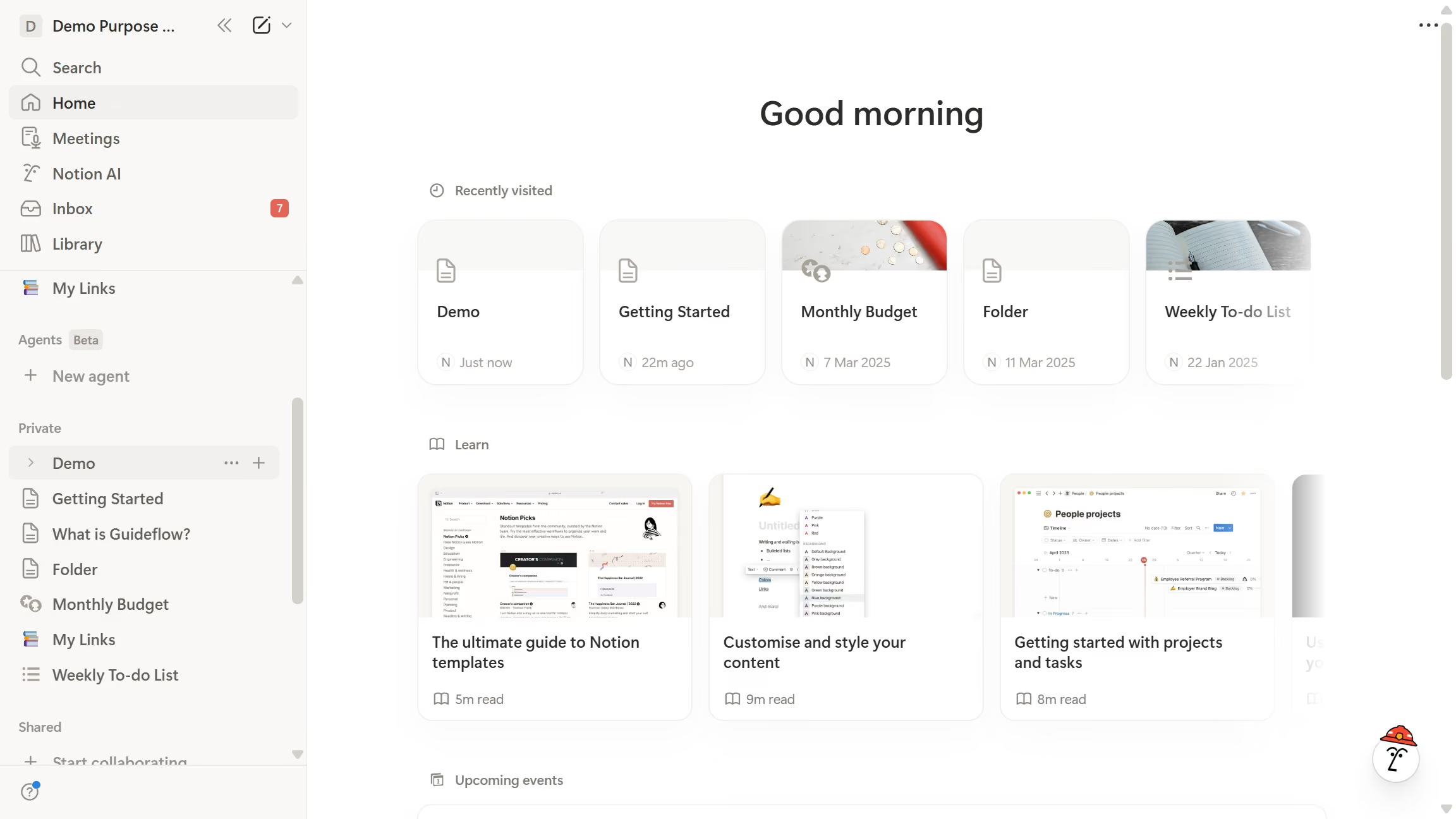
Here is how to add hex embed block in notion
- First open the page that you want to edit
- Then click on the "+" icon
- Finally select "Hex" item


Create your own interactive guide with Guideflow
Notion is a versatile tool designed for seamless organization and collaboration.
The Hex embed block in Notion empowers users by allowing the integration of rich, interactive visuals into their workspace. This feature enhances the user experience by providing a dynamic way to visualize complex data directly within the platform.
Incorporating Hex blocks fosters better engagement with content, making data more digestible and presentations more impactful. It streamlines workflow and supports more informed decision-making by making pertinent information readily accessible.
Why leading companies build with Guideflow